47
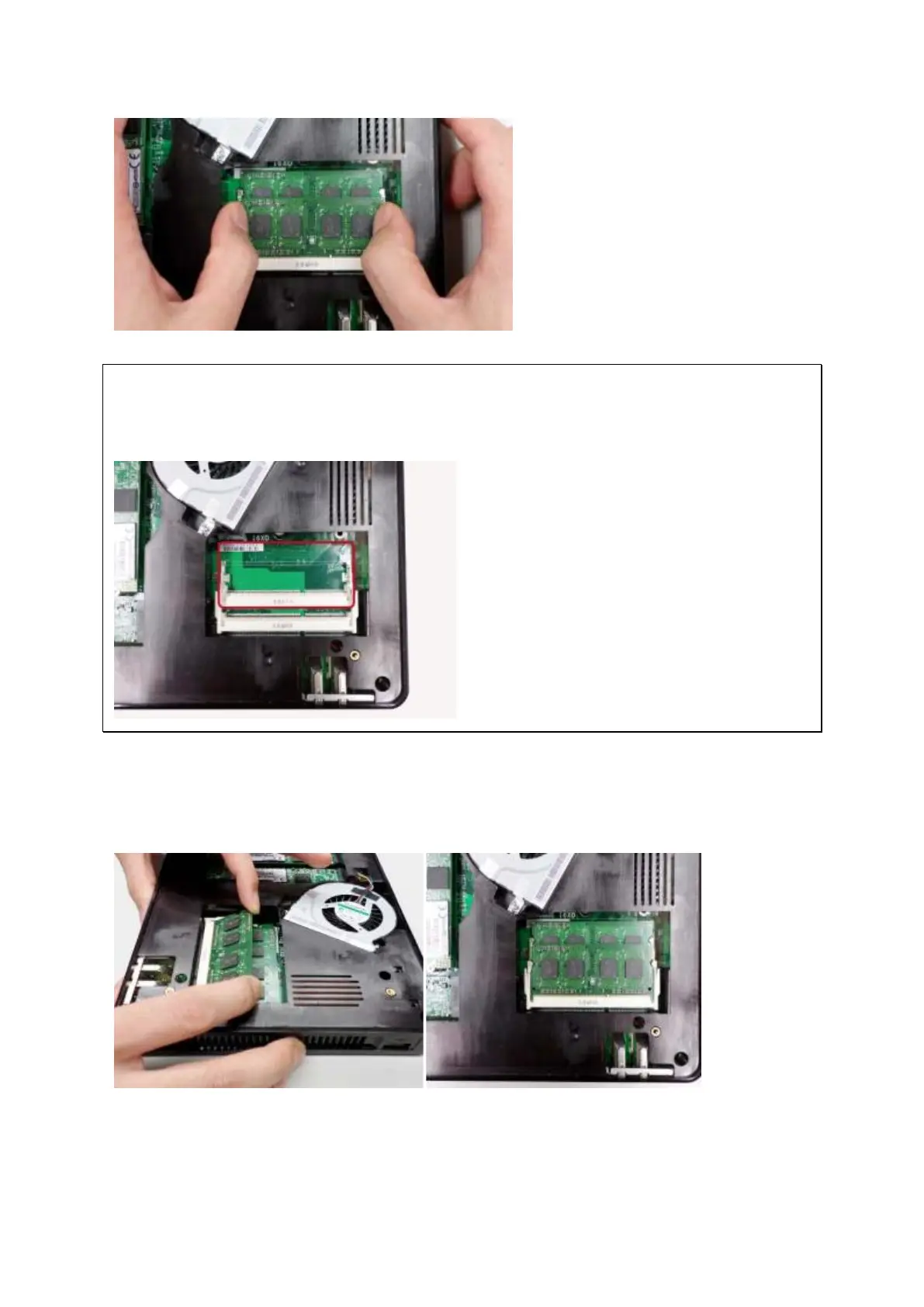
Note: Always ensure that a memory module is installed in the Primary (red) slot.
If not, then the system will fail to start. The maximum supported memory is 8GB
combined.
3. Slide the memory module to the slot at a 45-degree angle (approximately) and press
the memory module down until it clips into place. Ensure the memory module sits
properly with the clips in place.
4. Close the NAS cover, fasten the four hand screws, and replace the rubber feet.
Reconnect the power and network cables to the NAS.



 To Next Page
 Loading...