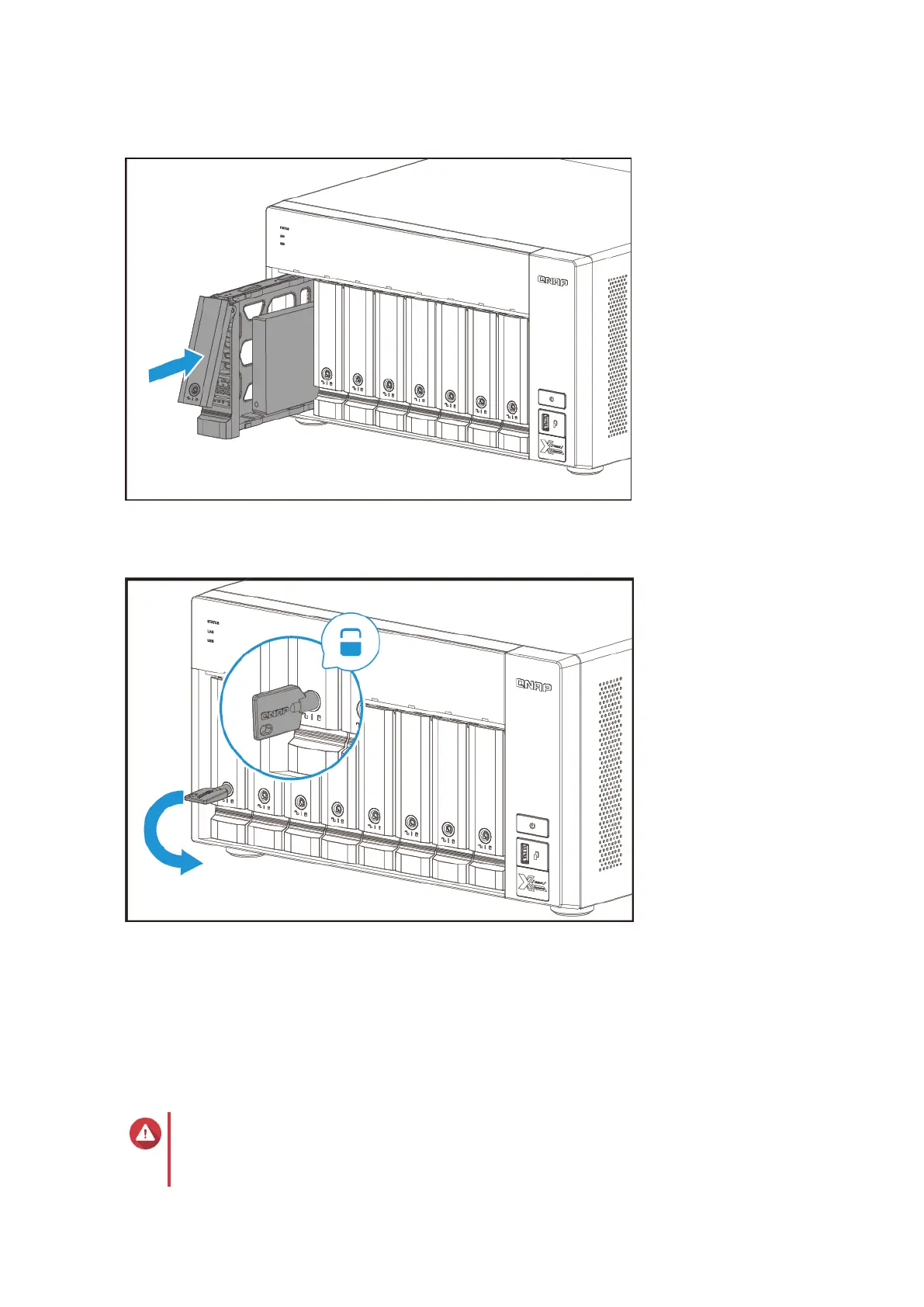
b. Push the handle.
c. Lock the tray.
5. Power on the NAS.
Installing Expansion Cards
The device supports selected expansion cards, some of which require QNAP PCIe brackets. QNAP-branded
expansion cards purchased from the company website are shipped with the brackets necessary to fit the
device.
Warning
• Only qualified personnel should perform the following steps. Failure to follow
instructions can result in serious injury or death.
TS-832PX User Guide
Installation and Configuration 18



 To Next Page
 Loading...