106
1. Turn off the NAS. Disconnect power cord(s), network cable(s), and any other cables
attached to the device.
2. Before opening the NAS, wear an antistatic wrist strap and connect the crocodile
clamp to ground to prevent electrostatic discharge from damaging equipment.
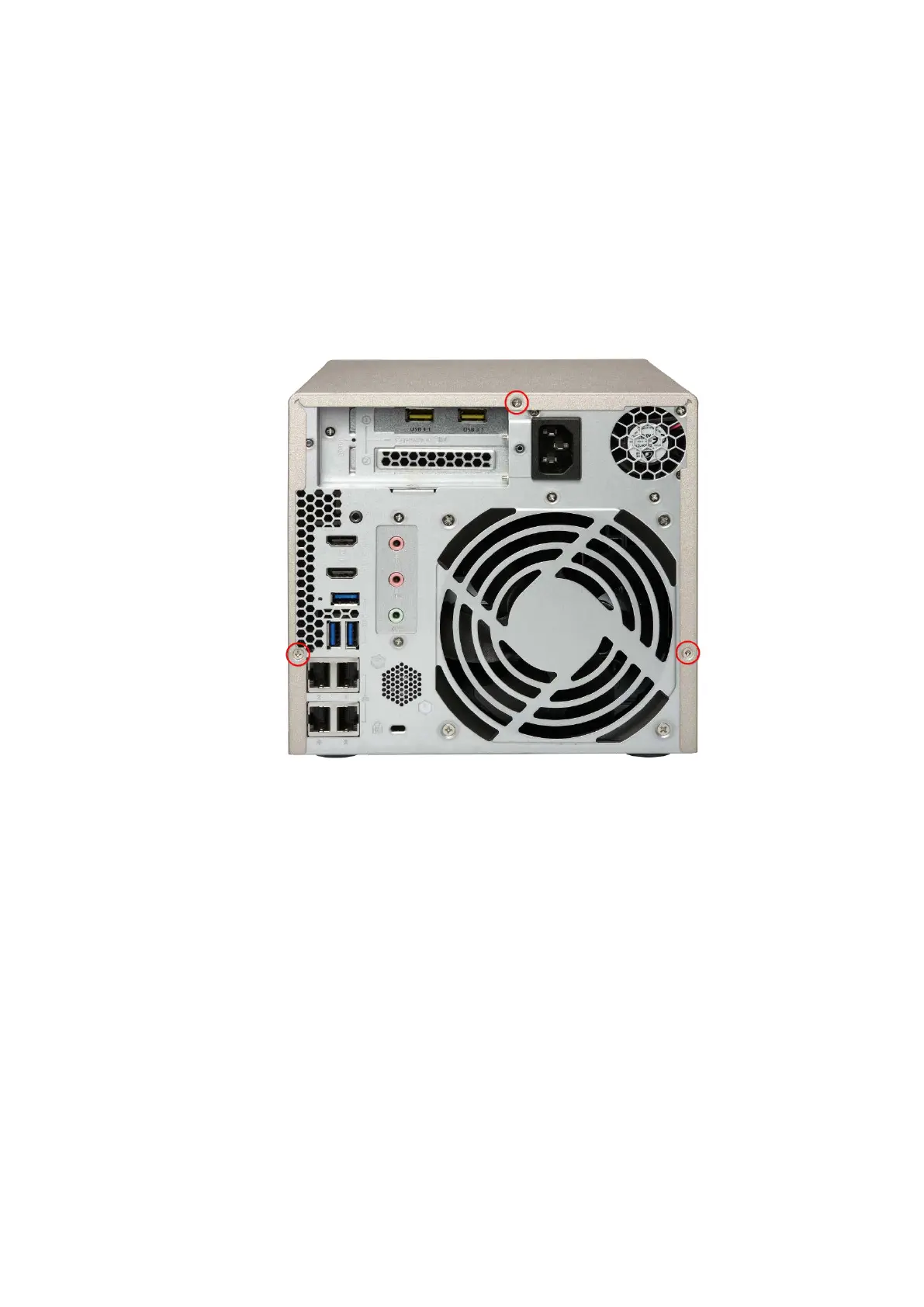
3. Loosen the screws on the back of the NAS that are connecting the case cover to the
case.
4. Remove case cover from case.



 To Next Page
 Loading...