OPA-102/101
OPERATION MANUAL
- 20 -
SECTION 8. SET-UP
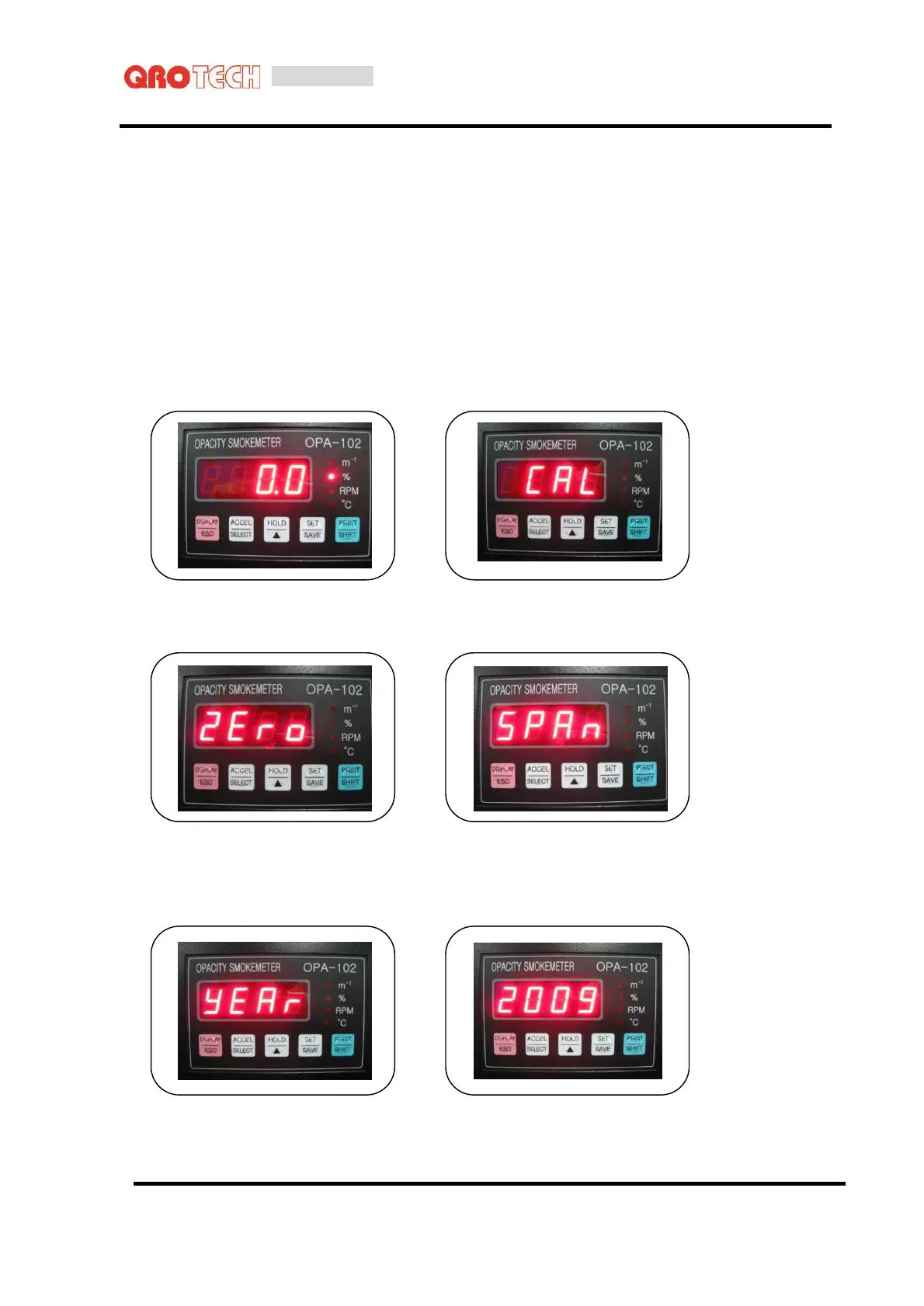
Pressing [SET] key, it moves to SET-UP mode.
Pressing [SET] key, it moves to [ CAL → YEAR → DATE → TIME → HOLD → PRT → CYL
→ VERSION → TEST → BT-R(handheld terminal reset) ] in sequence.
8-1. Calibration
Press the [SET] key once in the measurement mode to select the calibration mode.
Press the [SELECT] key. The calibration will be performed.
8-2. Time set-up
At Set-up mode, by using [SET] key, move to “Year set-up”.
Pressing [SELECT] key, current set-up value is blinking.
When setting up is completed, save and move to “Date set-up” by pressing [SAVE] key.



 To Next Page