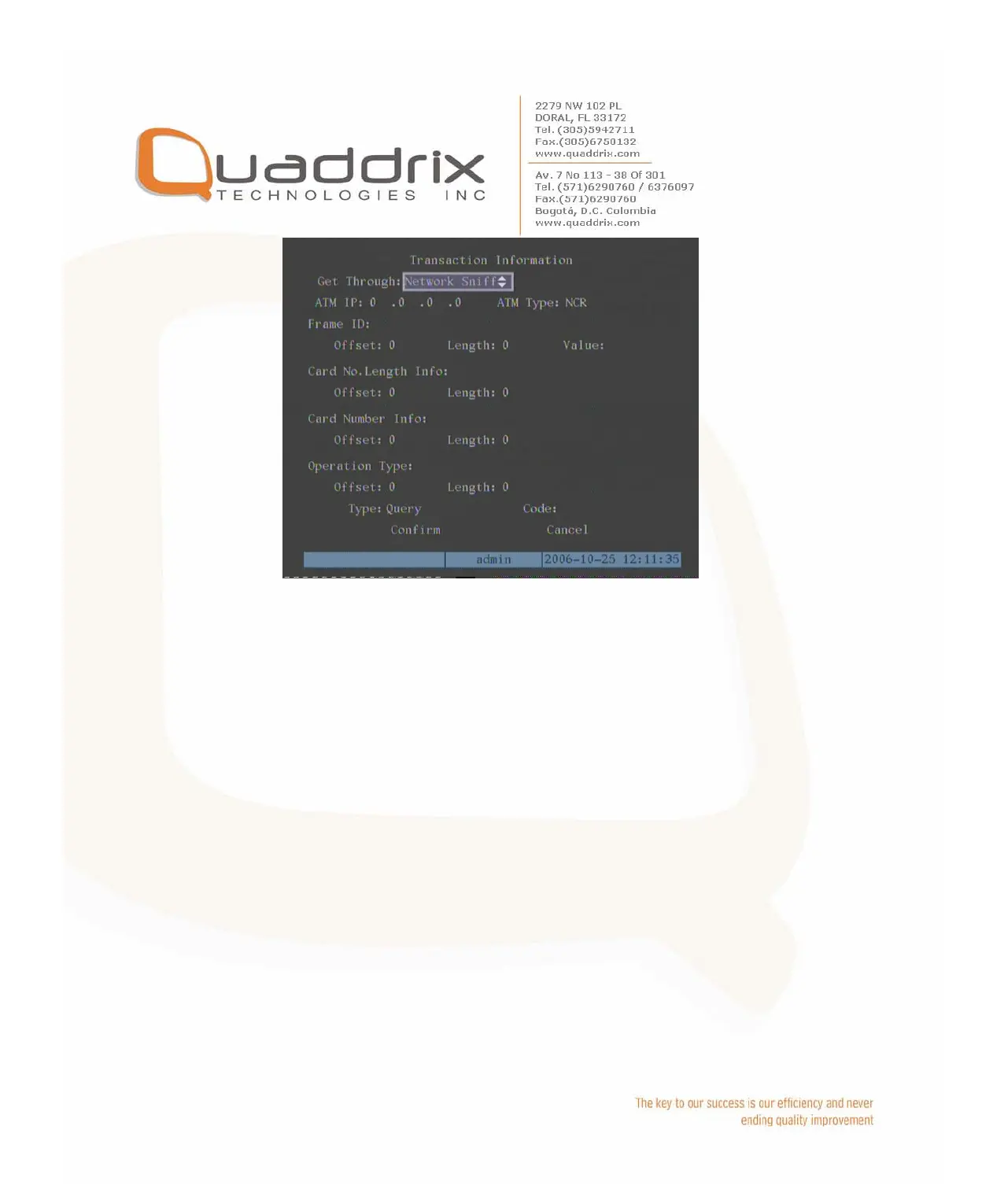
You need to setup the following information:
IP address of ATM machine
Type of ATM machine
Start & end position, length and the content of data message
Start & end position and length of credit card number
Start & end position and length of transaction type
Transaction type and code
When the ATM machine is sending transaction information to bank center,
DVR will capture the data package through network, and analyze the data
according to the format. Then DVR will overlay the correspond text on live
video.
2. Network receive: DVR receives data sent by ATM machine through
network.
You only need to setup DVR listen port. The default port value is 10000.

 To Next Page
 Loading...