Do not attempt to recharge a battery.
Do not attempt to disassemble, puncture, or otherwise damage a battery.
Cooling and Airflow
Caution: Carefully route cables as directed to minimize airflow blockage and cooling problems. For
proper cooling and airflow, operate the system only with the chassis covers installed. Operating
the system without the covers in place can damage system parts. To install the covers:
Check first to make sure you have not left loose tools or parts inside the system.
Check that cables, add-in cards, and other components are properly installed.
Attach the covers to the chassis according to the product instructions.
Laser Peripherals or Devices
Caution: To avoid risk of radiation exposure and / or personal injury:
Do not open the enclosure of any laser peripheral or device
Laser peripherals or devices have are not serviceable
Return to manufacturer for servicing
Use certified Optical Fiber Transceiver Class I Laser Product
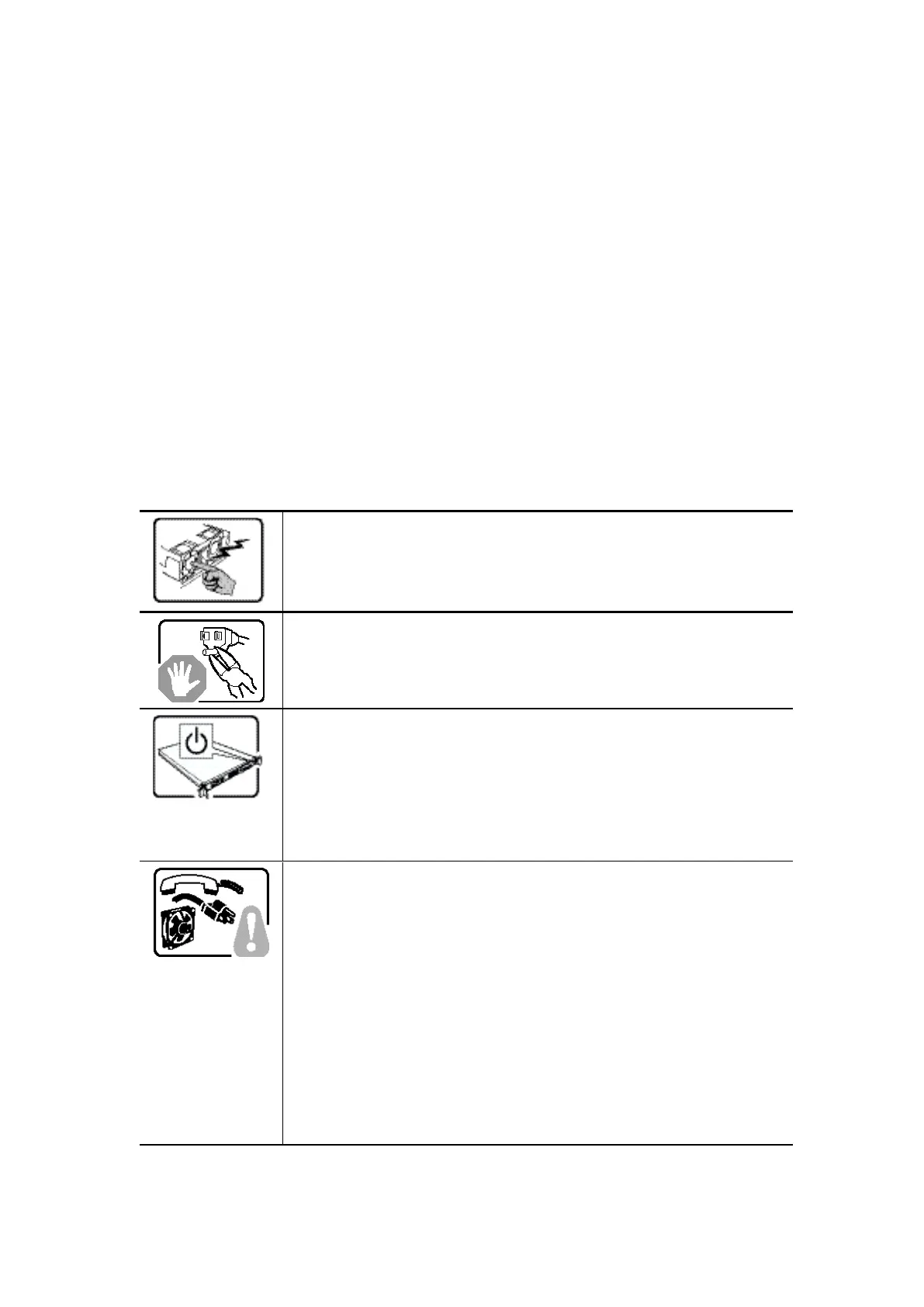
The power supply in this product contains no user-serviceable parts.
Refer servicing only to qualified personnel.
Do not attempt to modify or use the supplied AC power cord if it is not
the exact type required. A product with more than one power supply
will have a separate AC power cord for each supply.
The power button on the system does not turn off system AC power.
To remove AC power from the system, you must unplug each AC
power cord from the wall outlet or power supply.
The power cord(s) is considered the disconnect device to the main (AC)
power. The socket outlet that the system plugs into shall be installed
near the equipment and shall be easily accessible.
SAFETY STEPS: Whenever you remove the chassis covers to access the
inside of the system, follow these steps:
1. Turn off all peripheral devices connected to the system.
2. Turn off the system by pressing the power button.
3. Unplug all AC power cords from the system or from wall outlets.
4. Label and disconnect all cables connected to I/O connectors or
ports on the back of the system.
5. Provide some electrostatic discharge (ESD) protection by wearing an
antistatic wrist strap attached to chassis ground of the system-any
unpainted metal surface-when handling components.
6. Do not operate the system with the chassis covers removed.



 To Next Page