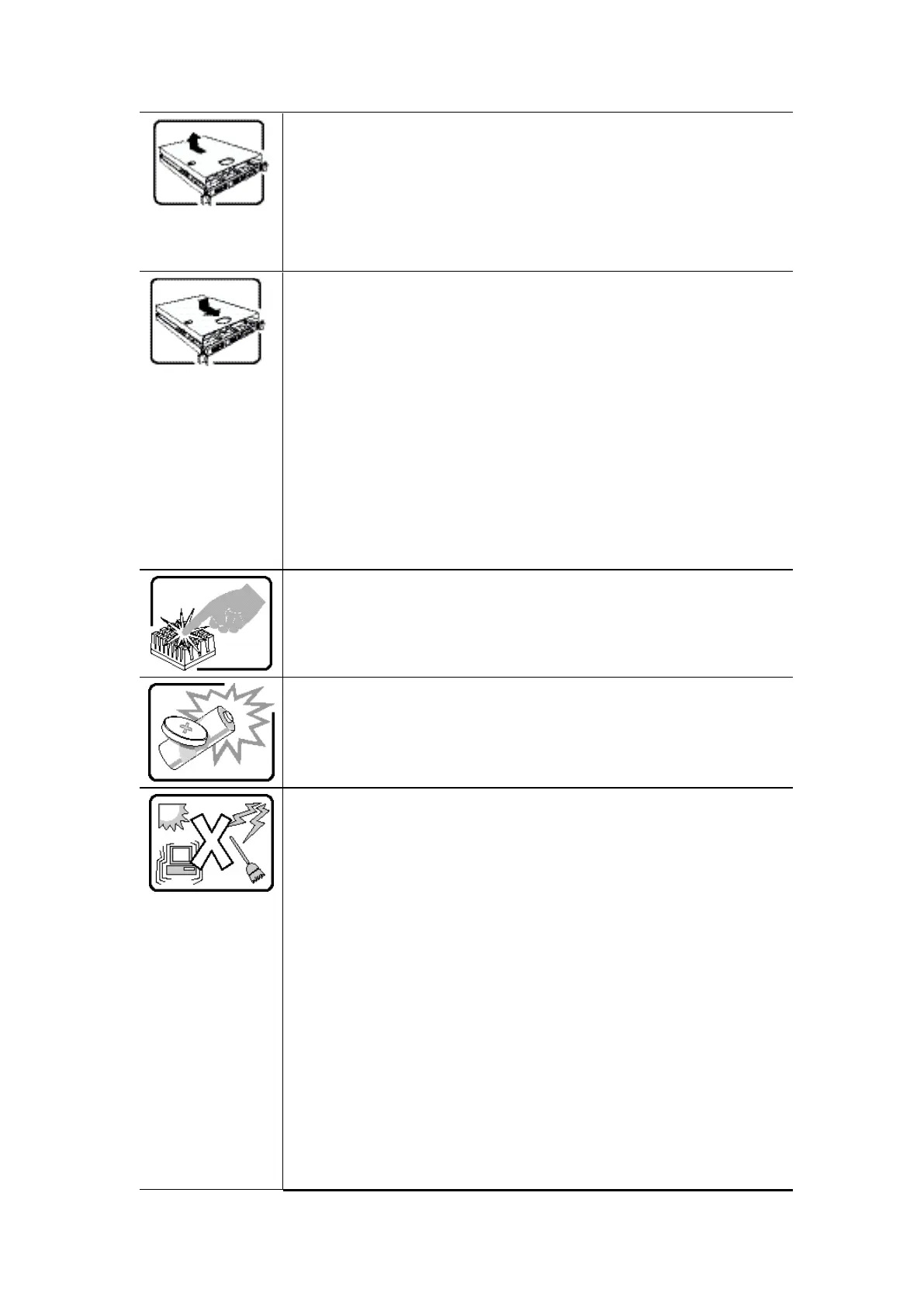
After you have completed the six SAFETY steps above, you can remove
the system covers. To do this:
1. Unlock and remove the padlock from the back of the system if a
padlock has been installed.
2. Remove and save all screws from the covers.
3. Remove the cover(s).
For proper cooling and airflow, always reinstall the chassis covers
before turning on the system. Operating the system without the covers
in place can damage system parts. To install the covers:
1. Check first to make sure you have not left loose tools or parts inside
the system.
2. Check that cables, add-in cards, and other components are properly
installed.
3. Attach the covers to the chassis with the screws removed earlier,
and tighten them firmly.
4. Insert and lock the padlock to the system to prevent unauthorized
access inside the system.
5. Connect all external cables and the AC power cord(s) to the system.
A microprocessor and heat sink may be hot if the system has been
running. Also, there may be sharp pins and edges on some board and
chassis parts. Contact should be made with care. Consider wearing
protective gloves.
Danger of explosion if the battery is incorrectly replaced. Replace only
with the same or equivalent type recommended by the equipment
manufacturer. Dispose of used batteries according to manufacturer's
instructions.
The system is designed to operate in a typical office environment.
Choose a site that is:
Clean and free of airborne particles (other than normal room
dust).
Well ventilated and away from sources of heat including direct
sunlight.
Away from sources of vibration or physical shock.
Isolated from strong electromagnetic fields produced by electrical
devices.
In regions that are susceptible to electrical storms, we recommend
you plug your system into a surge suppressor and disconnect
telecommunication lines to your modem during an electrical
storm.
Provided with a properly grounded wall outlet.
Provided with sufficient space to access the power supply cord(s),
because they serve as the product's main power disconnect.



 To Next Page