112Chapter 11 In-service field maintenance for 5Uenclosures
5. Complete the following actions to replace the faulty PSU with a tested good one:
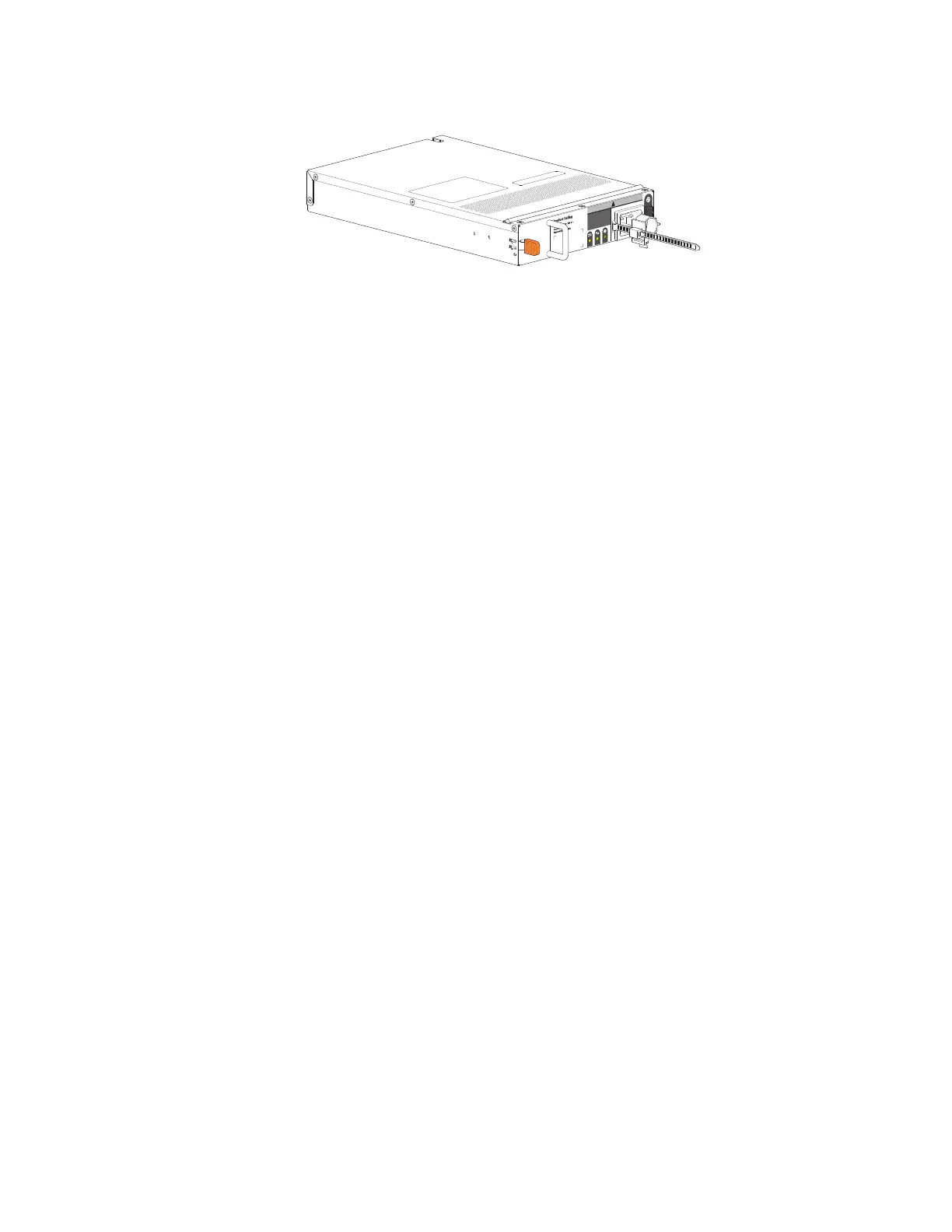
a. Facing the rear of the storage enclosure, orient the new PSU with the latch to the left.
Figure 91 Replacement power supply unit
b. Use one hand to support the weight of the PSU and the other to guide it into the empty PSU slot.
c. Exerting even pressure to the center, gently press inward until it connects with the midplane and it locks
in place.
d. Connect the power cord, then move the PSU power switch to the ON position.
6. Verify that the
PSU OK
LED is lit green on the replaced PSU after properly inserting and seating it in the
empty slot.
7. Facing the front of the storage enclosure, verify that the
Power On
LED is green and there are no fault
conditions.


 To Next Page
 Loading...