Installing the software Quatech Freedom USB Adapter User’s Manual
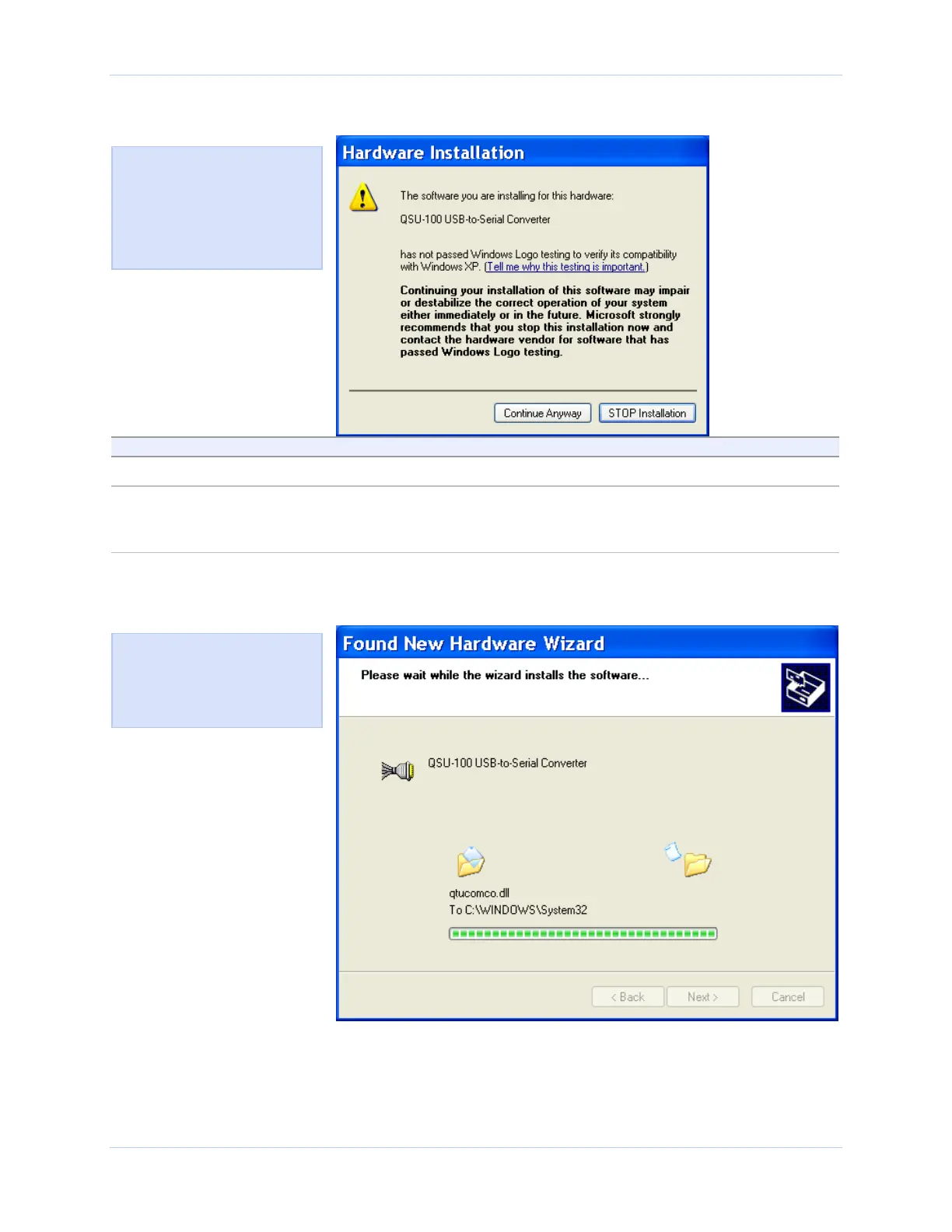
Figure 4 - Win XP software logo warning
Figure 4 shows the Windows
P Logo testing warning. This
indicates only that Windows
has not certified the Freedom
USB. Rest assured that
Quatech’s drivers work properly
with Windows XP.
Step Procedure Description
Step 9 Click the Continue Anyway button.
Step 10 The Wizard proceeds with the
installation.
The Wizard installs the software prompt
displays, followed by the Finished
installing prompt.
Figure 5 - Win XP Wizard installs the software prompt
Figure 5 is the Win XP Wizard
installs the software prompt.
This screen shows you the
target directory for the
installation.
Page 6 Rev 2.02 (2/24/2004)



 To Next Page