Quatech Freedom USB Adapter User’s Manual Installing the software
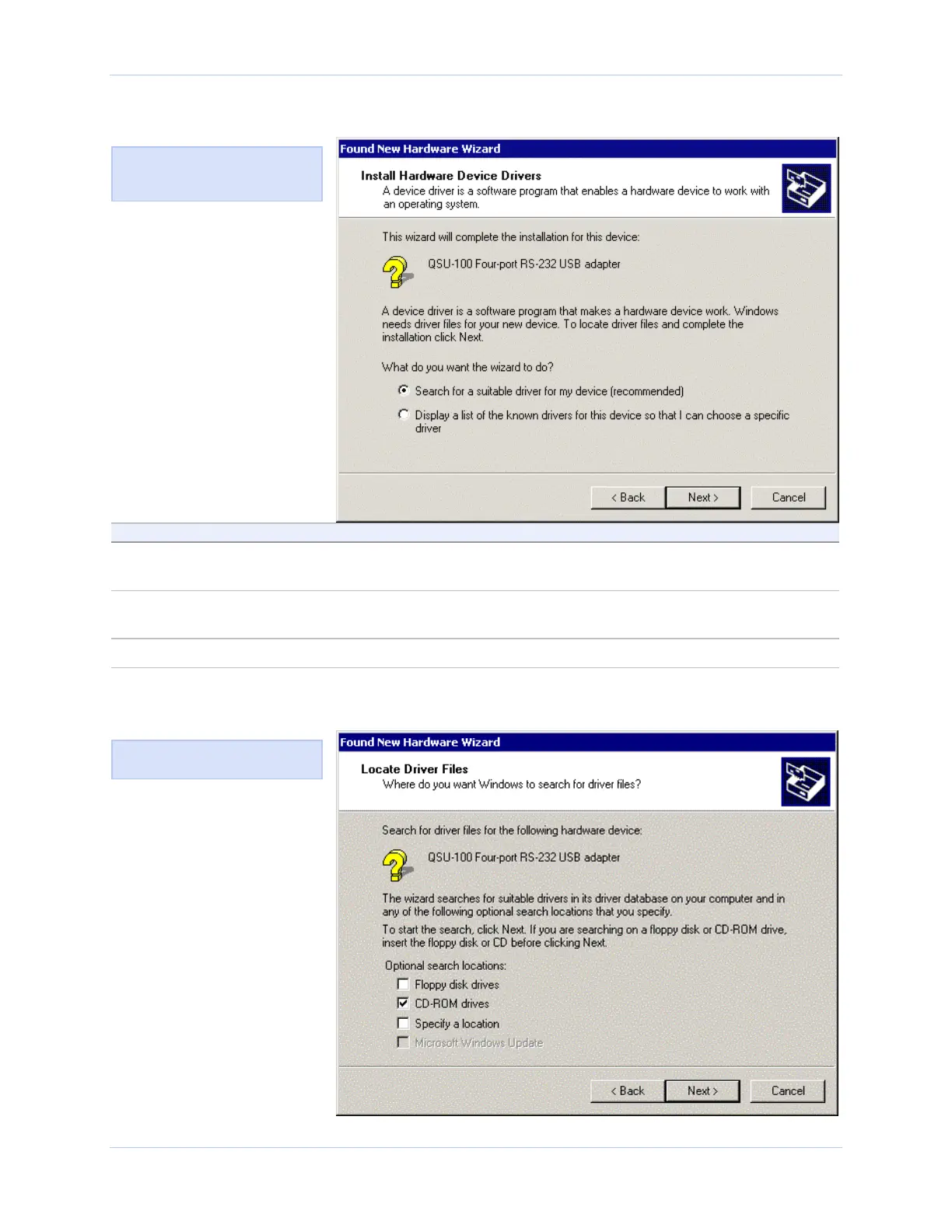
Figure 11 - Win 2000 Search for or display drivers prompt
Figure 11 shows the Win 2000
Search for or display drivers
prompt.
Step Procedure Description
Step 5 Insert the Quatech installation CD into
your CD-ROM drive.
This is the CD that shipped with the
Freedom USB.
Step 6 Select Search for a suitable driver for
my device (recommended)
Step 7 Click the Next button. The Locate driver files prompt displays.
Figure 12 - Win 2000 Locate driver files prompt
Figure 12 illustrates the Win
2000 Locate driver files prompt.
Rev 2.02 (2/24/2004) Page 11



 To Next Page