Using configuration utilities Quatech Freedom USB-1/2/300 User’s Manual
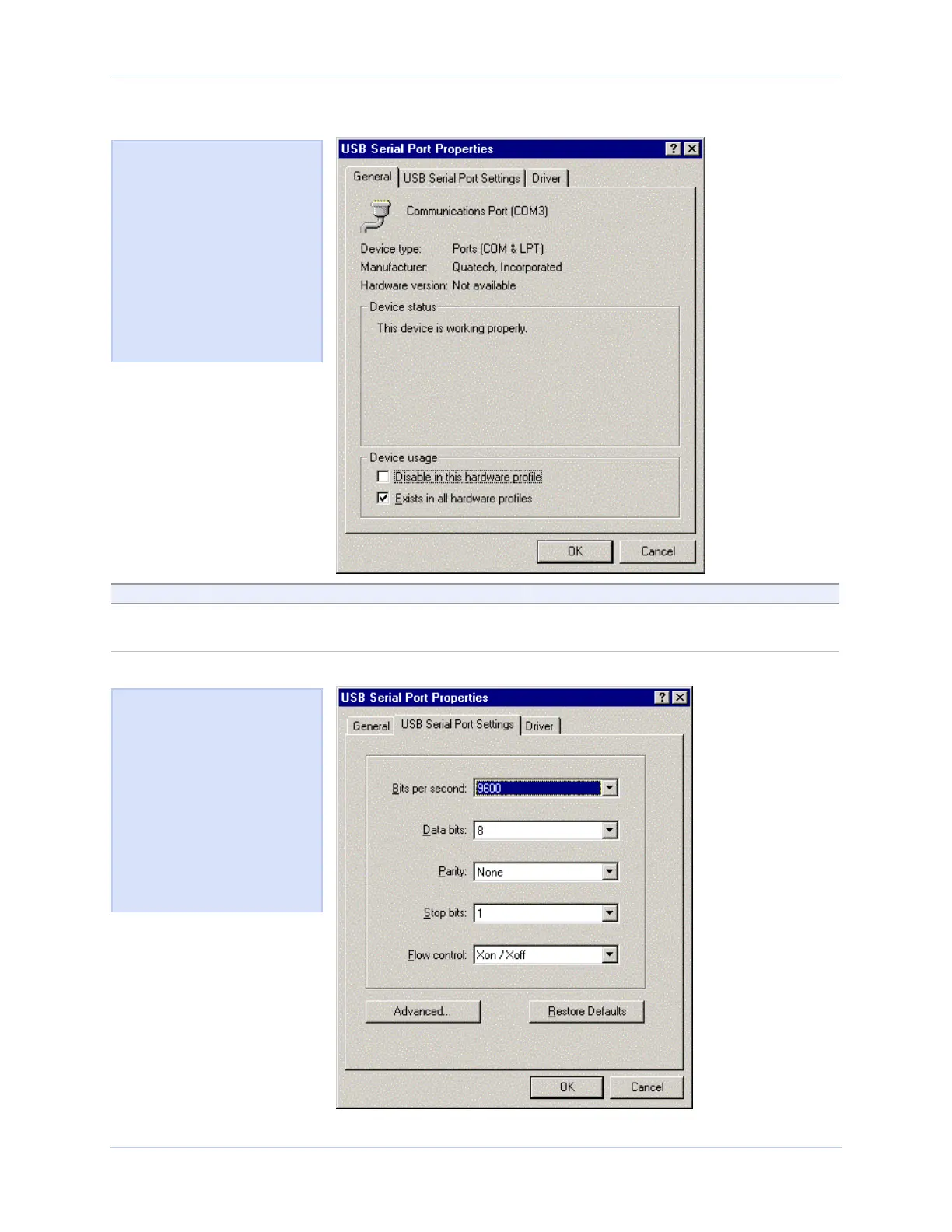
Figure 51 - Win 98/98SE/Me USB serial port properties, General tab
Figure 51 illustrates the
Win 98/98SE/Me General
tab, which tells you whether
the Freedom USB is
working properly and allows
you to determine the device
usage:
Disable in this hardware
profile
Exists in all hardware
profiles
Step Procedure Description
Step 3 Click the USB Serial Port Settings tab to
view the port setting properties.
The USB Serial Port Settings properties
dialog box displays.
Figure 52 - Win 98/98SE/Me USB serial port properties, USB Serial Port Settings tab
Figure 52 illustrates the In
Win 98/98SE/Me USB Serial
Port Settings tab, which lets
you view and set default
values for the following
serial port settings:
Bits per second
Data bits
Parity
Stop bits
Flow control
Page 40 Rev 2.02 (2/24/2004)



 To Next Page