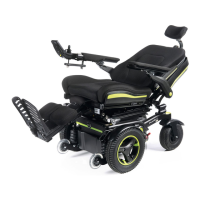
5.9 Powered Center mount leg rest, (R-Net):
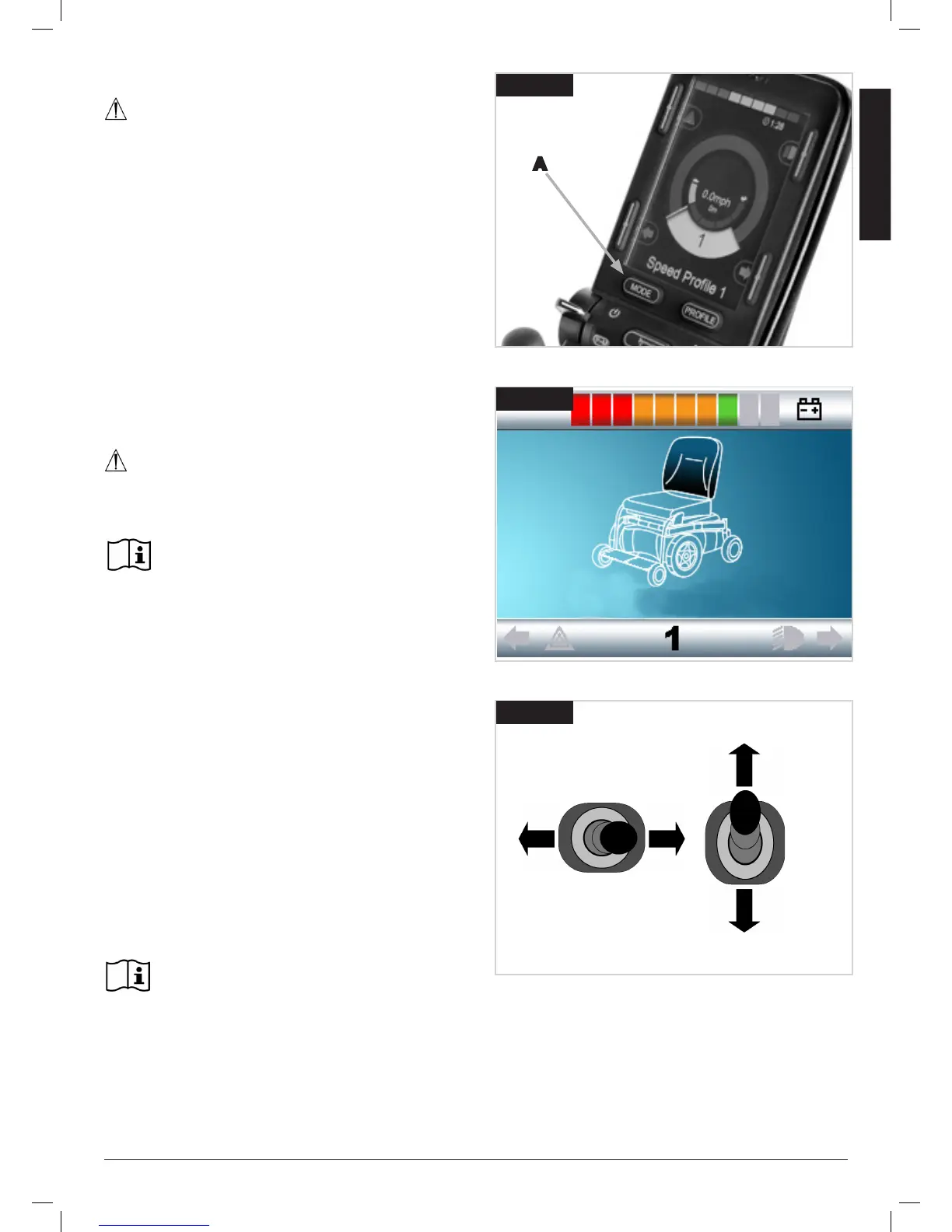
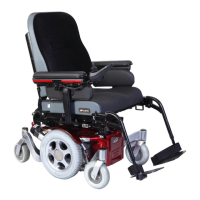
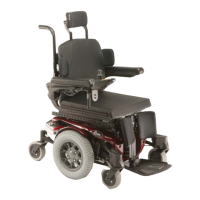
See Fig. 5.17-5.19
WARNING!
There is an option on the programme of the leg rest that
allows you to send the footrest to the floor to allow for easier
mounting and dismounting for the user. Be aware that when
powered the area around and underneath the footplate needs
to be clear of all personal items and bodily extremities to
prevent injury or damage to property.
Operation:
• Switch the chair on and press the mode button, (A).
• The controller will change into the actuator mode, the seat
symbol will appear in the LCD screen, (Fig.5.18).
• Operate the joystick left or right to select the actuator
required. Selection is indicated via the lighting of the
relevant seat section and is also written below the seat icon.
• Operate the joystick in the forward or rearward direction to
move the leg rest, standing, recline or MEMORY POSITION
up or down.
• Release the joystick when the desired angle/position is
reached.
• To return to drive mode press the mode button again until
the speed gage appears on the LCD screen.
CAUTION!
Once the leg rest is fully lifted or in its lowest position do
not hold the joystick in its operating position as this could
damage the actuator.
For further details please refer to your R-net Owner’s
Manual.
Fig.5.18
Backrest
Fig.5.19
5.10 Powered adjustable backrest:
Operation (Fig 5.23 - 5.19):
• Switch the chair on and press the mode button
• The controller will change into the actuator mode, the Seat
symbol will appear in the LCD screen.
• Operate the joystick left or right to select the actuator
required. Selection is indicated via the lighting of the relevant
seat section and is also written below the seat icon
• Operate the joystick in the forward or rearward direction to
move the leg rest, standing, recline or MEMORY POSITION
up or down.
• Release the joystick when the desired angle/position is
reached.
• To return to drive mode press the mode button again until
the speed gage appears on the LCD screen.
For further details please refer to your R-net Owner’s
Manual.
A
Fig.5.17


 To Next Page