3.3 Icons used
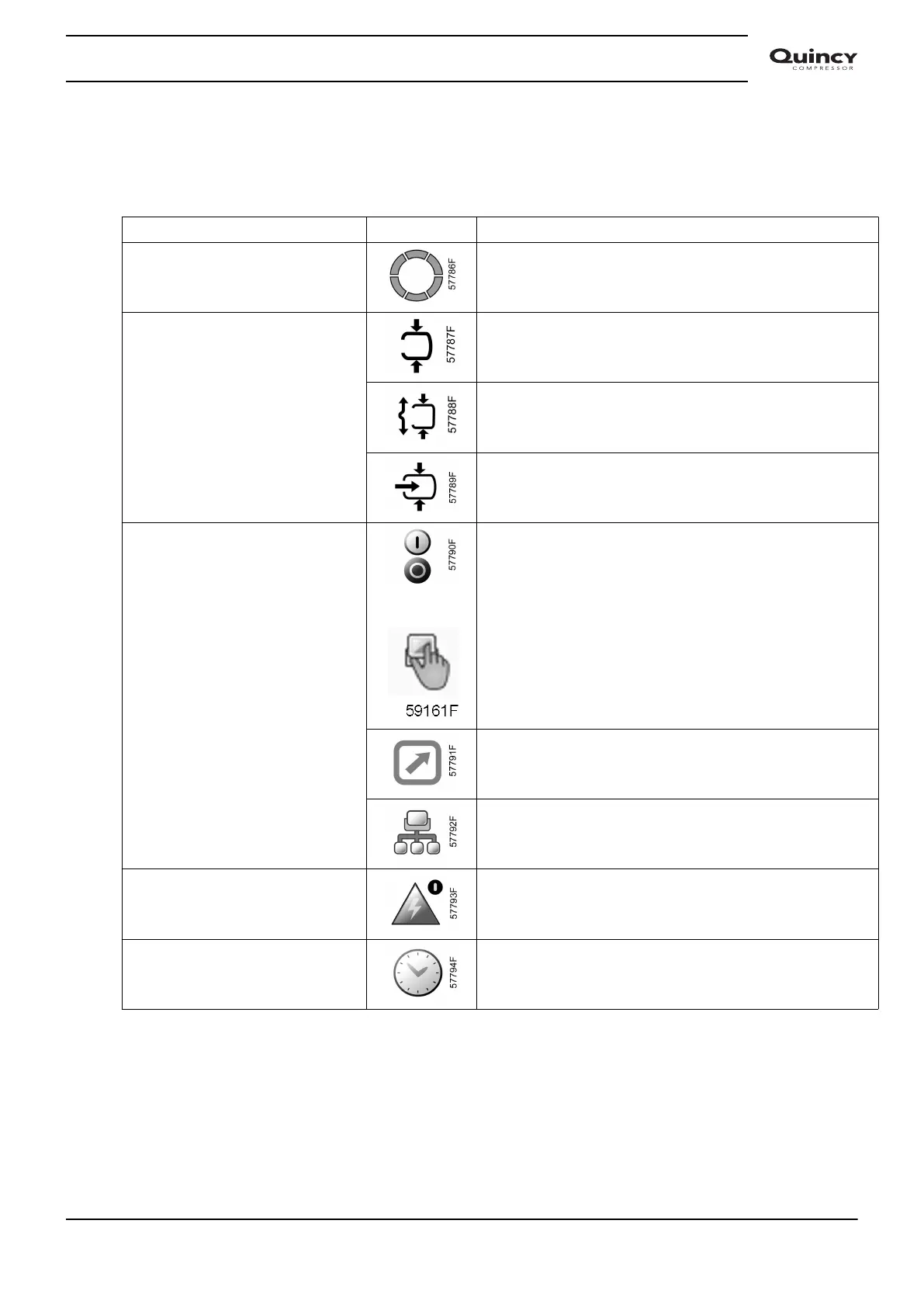
Status icons
Name Icon Description
Stopped / Running When the compressor is stopped, the icon stands still.
When the compressor is running, the icon is rotating.
Compressor status Motor stopped
Running unloaded
Running loaded
Machine control mode
or
Local start / stop
Remote start / stop
Network control
Automatic restart after voltage
failure
Automatic restart after voltage failure is active
Week timer Week timer is active
Instruction book
2920 7190 02 29


 To Next Page
 Loading...


