Text on image
(1) Outputs
(2) Fan motor contact
(3) Blow-off contact
(4) General shutdown
(5) Automatic operation
• The screen shows a list of all outputs with their corresponding icons and readings.
If an output is in warning or shutdown, the original icon is replaced by the warning or
shutdown icon respectively.
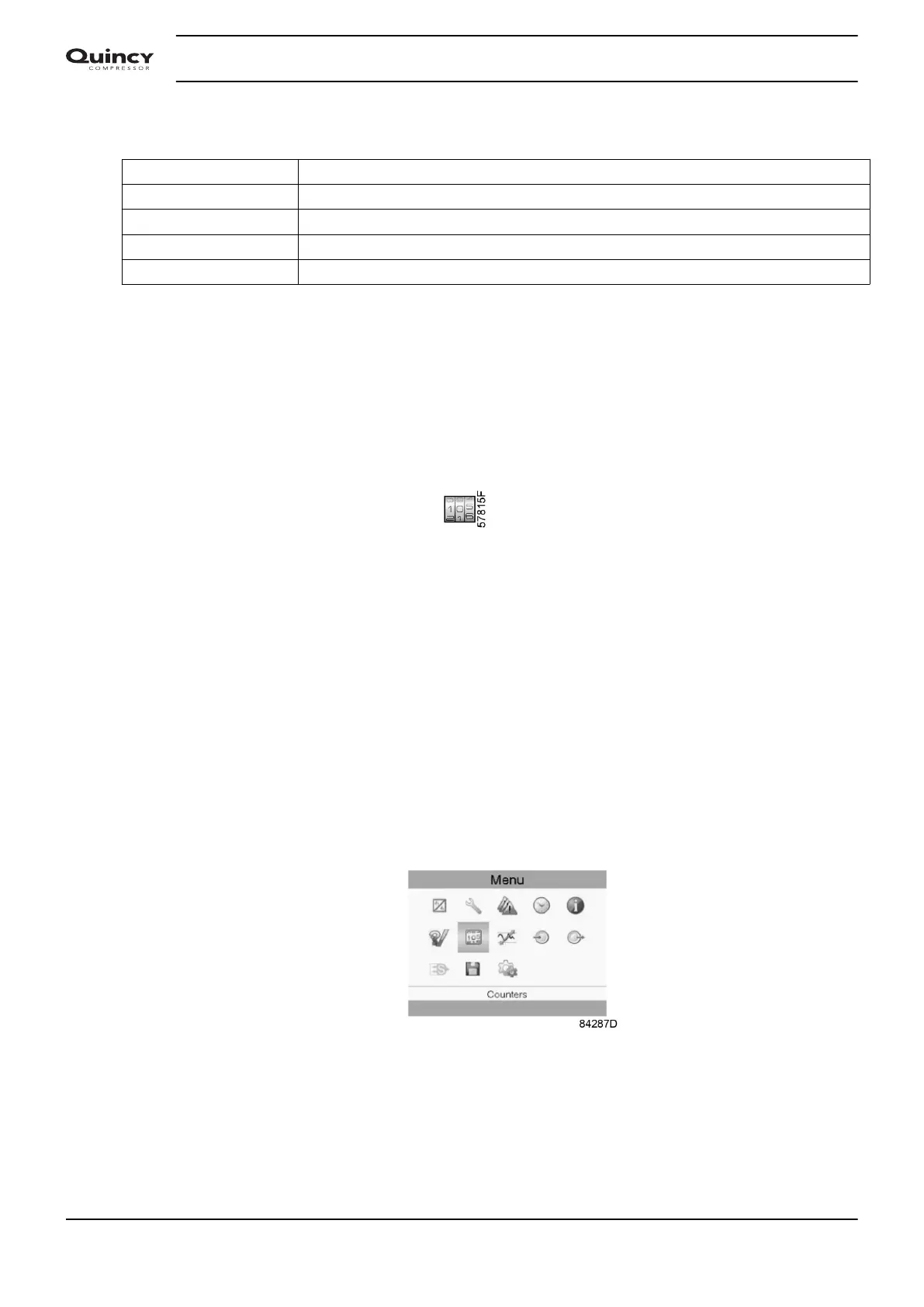
3.8 Counters
Menu icon, Counters
Function
To call up:
• The running hours
• The loaded hours
• The number of motor starts
• The number of hours that the regulator has been powered
• The number of load cycles
Procedure
Starting from the Main screen,
• Move the cursor to the action button Menu and press the Enter key.
• Using the Scroll keys, move the cursor to the Counters icon (see below)
• Press the Enter key. A screen similar to the one below appears:
Instruction book
40 2920 7190 02


 To Next Page
 Loading...


