Text on image
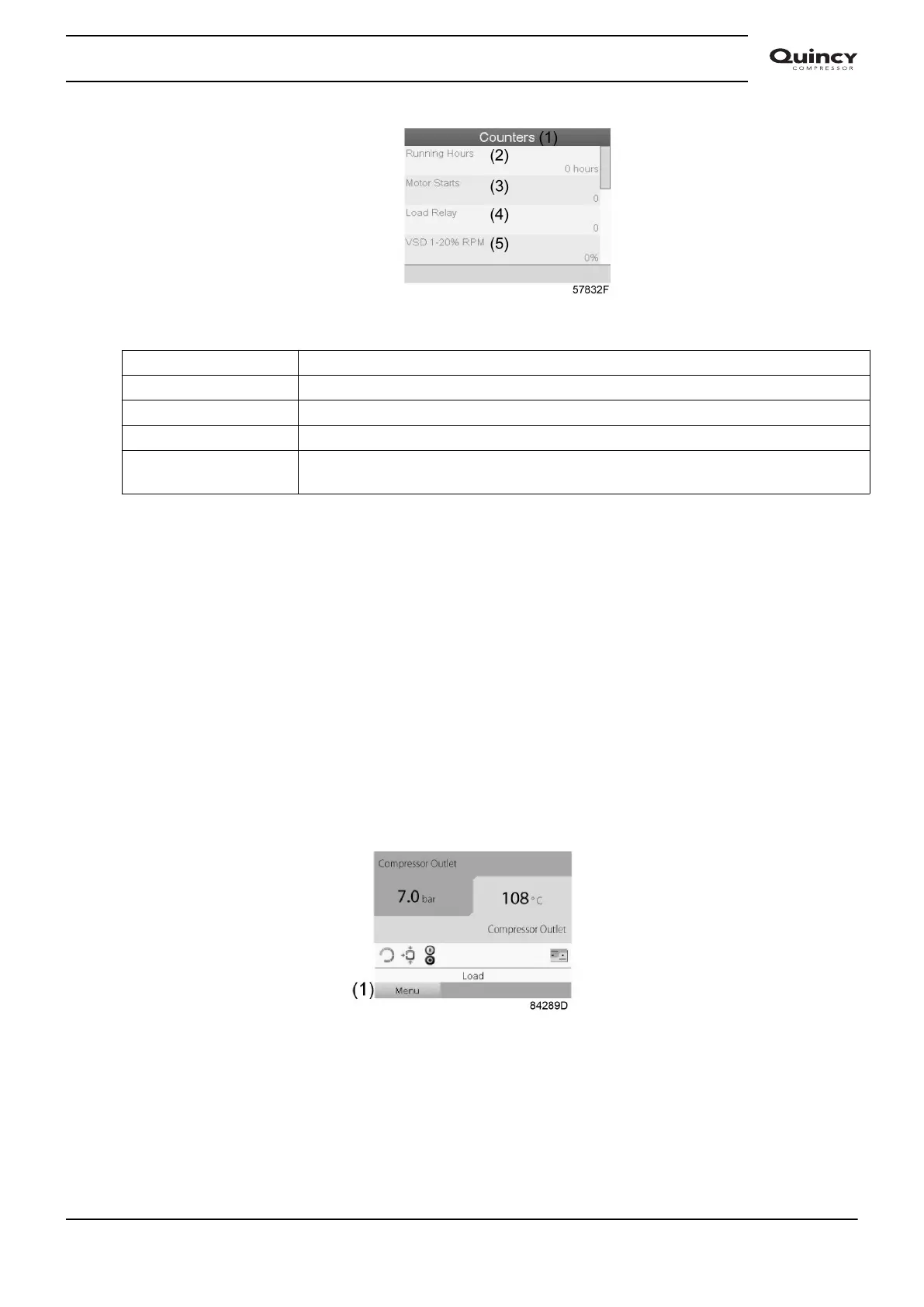
(1) Counters
(2) Running hours
(3) Motor starts
(4) Load relay
(5) VSD 1-20 % rpm in % (the percentage of the time during which the motor speed
was between 1 and 20 %) (compressors with frequency converter)
The screen shows a list of all counters with their actual readings.
Note: the example above is for a frequency converter driven compressor. For a fixed speed
compressor, the actual screen will be somewhat different.
3.9 Control mode selection
Function
To select the control mode, i.e. whether the compressor is in local control, remote control or
controlled via a local area network (LAN).
Procedure
Starting from the main screen, make sure the action button Menu (1) is selected:
Next, use the scroll buttons to go to the Status icons (see section Main screen) and select the
machine control icon (2).
Instruction book
2920 7190 02 41


 To Next Page
 Loading...


