Select the layout required and press the Enter key. See also section Inputs menu.
3.5 Calling up menus
Description
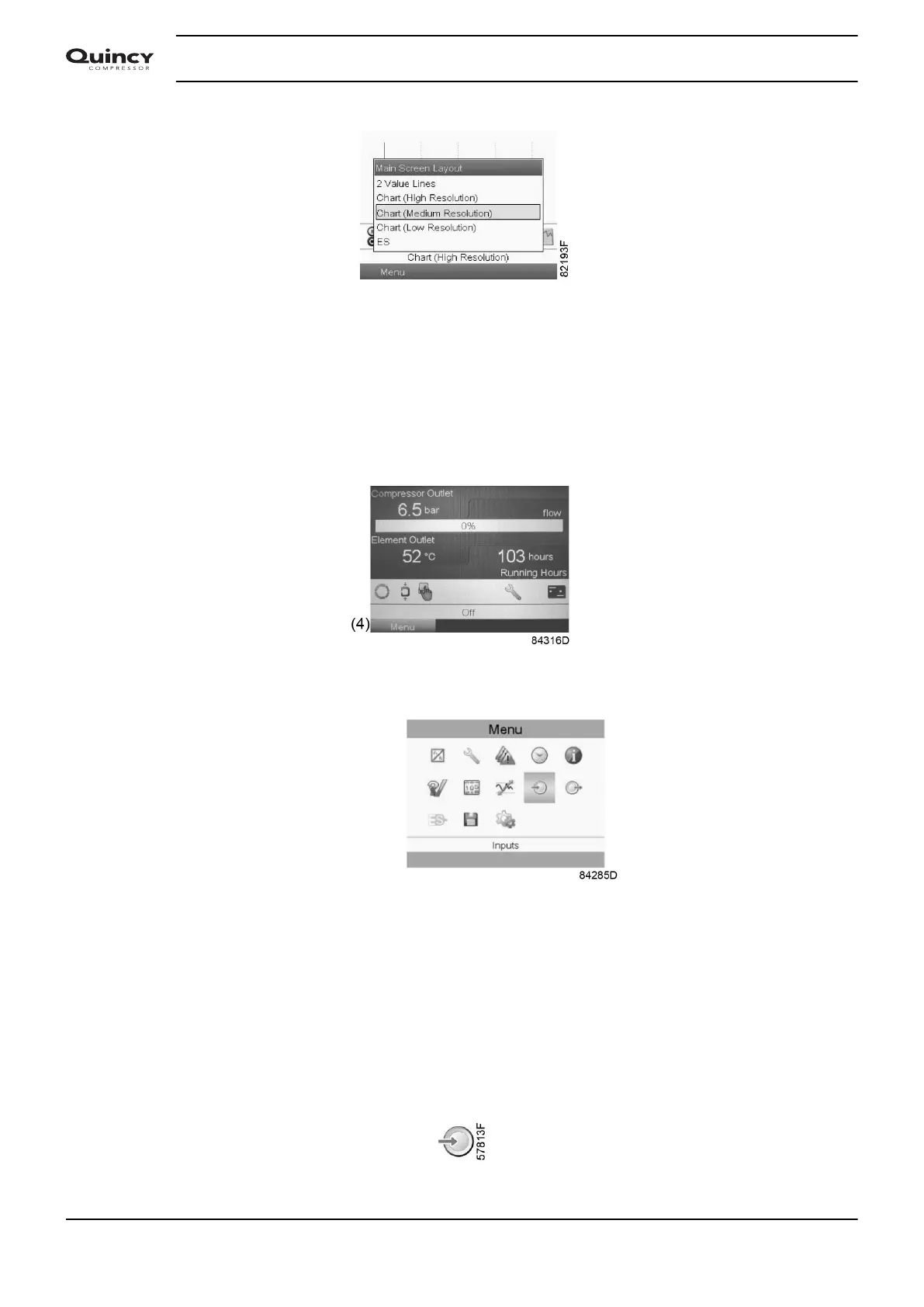
When the voltage is switched on, the main screen is shown automatically:
• To go to the Menu screen, highlight the Menu button (4), using the Scroll keys.
• Press the Enter key to select the menu. Following screen appears:
• The screen shows a number of icons. Each icon indicates a menu item. By default, the
Pressure Settings (Regulation) icon is selected. The status bar shows the name of the menu
that corresponds with the selected icon.
• Use the Scroll keys to select an icon.
• Press the Escape key to return to the Main screen.
3.6 Inputs menu
Menu icon, Inputs
Instruction book
36 2920 7190 02



 To Next Page
 Loading...

