Function Icon Description
Units Pressure unit (Mega Pascal)
Pressure unit (pounds per square inch)
Pressure unit (bar)
Temperature unit (degree Centigrade)
Temperature unit (degree Fahrenheit)
Motor
A time/delay parameter is displayed. NOTE:
• x1000: ON if the displayed value is in thousands of
• hrs: ON if the displayed value is in hours
• s: ON if the displayed value is in seconds
Element outlet temperature
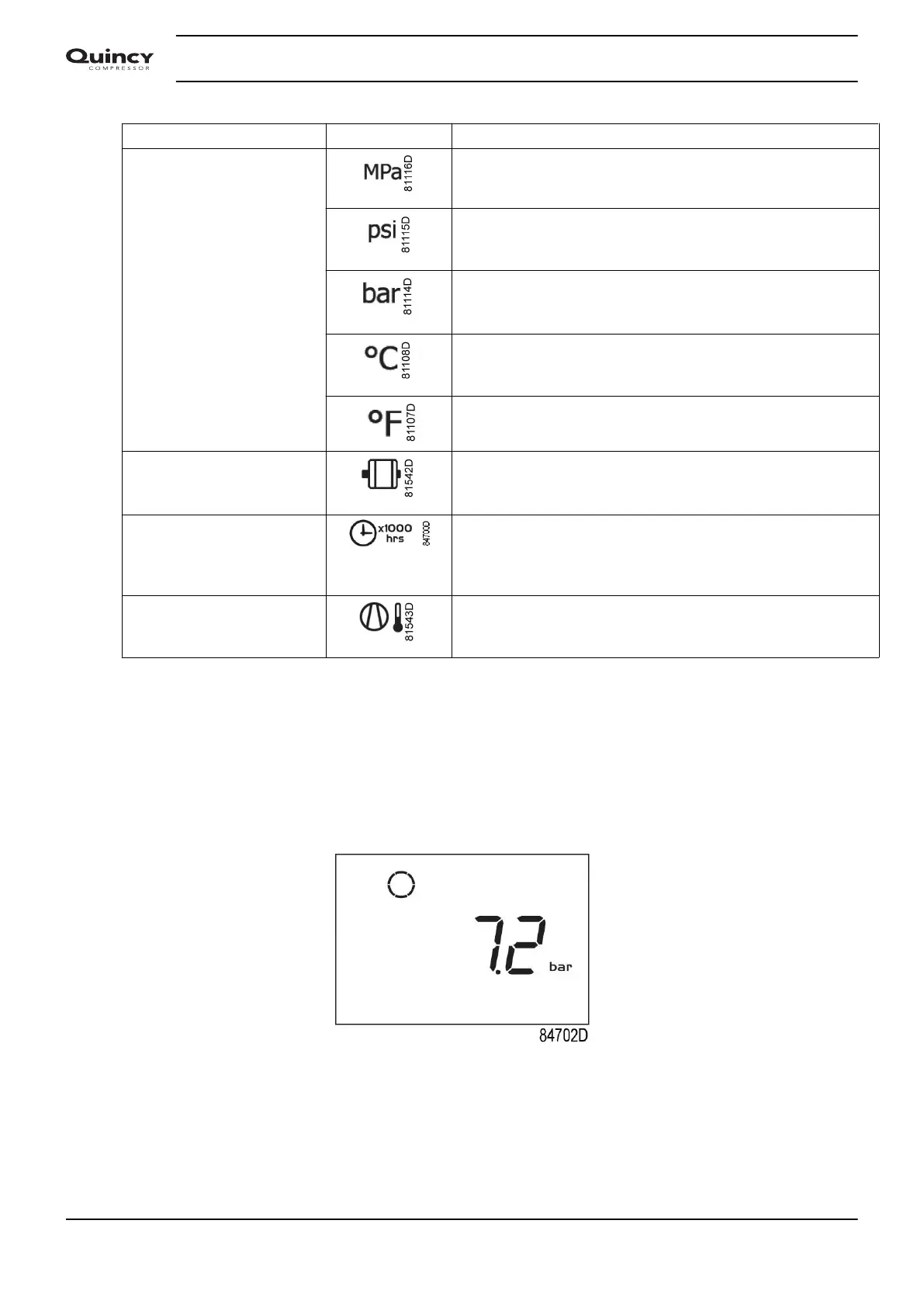
3.4 Main screen
At power on, the first screen is a test screen (Icon, digit and led are on). The next screen is the
Main screen, shown automatically. The Main screen shows:
• The compressor status by means of pictographs;
• The air outlet pressure;
Main screen with pressure (stopped compressor)
From the Main screen it is possible with up and down buttons (4-8) to change the view from
pressure to temperature of the element outlet.
Instruction book
28 2920 7113 40


 To Next Page
 Loading...


