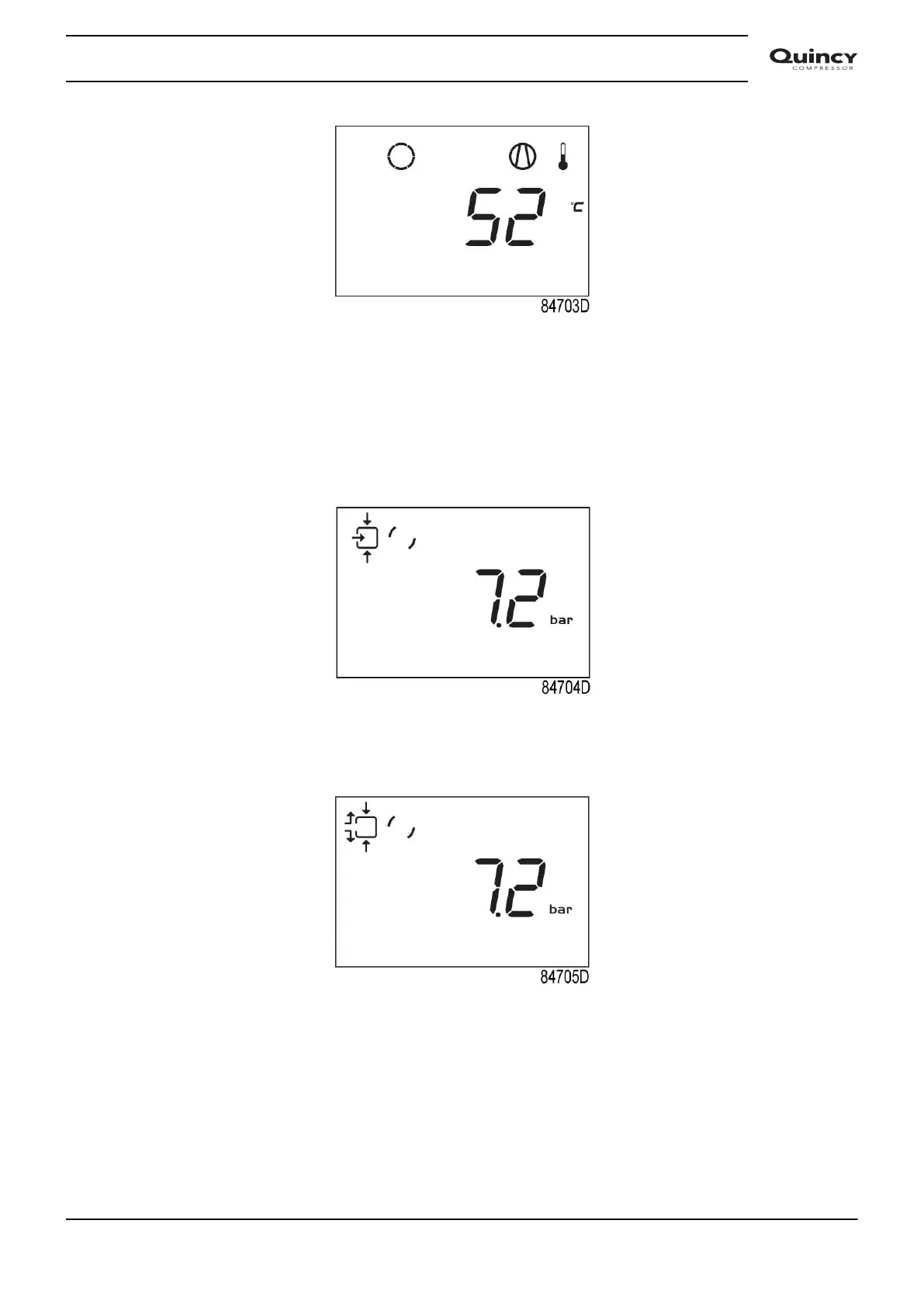
Main screen with temperature (stopped compressor)
3.5 Main function
To switch on the compressor, press start/stop button (3) for 3 seconds. The compressor starts
and the status is shown:
Screen with running compressor
To stop the compressor, push start/stop button (3). The compressor unloads:
Screen with unloading compressor
When the unload time is elapsed, the compressor is stopped and the controller goes back to
main screen:
Instruction book
2920 7113 40 29


 To Next Page
 Loading...


