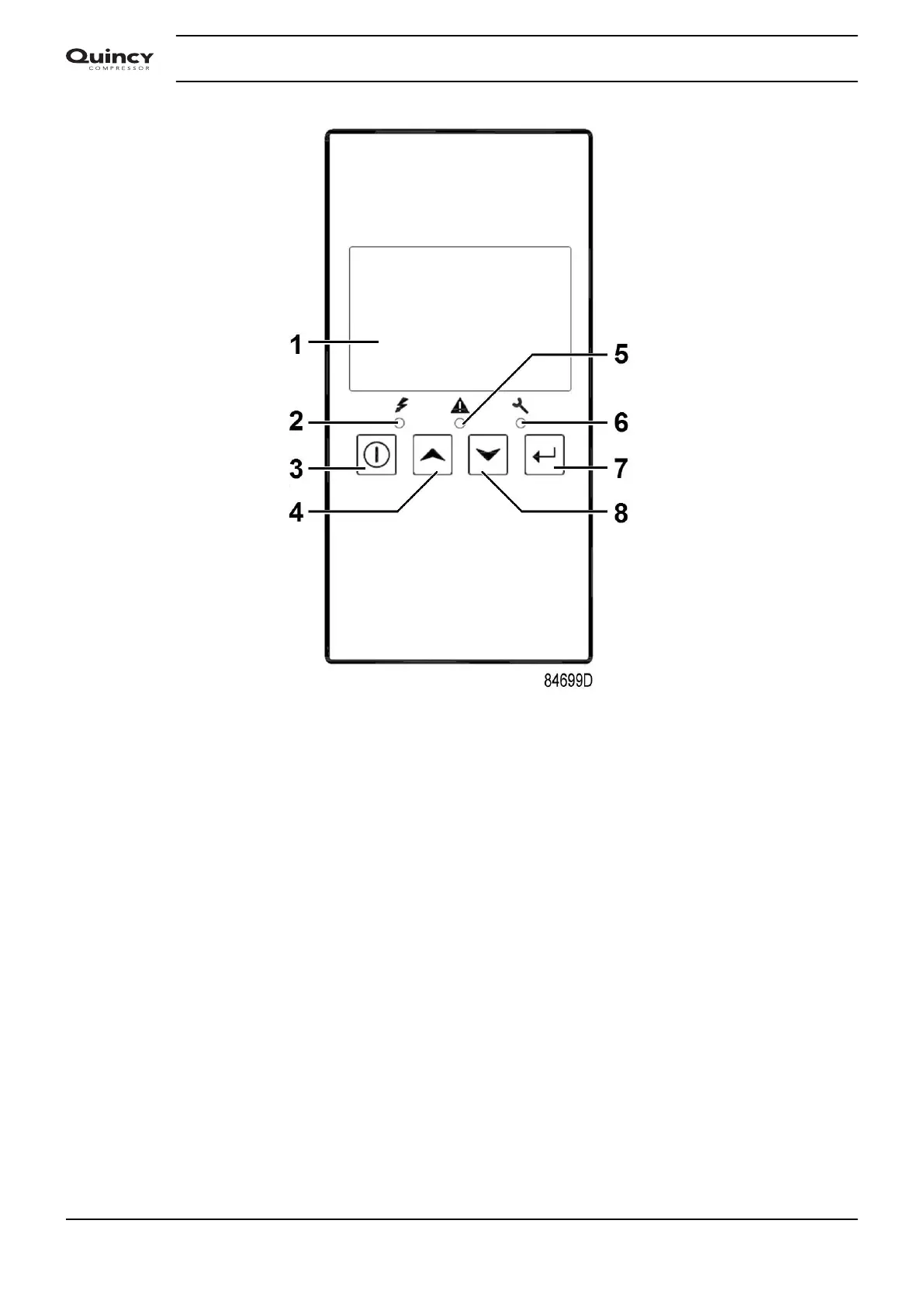
It remains possible to check the actual status of other parameters by pressing the enter button (7)
for 3 seconds. Press button (3) to stop the compressor and wait until the compressor has
stopped. The warning message will disappear as soon as the warning condition disappears.
3.7 Shutdown
Description
The compressor will stop:
• In case the temperature at the outlet of the compressor element exceeds the shutdown level
(detected by temperature sensor (TT11) or by temperature switch (TSHH11)).
• In case of error of the outlet pressure sensor (PT20) or temperature sensor (TT11).
• In case of overload of the compressor motor (M1)
Compressor element outlet temperature
If the outlet temperature of the compressor element exceeds the shutdown level (factory setting
115˚C/239˚F):
• The compressor will stop.
• Alarm LED (5) will flash.
• The following screen will appear:
Instruction book
32 2920 7113 40


 To Next Page
 Loading...


