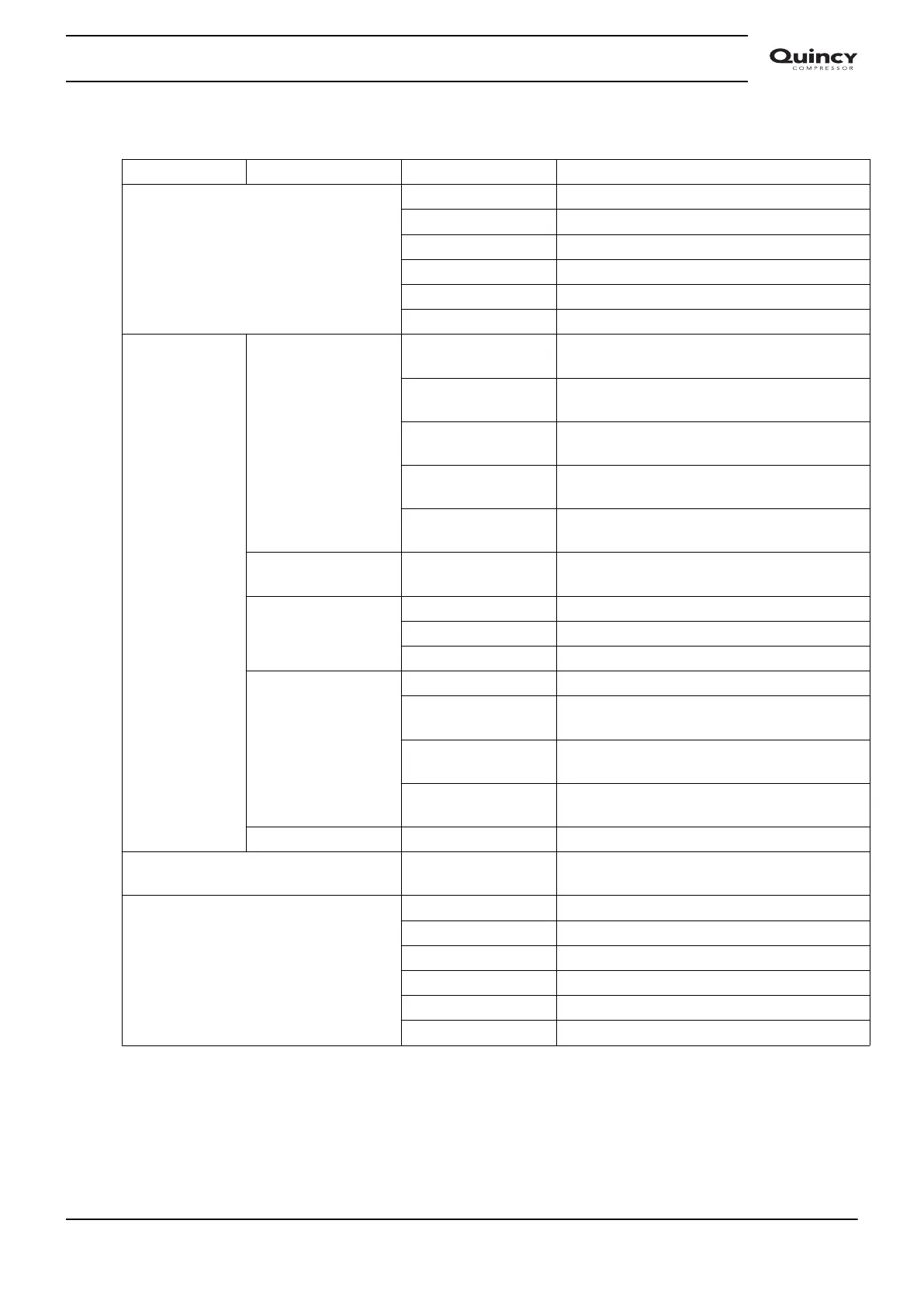
Overview of the screens
Menu item Submenu Digital input screen Designation
<dAtA>
(Data)
<d.1> Calling up running hours.
<d.2> Calling up motor starts.
<d.3> Calling up module hours.
<d.4> Calling up loading hours.
<d.5> Calling up load solenoid valve.
<d.6> Calling up service timer.
<ProG>
(Programming)
<rEG.P>
(Regulation
Pressure)
<Pr.SL> Calling up or modifying pressure band
selection.
<LPr.1> Calling up or modifying lower pressure
setting.
<uPr.1> Calling up or modifying upper pressure
setting.
<LPr.2> Calling up or modifying lower pressure
setting.
<uPr.2> Calling up or modifying upper pressure
setting.
<tiMr>
Timer
<SrV.d> Calling up maintenance warning.
<diSP>
(Display)
<tEMP> Calling up or modifying unit of temperature.
<PrES> Calling up or modifying unit of pressure.
<bC.LG> Calling up or modifying time of backlight.
<Ctrl>
(Control)
<Lo.rE> Calling up local/remote start/stop.
<Ar.Af> Calling up automatic restart after voltage
failure.
<Ar.d> Calling up delay time of automatic restart
after voltage failure.
<nHCA> Calling up the maximum number of
compressor starts per hour.
<PASS> Activating password protection.
<tESt>
(Test)
<tSt.1> Display test.
<InFo>
(Info)
<P.rEL> Parameter map release.
<F.rRl> Firmware release.
<F.dAY> Firmware release day.
<F.Mnt> Firmware release month.
<F.YAr> Firmware release year.
<SEr.n> Serial number.
3.10 Calling up running hours
Starting from the Main screen:
• Press Enter button (7) for 3 seconds to enter the Main menu.
Instruction book
2920 7113 40 37


 To Next Page
 Loading...


