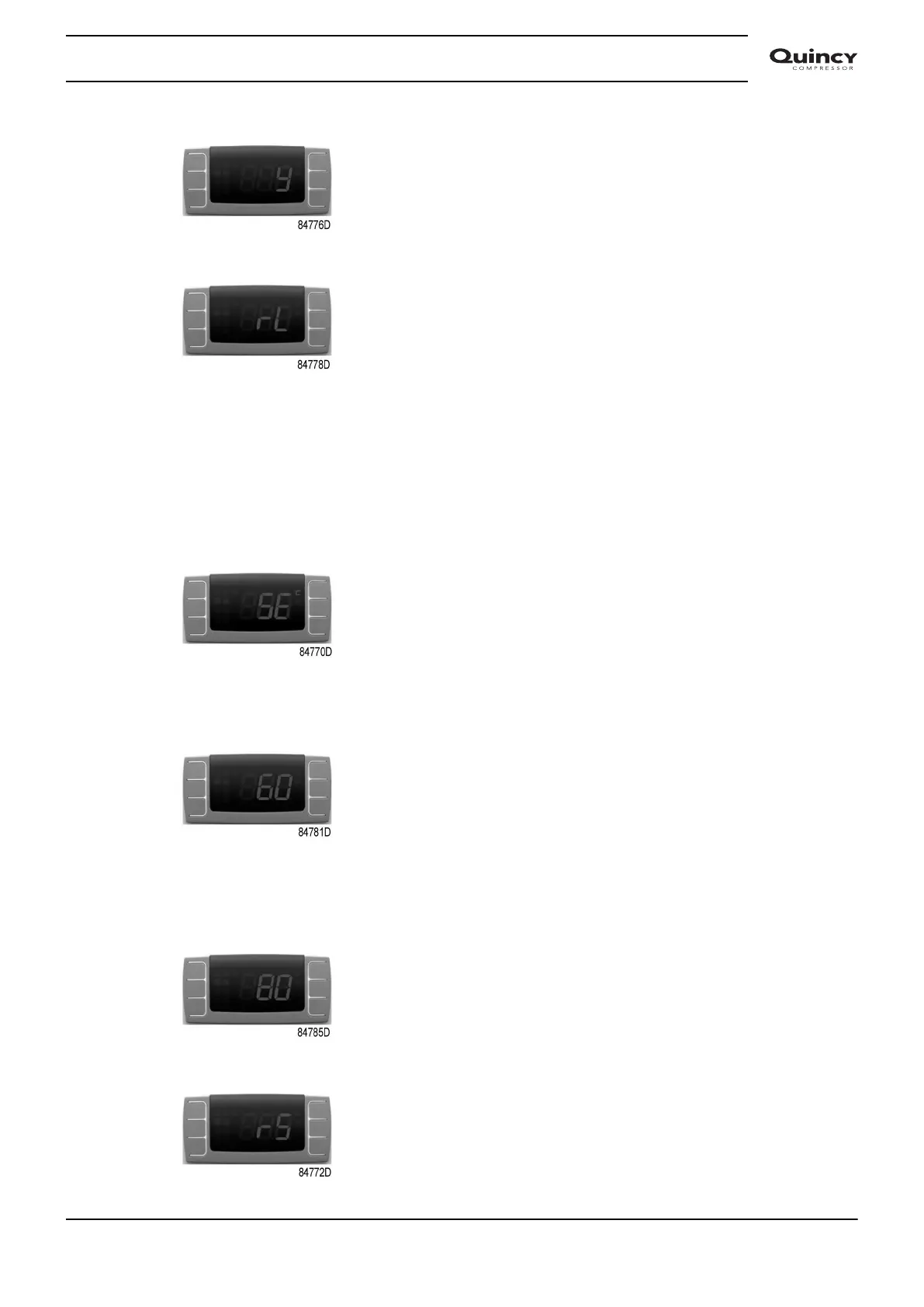
12. Then “rL” is fixed and “°C” blinks on display for about 10 seconds.
The service alarm is now reset.
Setting the service interval
To set the service interval, follow steps 1 to 9:
1. PDP is showing standard view.
2. Push and hold buttons SET (8) and DOWN (10) to enter the menu.
3. Message “SE” appears on display.
4. Push and release SET (8) to enter the “SE” menu.
5. Current service interval is displayed.
(“60” or any other value between “0” and “99”)
6. Select desired service interval using the UP or DOWN button.
(40=4000h, 55=5500h, 80=8000h,…)
7. Push and release SET to confirm the new service interval.
8. The selected value blinks during 3 seconds.
9. Then “rS” is fixed and “°C” blinks on display for ~10 seconds.
Instruction book
2920 7113 40 65


 To Next Page
 Loading...


