EasyManua.ls Logo

Quincy Compressor QGV 60 - Icon Used

Quincy Compressor QGV 60
132 pages
Print Icon
To Next Page IconTo Next Page
To Previous Page IconTo Previous Page
Loading...
Instruction book
2012 2039 28 27
Reference
Designation
Function
11
Back key
To go to previous screen or to end the current action
12
Scroll keys
Keys to scroll through the menu.
13
Stop button
Button to stop the compressor. LED (7) goes out.
14
Start button
Button to start the compressor. LED (7) lights up indicating
that the Q-Control regulator is operative.
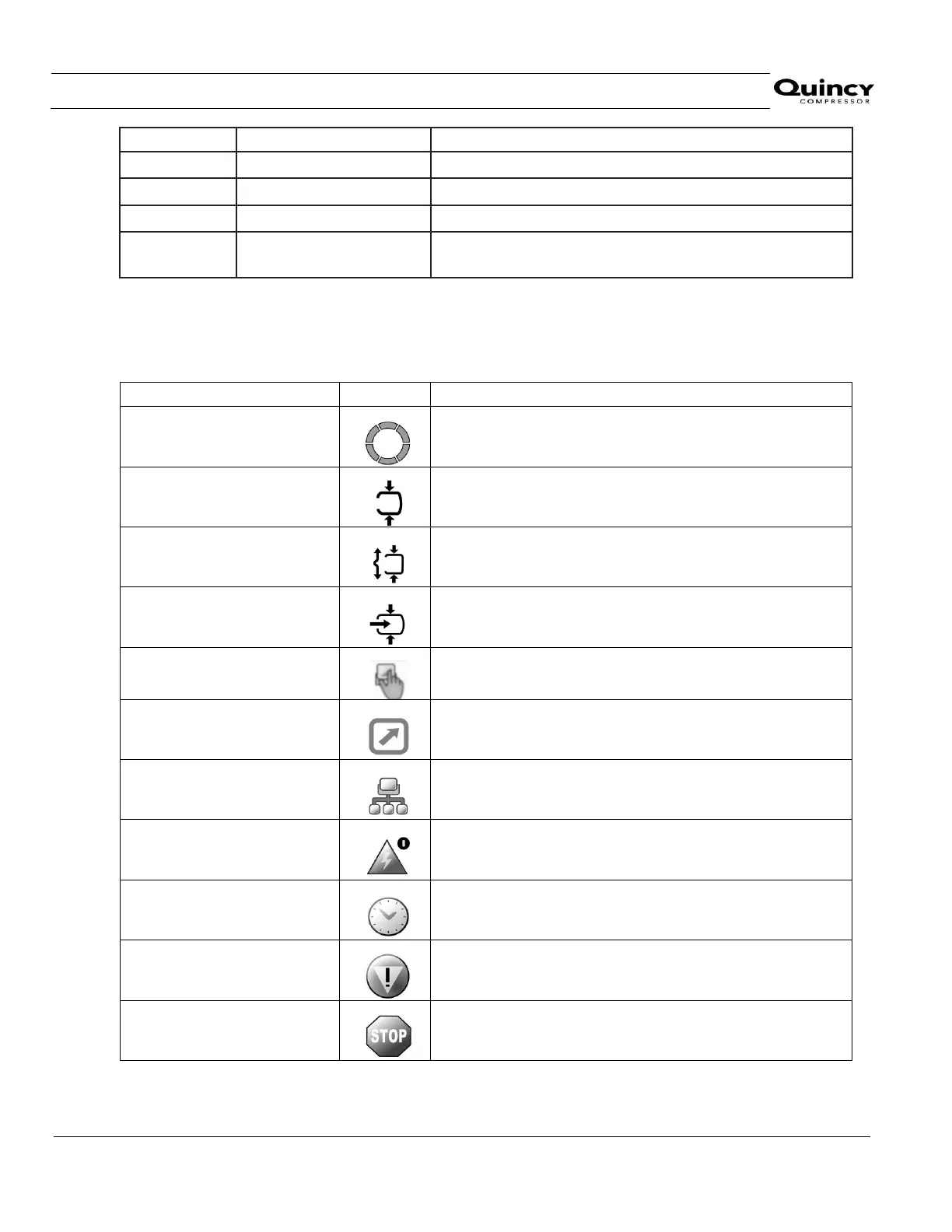
3.4 Icon used
Status icons
Name
Icon
Description
Stopped / Running
When the compressor is stopped, the icon stands still.
When the compressor is running, the icon is rotates.
Compressor status
Motor stopped
Running unloaded
Running loaded
Machine control mode
Local control
Remote start / stop
Network control
Automatic restart after voltage
failure
Automatic restart after voltage failure is active
Week timer
Week timer is active
Active protection functions
Emergency stop
Shutdown

Related product manuals