2012 2039 28 51
Procedure
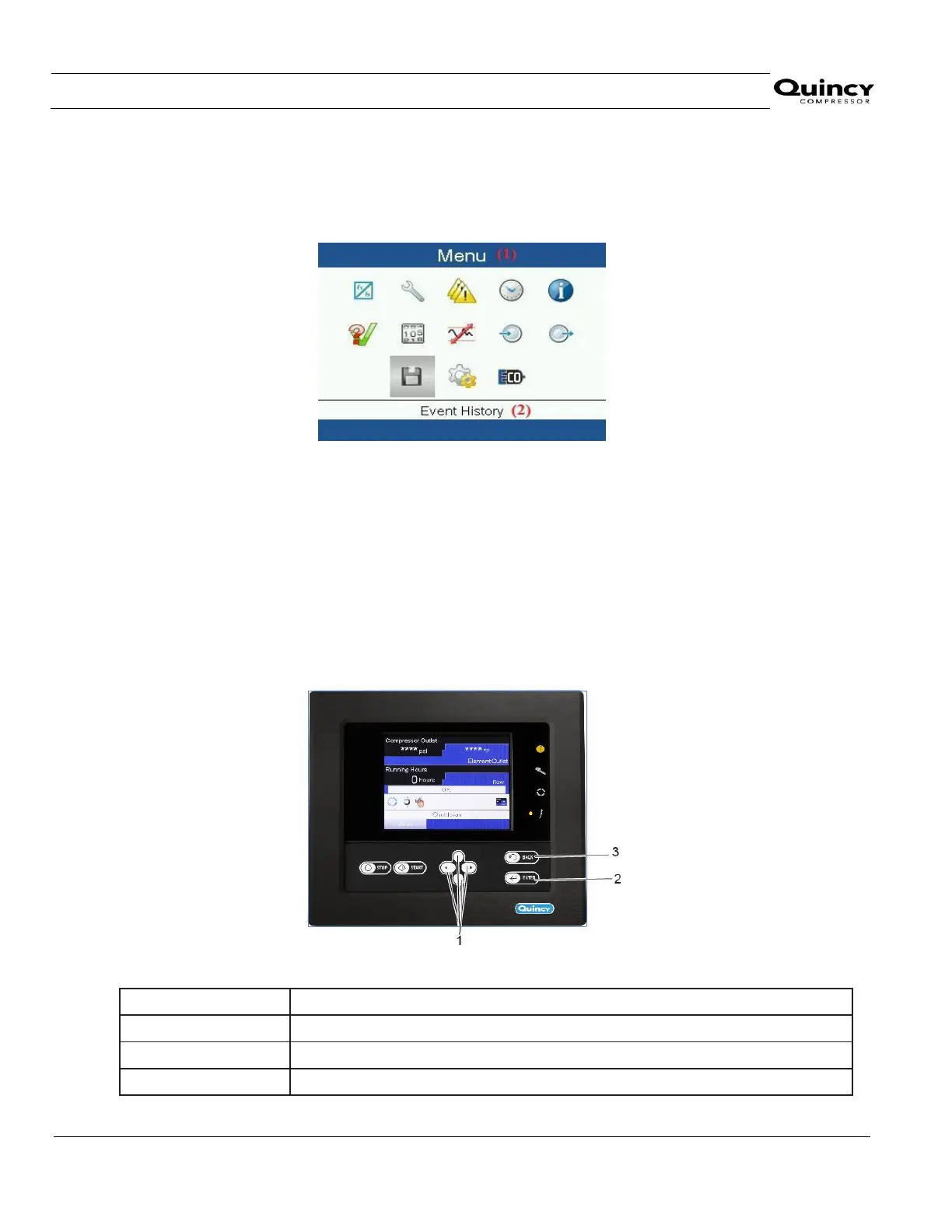
Starting from the Main screen (see Main screen),
Move the cursor to the action button Menu and press the Enter key. Then using scroll keys move the
cursor over Event History and then press Enter key. Following screen appears:
Using the Scroll keys, move the cursor to the Event History icon (see above, section Menu icon)
The list of last shut-down and emergency stop cases is shown.
Press the Enter key to find the date, time and other data reflecting the status of the compressor when that
shut-down or emergency stop occurred.
Scroll through the items to select the desired shut-down or emergency stop event.
3.13 Modifying general settings
Control panel
Text on figure


 To Next Page
 Loading...


