Application 13
19.0 Interfacing a Solid State Meter to a Test Board
(RM-1P Electronic Light Valve Option)
Equipment Needed:
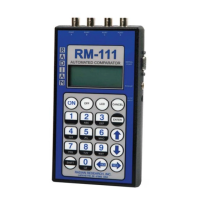
• RM-111 Automated Comparator
• Meter test board with open collector input
• Solid state meter programmed with a known number of infrared LED calibration
pulses per Kh
• RM-1P Electronic Light valve
• RM-1H or RR -1H Optical Pickup
Test Steps:
1. Install the meter to be tested into the test board socket fi xture.
2. Position the RM-1P between the test board’s light emitter and detector.
• The RM-1P will function with both visible and infrared light.
3. Turn on the RM-111.
4. Select RUN TESTS.
5. Select Pulse Divider.
6. Enter the number of pulses in for one pulse out.
7. Enter the number of pulse input ports (1-3).
8. Select the pulse output type. For this application, choose RM-1P.
83


 To Next Page