EasyManua.ls Logo

Radio Shack PRO-79 - User Manual

Radio Shack PRO-79
52 pages
Print Icon
To Next Page IconTo Next Page
Loading...
Owner’s Manual
Cat. No. 20-314
PRO-79
200-Channel VHF/Air/UHF
Handheld Scanner
Please read before using this equipment.
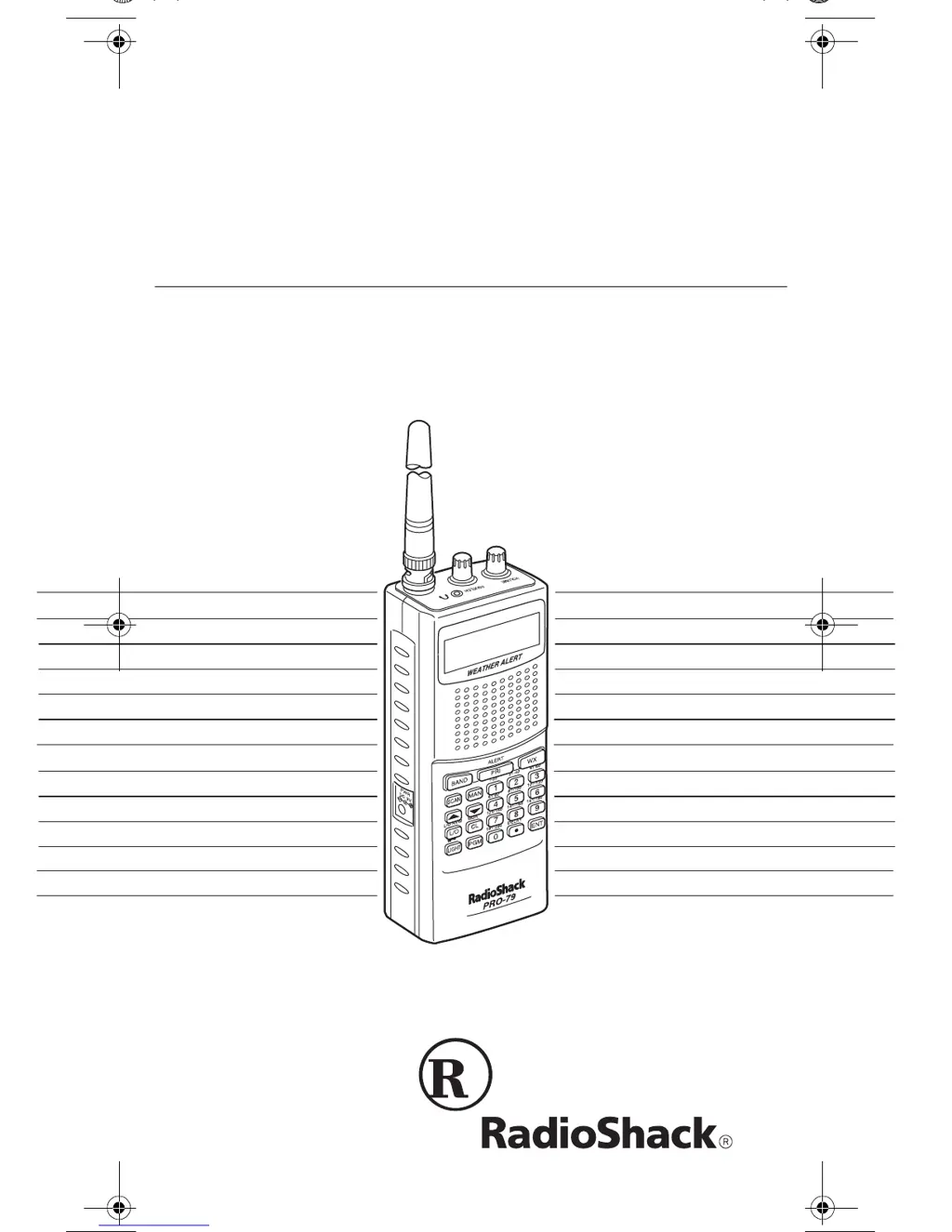
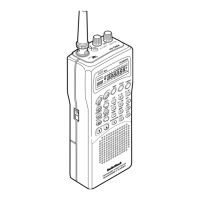
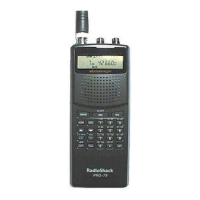
(illus - show front of product)
20-314.fm Page 1 Monday, December 13, 1999 12:55 PM

Table of Contents

Questions and Answers

  • P
    Patricia HolmesJul 30, 2025
    Why is the reception poor on my Radio Shack PRO-79 Scanner?
    • J
      Joe AndersonJul 30, 2025
      If your Radio Shack Scanner has poor or no reception, ensure that the antenna is properly connected. Also, avoid programming frequencies that are the same as 'birdie' frequencies, or only listen to them manually.
  • L
    Lee SchultzAug 4, 2025
    How to fix a Radio Shack Scanner keypad that is not working?
    • J
      Jeffrey MosleyAug 4, 2025
      If the keypad on your Radio Shack Scanner does not work, first ensure that the keylock is turned off. If the problem persists, try turning the scanner off and on again, or reset/initialize the scanner.
  • M
    Mary BarnesAug 11, 2025
    Why is my Radio Shack PRO-79 Scanner not turning on?
    • A
      Antonio KempAug 11, 2025
      If your Radio Shack Scanner is totally inoperative, first be sure the adapter’s barrel plug is fully inserted into the PWR jack. If it still does not work, replace the batteries with fresh ones, or recharge the rechargeable batteries.
  • D
    David ReyesAug 16, 2025
    What to do if my Radio Shack Scanner is on but not scanning?
    • A
      Angela AriasAug 17, 2025
      If your Radio Shack Scanner is on but will not scan, adjust the SQUELCH clockwise. Additionally, make sure you have stored frequencies into more than one channel.
  • D
    David CastroAug 23, 2025
    What to do if Radio Shack PRO-79 locks on unclear frequencies?
    • M
      matthew79Aug 23, 2025
      If your Radio Shack Scanner locks on frequencies that have an unclear transmission during scanning, avoid programming frequencies that are the same as 'birdie' frequencies, or only listen to them manually.

Summary

FEATURES

Three Power Options

Powers scanner via internal batteries or external AC/DC adapter.

SCANNING LEGALLY

Explains legal listening restrictions and encourages responsible use.

FCC NOTICE

Details compliance with FCC rules and potential interference issues.

PREPARATION

INSTALLING BATTERIES

Instructions on how to install AA batteries for scanner power.

USING AC POWER

Instructions for powering the scanner using a 9V AC adapter.

CHARGING RECHARGEABLE BATTERIES

How to charge Ni-Cd rechargeable batteries using the scanner's built-in circuit.

CONNECTING AN ANTENNA

Instructions for connecting an antenna for scanner operation.

Connecting an Outdoor Antenna

How to connect external base-station or mobile antennas using a BNC connector.

Traffic Safety

Warnings about using earphones/headphones while operating vehicles or bicycles.

USING VEHICLE BATTERY POWER

Instructions for powering the scanner using a vehicle's 12V power source.

Connecting the Supplied Antenna

Steps to install the flexible antenna for strong local signal reception.

Listening Safely

Guidelines for protecting hearing when using earphones or headphones.

UNDERSTANDING YOUR SCANNER

A LOOK AT THE KEYPAD

Details the function of each key on the scanner's keypad.

A LOOK AT THE DISPLAY

Explains the meaning of various indicators shown on the scanner's display.

Channel Storage Banks

Details the 10 banks of 20 channels each for grouping frequencies.

Service Banks

OPERATION

TURNING ON THE SCANNER;SETTING VOLUME AND SQUELCH

Steps to turn on the scanner and adjust volume and squelch controls.

Resetting the Scanner

Detailed steps to reset the scanner using a pointed object.

RESETTING;INITIALIZING THE SCANNER

Procedures for resetting or initializing the scanner if it malfunctions.

Initializing the Scanner

Detailed steps to initialize the scanner, clearing all memory.

STORING KNOWN FREQUENCIES INTO CHANNELS

FINDING AND STORING ACTIVE FREQUENCIES

Using Direct Search

SCANNING THE STORED CHANNELS

TURNING CHANNEL-STORAGE BANKS OFF AND ON

MONITORING A STORED CHANNEL

CLEARING A STORED CHANNEL

SPECIAL FEATURES

A GENERAL GUIDE TO SCANNING

GUIDE TO THE ACTION BANDS

BAND ALLOCATION

TROUBLESHOOTING

CARE AND MAINTENANCE

SPECIFICATIONS

Radio Shack PRO-79 Specifications

General IconGeneral
TypeHandheld Scanner
Channels200
Modulation TypesAM, FM, WFM
BandsVHF, UHF
Step Size5, 12.5 kHz
AntennaTelescopic
Frequency Range25-54, 108-174, 406-512 MHz

Related product manuals