EasyManua.ls Logo

Radio Shack PRO-71 - User Manual

Radio Shack PRO-71
44 pages
Print Icon
To Next Page IconTo Next Page
Loading...
Cat. No.
20-311A
OWNER’S MANUAL
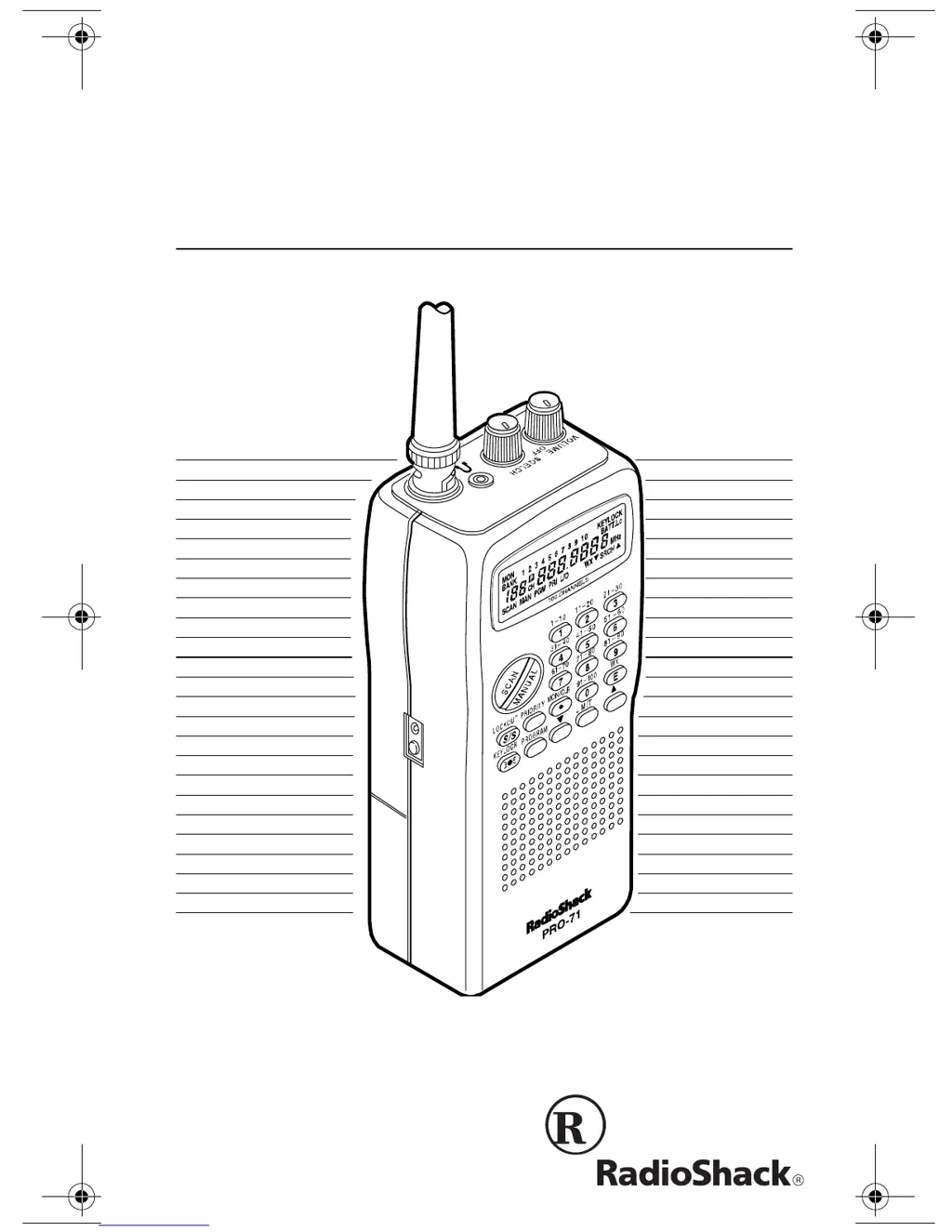
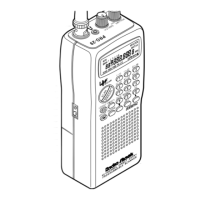
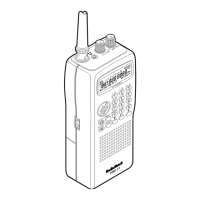
PRO-71 VHF/UHF/Air
Handheld Scanner
Please read before using this equipment.
20-311a.fm Page 1 Friday, February 12, 1999 4:51 PM

Questions and Answers

  • S
    shannon71Jul 30, 2025
    What to do if my Radio Shack PRO-71 is totally inoperative?
    • G
      Gregory HamiltonJul 30, 2025
      If your Radio Shack Scanner is totally inoperative, first check the power source. Ensure the batteries are good or that the AC or DC adapter is properly connected. If using an adapter, make sure the barrel plug is fully inserted into the POWER jack. Recharge or replace batteries if necessary.
  • M
    Maria BurnettAug 9, 2025
    Why won't my Radio Shack Scanner scan even though it's on?
    • S
      Shawn AndersonAug 9, 2025
      If your Radio Shack Scanner is on but not scanning, there are several possible causes. First, the SQUELCH might not be adjusted correctly; try adjusting it clockwise. Second, you may have only one or no channels stored; store frequencies into more than one channel. Finally, the channels may be locked out; remove the lockout.
  • R
    Robert HowellAug 20, 2025
    What to do if my Radio Shack Scanner locks on frequencies with unclear transmission in scan mode?
    • A
      Ashley TateAug 20, 2025
      If your Radio Shack Scanner locks on frequencies with unclear transmissions while in scan mode, it might be due to "Birdies". Avoid programming frequencies that are known to cause this issue, or only listen to them manually.

Summary

FEATURES

Large Liquid-Crystal Display

Features a clear display for easy information viewing.

Ten Channel-Storage Banks

Organizes channels into 10 banks of 10 for grouping frequencies.

Priority Channel

Sets a channel to check every 2 seconds for important calls.

FCC NOTICE

SCANNING LEGALLY

PREPARATION

POWER SOURCES

Details on powering the scanner using batteries, AC, or DC adapters.

INSTALLING BATTERIES

Instructions for inserting AA batteries and warnings.

USING STANDARD AC POWER

How to connect and use an AC adapter for power.

CONNECTING THE ANTENNA

Connecting an Optional Antenna

Attaching the supplied antenna and using optional ones.

CONNECTING AN EARPHONE;HEADPHONES

Listening Safely

Guidelines for protecting hearing when using earphones.

Traffic Safety

Warnings against using earphones while operating vehicles or bicycles.

UNDERSTANDING YOUR SCANNER

A LOOK AT THE KEYPAD

Detailed explanation of each button's function on the keypad.

A LOOK AT THE DISPLAY

Overview of what the scanner's display icons and messages signify.

BANKS AND MEMORIES

CHANNEL-STORAGE BANKS

How channels are organized into banks for easier management.

MONITOR MEMORIES

Using temporary memories for storing found frequencies.

OPERATION

TURNING ON THE SCANNER AND SETTING SQUELCH

Turning on the scanner and adjusting the squelch for clear reception.

STORING FREQUENCIES

Step-by-step guide to entering frequencies into channels.

SEARCHING FOR AND TEMPORARILY STORING ACTIVE FREQUENCIES

Methods for finding active frequencies using limit or direct search.

MANUALLY SELECTING A CHANNEL

How to manually select specific channels for listening.

SPECIAL FEATURES

USING THE KEYLOCK

Protecting settings by locking the keypad.

LOCKING OUT CHANNELS

Preventing selected channels from being scanned.

PRIORITY

Setting and using the priority channel feature.

LISTENING TO THE WEATHER BAND

Accessing and listening to NOAA weather broadcasts.

A GENERAL GUIDE TO SCANNING

Guide to Frequencies

Details on weather, ham radio, and general frequency bands.

GUIDE TO THE ACTION BANDS

Guide to common services and frequency usage.

AVOIDING IMAGE FREQUENCIES

FREQUENCY CONVERSION

TROUBLESHOOTING

RESETTING THE SCANNER

CARE AND MAINTENANCE

SPECIFICATIONS

Limited One-Year Warranty

Radio Shack PRO-71 Specifications

General IconGeneral
TypeHandheld Scanner
Modulation TypesAM, FM
Frequency Range406-512 MHz
BandsVHF, UHF
AntennaTelescopic

Related product manuals