16
UNDERSTANDING YOUR SCANNER
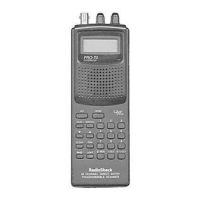
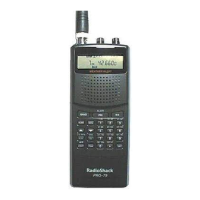
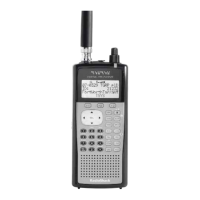
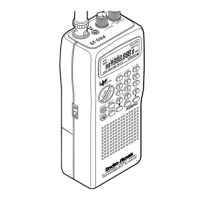
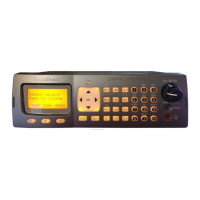
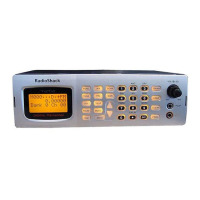
A LOOK AT THE KEYPAD
Your scanner’s keys might seem confusing at first, but this information
should help you understand each key’s function.
SCAN
— scans through the programmed channels.
MANUAL
— stops scanning and lets you directly enter a channel num-
ber.
LOCKOUT/S/S
— lets you lock out a selected channel. Skips a specified
frequency during limit or direct search.
PRIORITY
— sets and turns on and off priority for a particular channel.
MON/CLR
/
•
— accesses the ten monitor memories, clears an incorrect
entry or enters the decimal point necessary when programming fre-
quencies.
WX/E (enter)
— scans through the preprogrammed weather channels or
enters frequencies into channels.
KEYLOCK/
— locks/unlocks the keypad to prevent accidental entries
or turns on the display light for 15 seconds.
PROGRAM
— programs frequencies into channels.
▼
,
LIMIT, and
▲
— searches for active frequencies.
Number Keys
— each key has a single-digit label, and keys
0
–
9
have
a range of numbers printed above them. The single digits refer to the
number of a channel or frequency entered. The number range (21–30,
20-311a.fm Page 16 Friday, February 12, 1999 4:51 PM





 To Next Page
