EasyManua.ls Logo

Radio Shack PRO-528 - User Manual

Radio Shack PRO-528
92 pages
Print Icon
To Next Page IconTo Next Page
Loading...
Please read this user’s guide before installing,
setting up and using your new product
www.radioshack.com
20-528
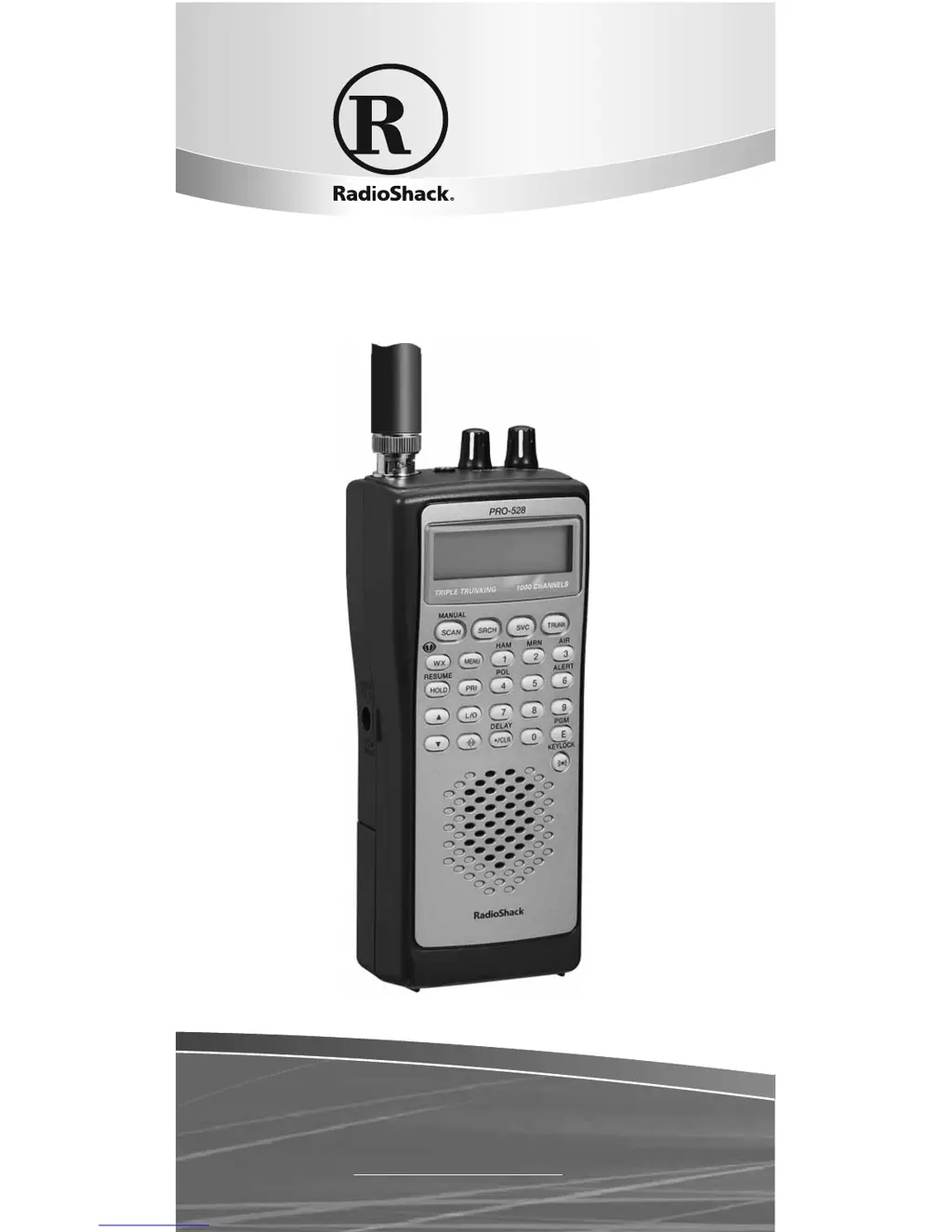
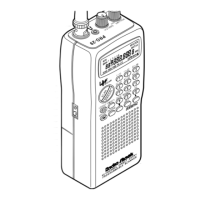
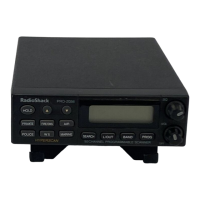
PRO-528 1,000-Channel
Handheld
Trunking Scanner

Table of Contents

Other manuals for Radio Shack PRO-528

Questions and Answers

  • S
    Sabrina ReeseAug 18, 2025
    Why is my Radio Shack Scanner poor or has no reception?
    • C
      Christopher HendersonAug 18, 2025
      Poor or no reception on your Radio Shack Scanner can occur if the batteries are weak or completely discharged. Check the batteries or ensure the AC or DC adapter is properly connected. Also, make sure an antenna is correctly connected to the scanner.
  • M
    Mr. Steven RobinsonAug 20, 2025
    What to do if my Radio Shack PRO-528 is on but will not scan?
    • J
      joshuafordAug 21, 2025
      If your Radio Shack Scanner is on but not scanning, it might be due to the SQUELCH not being adjusted correctly. Try adjusting the SQUELCH. Another reason could be that only one or no channels are stored. Store frequencies into more than one channel.
  • S
    Sydney MurrayAug 23, 2025
    What to do if my Radio Shack PRO-528 Scanner is totally inoperative?
    • D
      Diane HillAug 23, 2025
      If your Radio Shack Scanner is totally inoperative, the cause might be no power. Check the batteries or make sure the AC adapter or DC adapter is connected properly.
  • C
    Christian HoganAug 26, 2025
    Why does my Radio Shack Scanner display dim or sound a tone?
    • A
      aguerreroAug 26, 2025
      If your Radio Shack Scanner's display dims or it sounds a tone every 15–30 seconds, it could be due to incorrectly installed or weak batteries. Ensure the batteries are installed properly. If using rechargeable batteries, recharge them; if using non-rechargeable batteries, replace them.
  • E
    Elizabeth BishopAug 28, 2025
    What to do if my Radio Shack PRO-528 keypad does not work?
    • Y
      ysanchezAug 28, 2025
      If the keypad on your Radio Shack Scanner isn't working, the keylock function may be activated. To turn off the keylock, press / KEYLOCK until it disappears from the display.
  • M
    markcurryAug 30, 2025
    What to do if my Radio Shack PRO-528 is missing replies to conversations?
    • T
      tcurryAug 31, 2025
      If your Radio Shack Scanner is missing replies to conversations, it could be because: 1. The system you are trying to track is a Type I system, and the scanner is set to scan Type II systems. Set the scanner to receive Type I trunked frequencies. 2. The selected fleet map is incorrect. Try another preset fleet map or program your own fleet map. 3. Not all of the trunk’s frequencies have been entered. Enter all of the trunk’s frequencies.
  • V
    Vicki GreenSep 2, 2025
    What does it mean if 'Error' appears on my Radio Shack Scanner?
    • R
      robertburnsSep 2, 2025
      If 'Error' appears on your Radio Shack Scanner, it indicates a programming error. Re-enter the frequency correctly, making sure to include the decimal point.
  • W
    woodhollySep 4, 2025
    Why does my Radio Shack PRO-528 lock on frequencies that have an unclear transmission?
    • L
      Laurie VillaSep 4, 2025
      If your Radio Shack Scanner locks onto frequencies with unclear transmissions, it's possible that the stored frequencies are the same as “birdie” frequencies. Avoid storing these frequencies, or only listen to them manually.
  • M
    Michael ConleySep 7, 2025
    What to do if my Radio Shack Scanner does not track a trunked system?
    • J
      Jordan ParksSep 7, 2025
      If your Radio Shack Scanner isn't tracking a trunked system, it might be due to these reasons: 1. The transmission might not use a system that can be tracked by your scanner. Try scanning another transmission. 2. The data frequency is missing. 3. The system you are trying to track is a Type I system, and the scanner is set to scan Type II systems. Set the scanner to receive Type I trunked frequencies.
  • P
    Patricia SmithSep 9, 2025
    Why is my Radio Shack PRO-528 Scanner set to receive Type I trunked frequencies, but does not scan them?
    • T
      thomasvasquezSep 10, 2025
      If your Radio Shack Scanner is set to receive Type I trunked frequencies but isn't scanning them, the fleet map you have selected or entered might be incorrect. Check the fleet map and correct it if necessary.

Summary

Scanner Overview

whats included

Lists the items that come with the scanner package, such as the scanner, antenna, and accessories.

The Basics

your scanners features

Explains the function of each button and control on the scanner for basic operation.

supplying power to your scanner

Details how to power the scanner using batteries or an AC adapter, including battery type selection.

connecting the antenna and audio

Instructions for attaching the antenna and connecting headphones or earphones for private listening.

understanding memory banks

Explains the concepts of service banks and channel storage banks for organizing frequencies.

turning on and setting squelch

Step-by-step guide on powering up the scanner and adjusting the squelch control for clear reception.

storing frequencies into channels

Instructions on how to manually enter and save frequencies into the scanner's memory channels.

Beyond the Basics

copying and moving frequencies

Details the process of copying or moving a stored frequency to a different channel within memory.

chain search operations

Covers how to perform chain searches through preset frequency ranges and define search ranges.

special features overview

Introduces advanced features like delay, locking out channels, priority scanning, and keylock.

wired programming and cloning

Explains how to program the scanner via PC and clone settings to another unit.

trunking system operations

Guides on setting up and operating the scanner for trunking systems like Motorola, EDACS, and LTR.

programming trunked frequencies

Steps for selecting, programming, and storing trunked frequencies and system types.

scanning type I and hybrid systems

Information on how the scanner handles Type I and hybrid trunked systems, including fleet maps.

frequently asked questions

Provides solutions to common operational and functional problems encountered with the scanner.

how to reset your scanner

Instructions for performing a factory reset to clear stored data and resolve software issues.

FCC notice and legal scanning

Information regarding FCC compliance, potential interference, and legal aspects of scanning.

scanner specifications

Lists technical details such as frequency coverage, sensitivity, dimensions, and power requirements.

limited one-year warranty

Radio Shack PRO-528 Specifications

General IconGeneral
BrandRadio Shack
ModelPRO-528
CategoryScanner
LanguageEnglish

Related product manuals