→ The exact timing for the purge cycle, and the indication that all air has been removed, will be
dependent on the thermoregulator being used. Please refer to the manufacturer’s
thermoregulator instruction manual for further information.
→ Always run the purge cycle at ambient temperature to remove any trapped air and to check for
thermofluid leaks before applying any heating or cooling. If any leaks are detected, fittings should
be retightened. Once this has been done, the thermoregulator should be set to run at the
proposed upper and lower operating temperatures to again check for leaks. If further leaks are
detected, the fittings should be retightened.
6.4.8 Draining thermofluid from Reactor-Ready
If the reaction or filter vessel needs to be removed from the Reactor-Ready framework for cleaning, or
to replace it with another vessel, the thermofluid in the jacket must first be drained.
Ensure the thermoregulator is switched off, and allow the thermofluid to cool to a safe temperature.
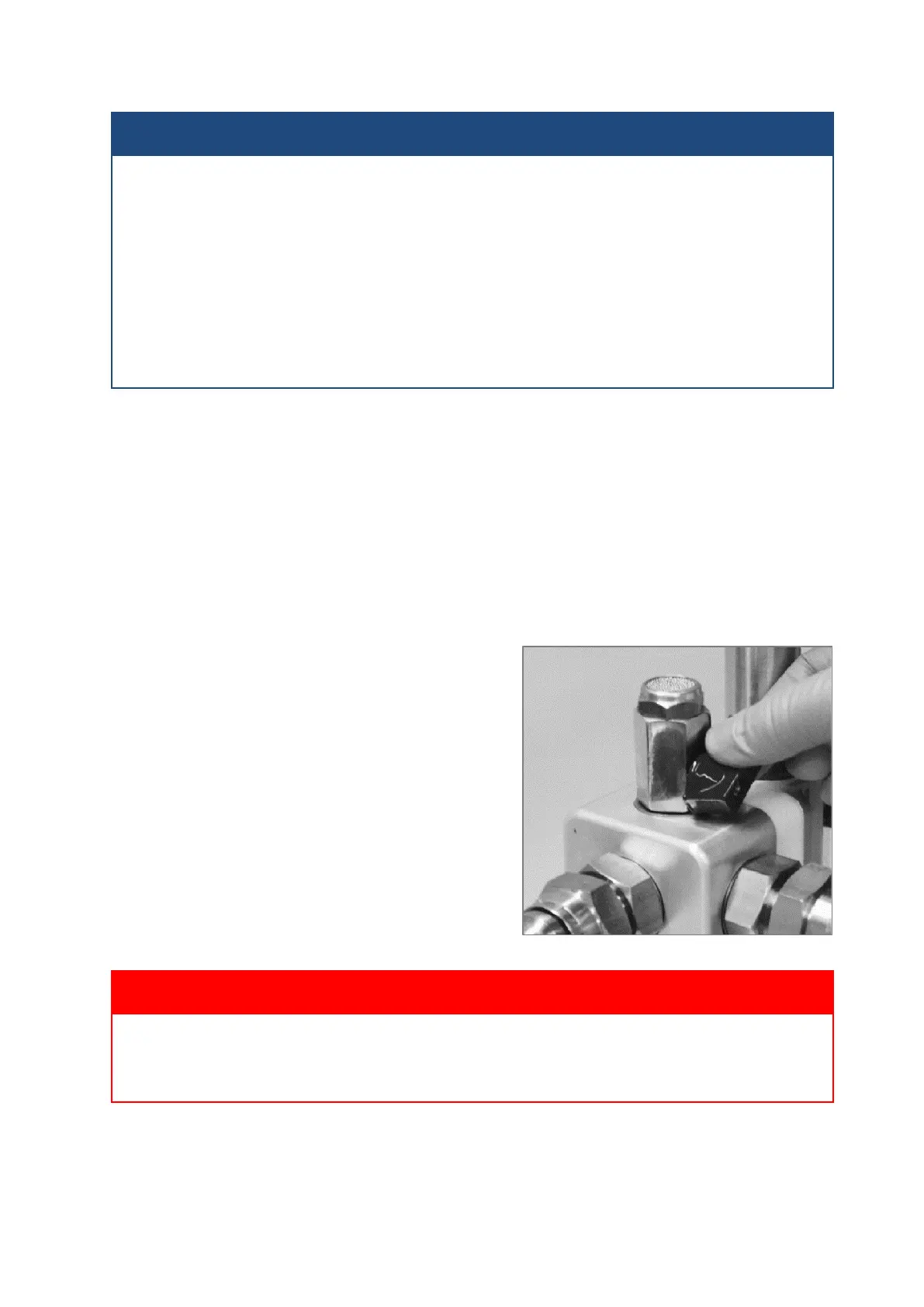
Note: If the thermofluid is to be drained back into
the thermoregulator’s internal reservoir, open the
vent valve on the upper return manifold. This will
vent the system to atmosphere and allow the
thermofluid to drain, via gravity, from the vessel
jacket.
Close the vent valve once the jacket is empty.
If the thermofluid is to be drained to an external
reservoir, go to Step 3.
You must allow the thermofluid to warm or cool to a safe ambient temperature before draining
the system or venting to atmosphere.


 To Next Page