43
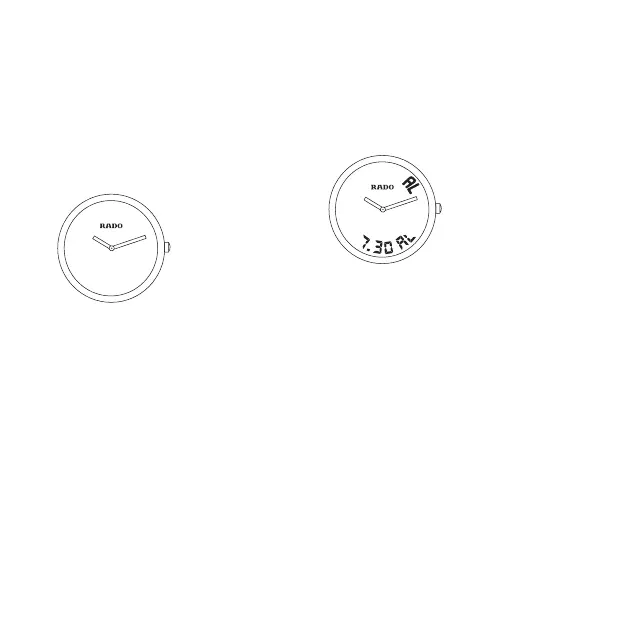
2. To synchronize digital and
analog displays
Set digital display to 24-hour mode
(Function 6: T2), then select function 2.
Pull crown out to position 2.
Turn crown until both time displays are
synchronized.
a) Hours: Turn crown quickly.
b) Minutes: Turn crown slowly.
Push the crown back to position 1.
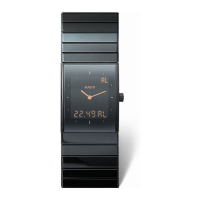
3. AL: Alarm
Select function 3
To set the alarm:
Pull crown out to position 2.
a) Hours: Turn crown quickly.
b) Minutes: Turn crown slowly.
Push the crown back to position 1.
To switch alarm tone on/off
Press crown briefly.
AL = alarm tone on. OF = alarm tone off
NOTE: The alarm can be set in 12-hour
(AM/PM) or 24-hour mode.


 To Next Page