46
Timer memory function.
Pressing the crown automatically resets the
preprogrammed starting time for the count-
down, and the countdown begins again.
To reset countdown to zero (at any time)
Press crown for at least 3 seconds.
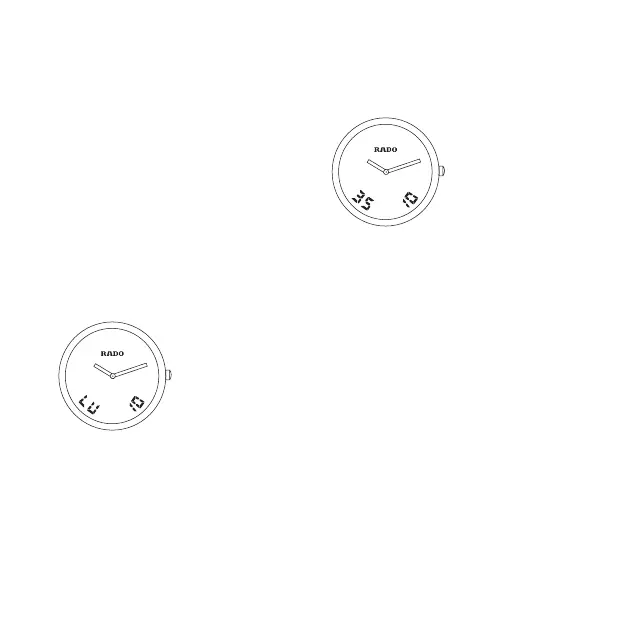
8. To change language and year
Select function 8
Pull crown out to position 2.
Language: Turn crown quickly.
E = English D = German
F = French S = Spanish
Year: Turn crown slowly.
Push the crown back to position 1.
9. To adjust the date
Select function 9
Pull crown out to position 2.
Month: Turn crown quickly.
Date: Turn crown slowly.
Push the crown back to position 1.
NOTE: The month number is stored in the
memory but is not continuously displayed;
it must be set correctly in order
for the calendar to function properly.


 To Next Page