Radtel RT-490 User Manual Page 17 of 29
WIRELESS PROGRAMMING VIA SMARTPHONE BLUETOOTH
1. From the Android Play Store, install the free Blue Tooth programming application
“Super Walkie-Talkie”.
2. If not found, use the smartphones internet browser to go to Radtels website to
download the Android application here:
https://www.radtels.com/pages/software-download
3. In the list find “Bluetooth_App_for_android.apk” and click to download.
4. Next open the “Files” icon to find the downloaded APK file just downloaded, click
to load (may have to temp change setting so allow loading an APK that wasn’t in
the Play Store)
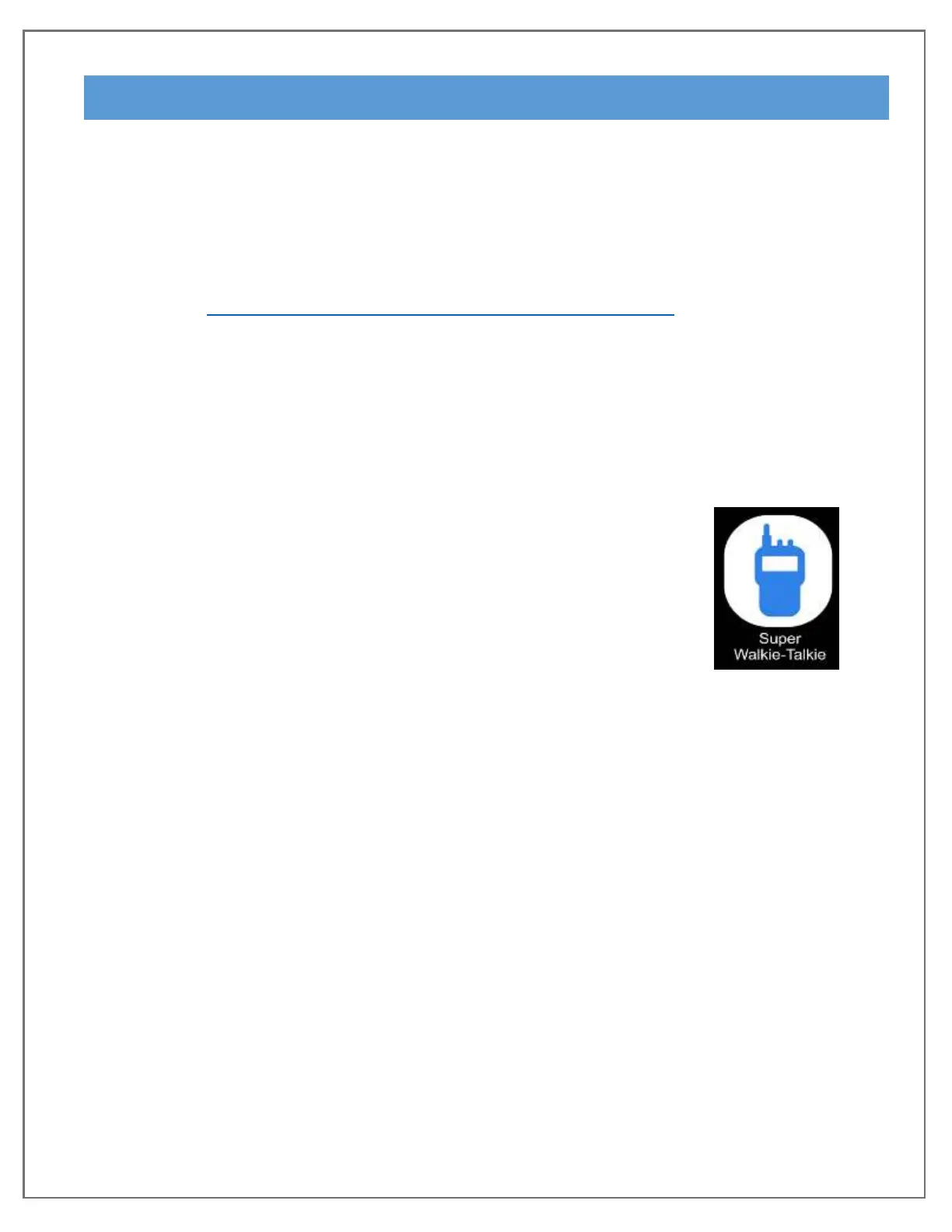
5. The App icon created on the smartphone as part of the
installation process is named “Super Walkie-Talkie”
6. Next, using the radio’s keypad menu, select Menu #51 and
turn Bluetooth ON.
7. Next on the smartphone, “Settings; Connections; Bluetooth; SCAN to see a new
icon “walkie-talkie”, click to Pair smartphone to radio.
8. Next start the smartphone App “Super Walkie-Talkie” and click on option
“Connect”, if you don’t get Success, then reboot smartphone and off/on radio
power. Try again.


 To Next Page