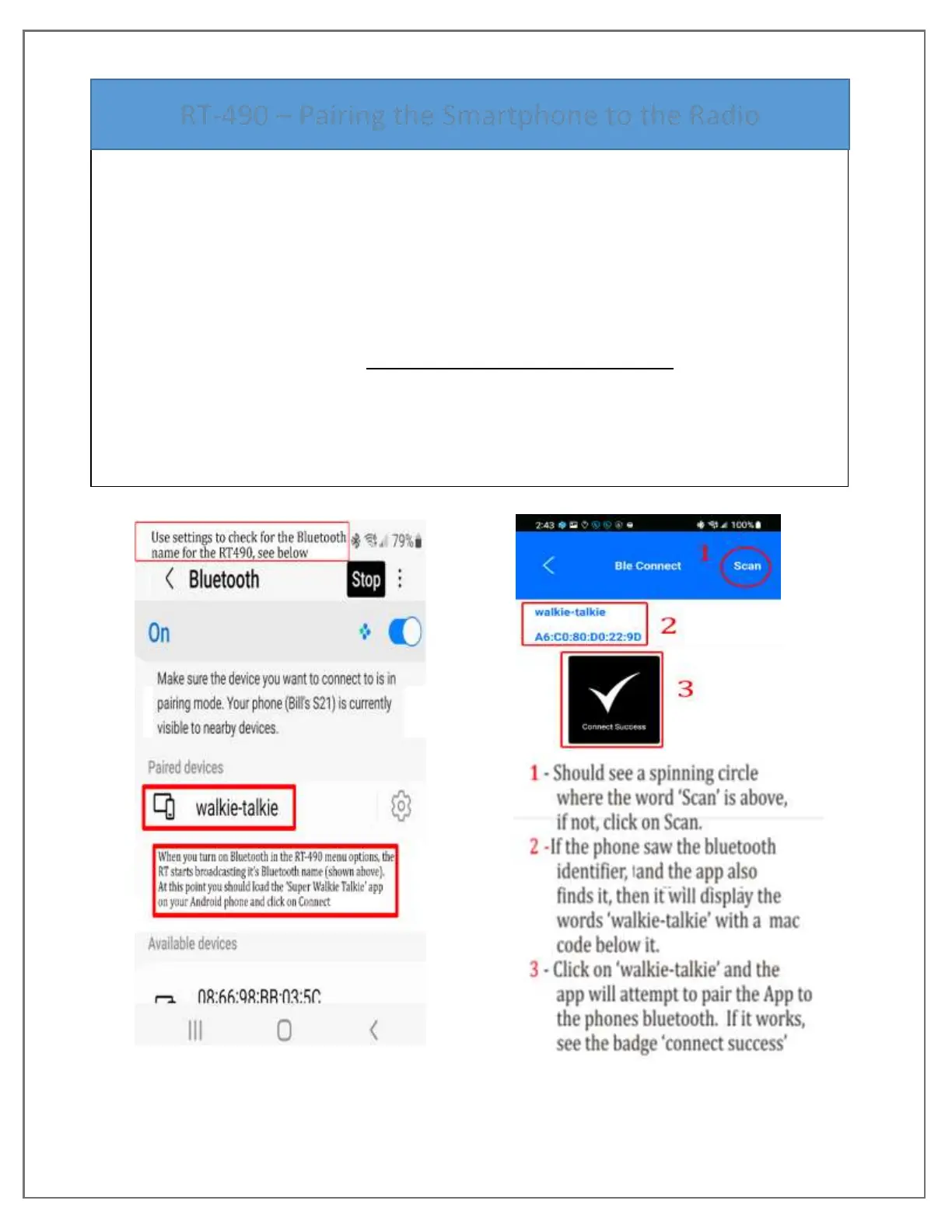
This Bluetooth tutorial guides through setting up the phone and RT-490 to use the Android
version of the RT-490 Customer Programming Software ‘Super Walkie-Talkie. All actions
were captured as screen shots performing this process and the screens are in order Left to
Right.
Follows these steps;
1. Use Smartphones ‘Settings’ to turn on Bluetooth and Pair the RT-490 to the phone.
2. From smartphones Bluetooth screen you will Scan for the RT-490’s Bluetooth name.
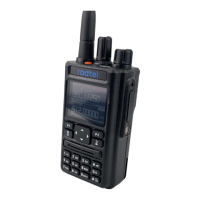
3. On the radio, use the RT-490 Menu setting #51 and turn on Bluetooth option which causes
the RT-490 to broadcast its Pairing request as Bluetooth id ‘walkie-talkie’.
4. Now go back over to the phone Settings and Scan for Bluetooth devices, you should see
‘walkie-talkie’ appear. Click on it to do the pairing.
5. Open the phone’s app ‘Super Walkie-Talkie and from the first screen click on Connect.


 To Next Page