This first screen is where the real
magic begins. When app
‘Super Walkie Talkie’ is loaded,
first screen to appear is the one
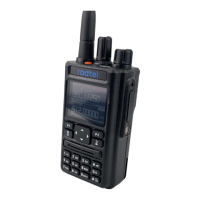
to join the RT-490 to the
Smartphone app.
Click on the word ‘Connect’ to
begin connection process and a
small spinning wheel replaces
word ‘Connect’ as the process
continues. If the RT-490 has its
Bluetooth turned on using the
radio’s keyboard Menu option
#51, then the app will identify the
radio and the spinning wheel is
replaced by the word
‘Disconnect’.
When finished programming click
on ‘Disconnect’ and that will un-
join the phone from the app and
at the same time it will send a
command to the RT-490 to Turn
Off Bluetooth.
Next more detail on making and
saving changes to the Radio


 To Next Page