Making Calls | 30
RADVISION | User Guide for SCOPIA XT5000 Series Version 3.0
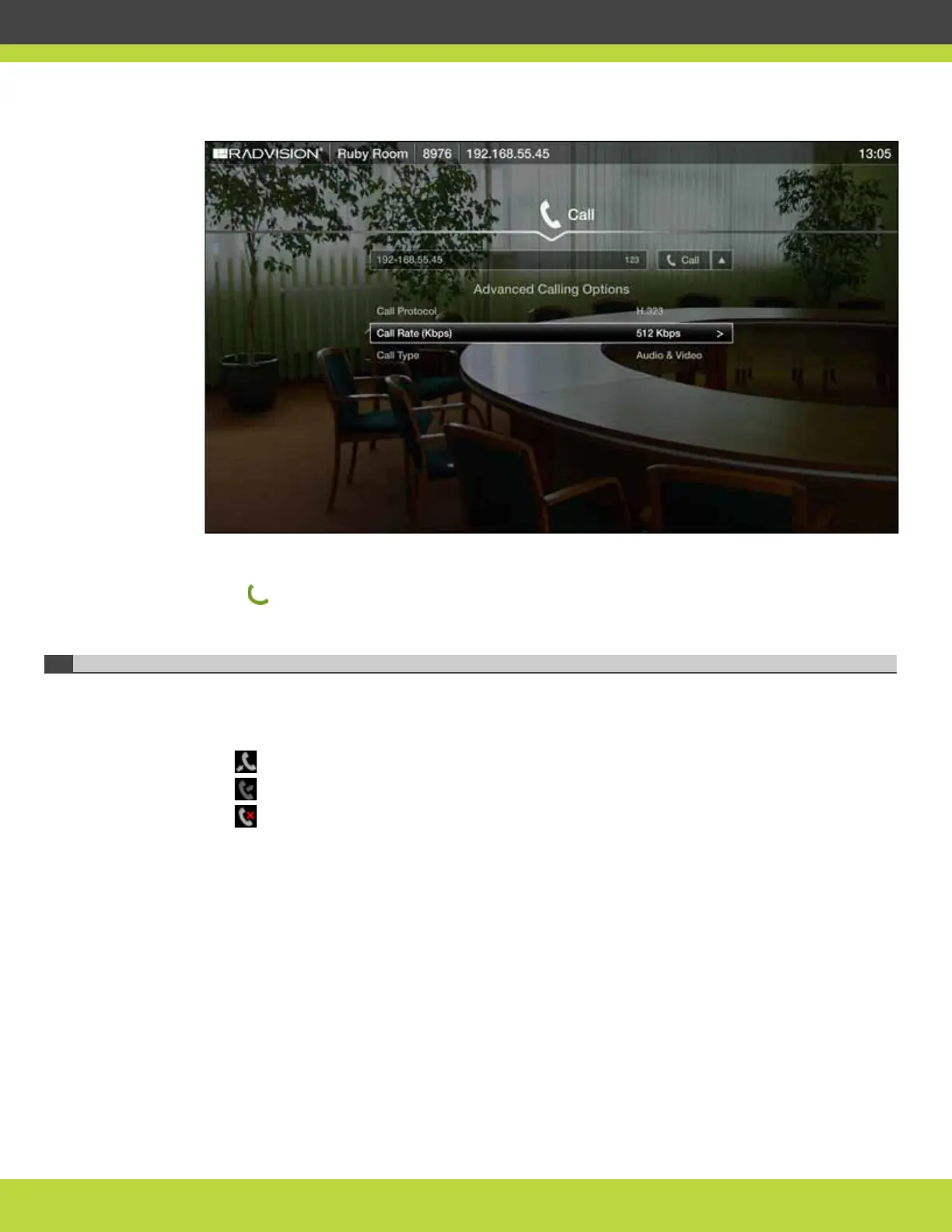
Figure 6-1 Changing advanced call settings
b. Select options using arrow keys on the XT Remote Control Unit and select necessary values
using the OK key.
Step 3 Press .
Redialing the Number
Once you dial a new number it is added to the list of dialed numbers; then you can select this
number and dial it. The system allows you to store up to 25 recent calls. These icons appear next
to a contact number or name:
• — Received call
• — Dialled call
• — Missed call
If you manage your SCOPIA XT Series remotely using web interface, you can redial the number
remotely by accessing the web interface and navigating to Make your call> Recent calls.



 To Next Page