Making Calls | 31
RADVISION | User Guide for SCOPIA XT5000 Series Version 3.0
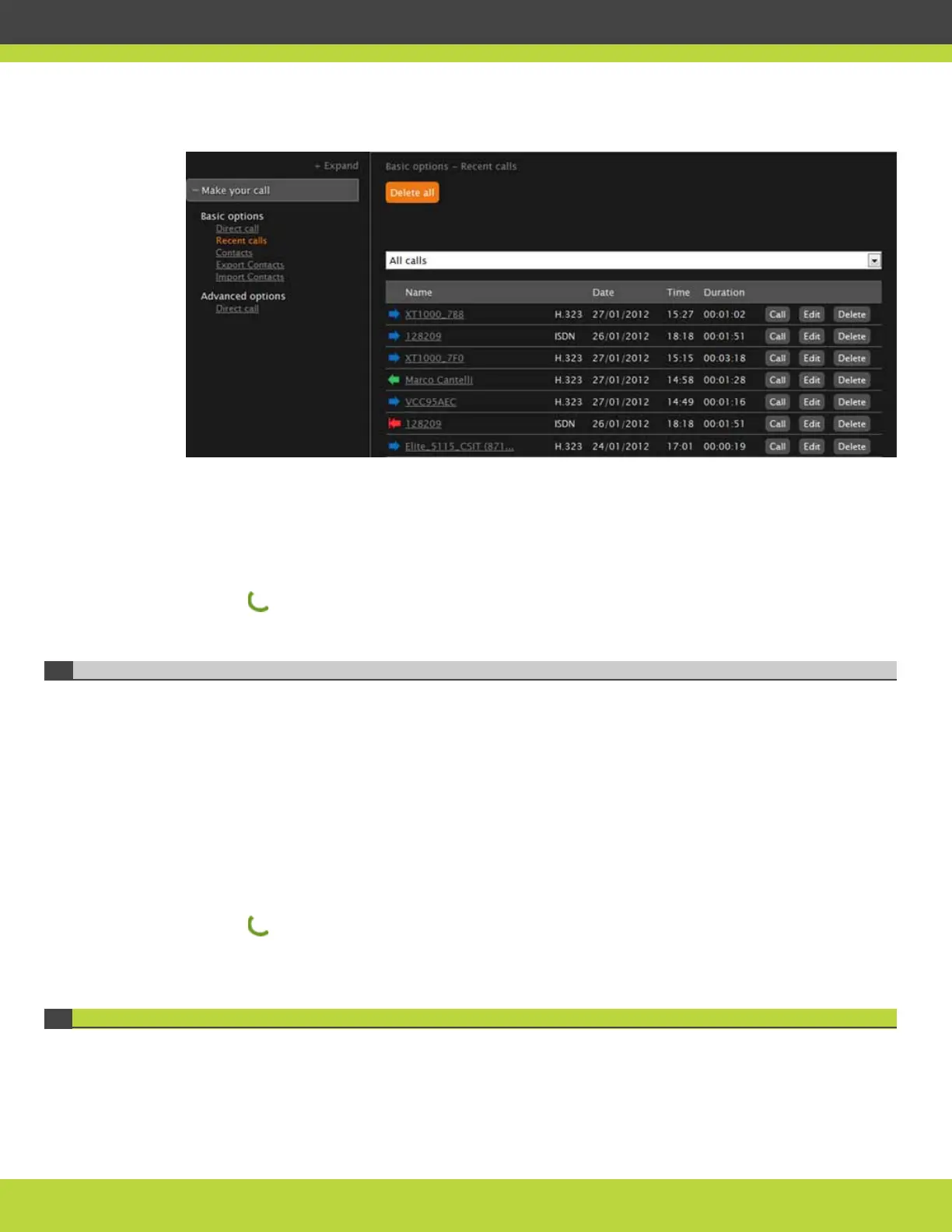
Figure 6-2 Redialing numbers from the SCOPIA XT5000 Series web interface
Procedure
Step 1 In the Main menu, select Calls.
The Recent calls list appears.
Step 2 Select the relevant call using the arrow keys.
Step 3 Press Call.
Dialing from the Phonebook
If the endpoint you want to call is listed in your phonebook, you can call it without dialing its
number.
If you manage your SCOPIA XT Series remotely using web interface, you can redial a contact
remotely by accessing the web interface and navigating to Make your call > Contacts.
Procedure
Step 1
In the Main menu, select Directory.
Step 2 Enter the name of the contact or enter asterisk (*) to display all contacts.
Step 3 Select the contact you wish to dial.
Step 4 Press .
Answering a Video Call
You can answer calls manually or set the system to answering the call automatically.
If you set your system to automatic answering, the endpoint answers after the predefined number
of rings.



 To Next Page