Managing Calls and Videoconferences | 48
RADVISION | User Guide for SCOPIA XT5000 Series Version 3.0
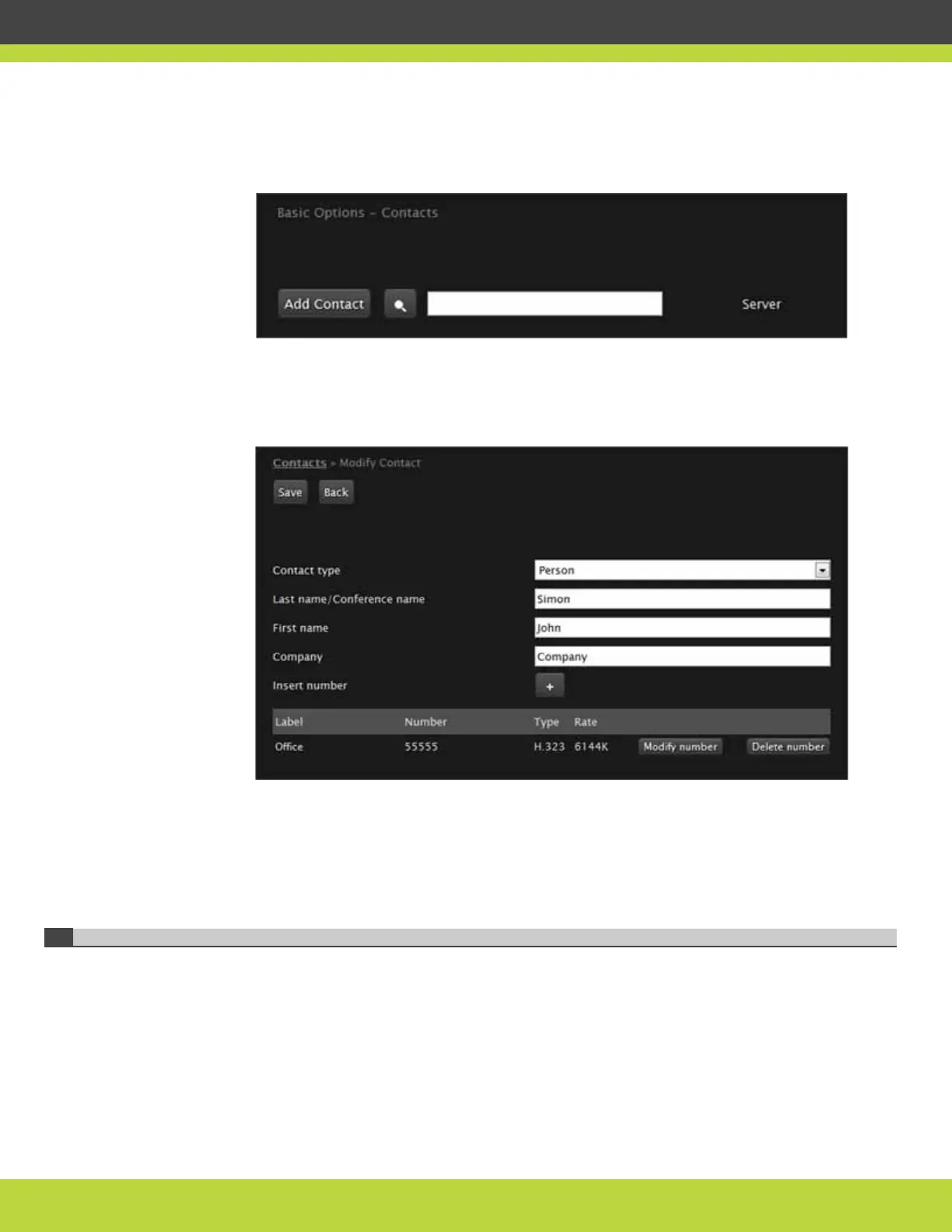
Step 3 Select Contacts on the left.
Figure 7-15 The Contacts page
Step 4 Search for the contact you want to modify.
The contact information is displayed.
Figure 7-16 Contact information
Step 5 Select Modify number.
Step 6 Edit fields as necessary.
For more information, see “Adding a Contact to the Phonebook” on page 45.
Step 7 Press Save to save the modified contact.
Deleting a Contact from the Phonebook
Use this function to remove unused contacts from your phonebook.
Procedure
Step 1
Access the SCOPIA XT Series web interface.
Step 2 Select the Make your call tab.



 To Next Page