11ESP-LX+ & LXi+ Installation, Programming, & Operation Guide
Set Time
Before you can program the controller, you must set its internal
clock to the correct time and date.
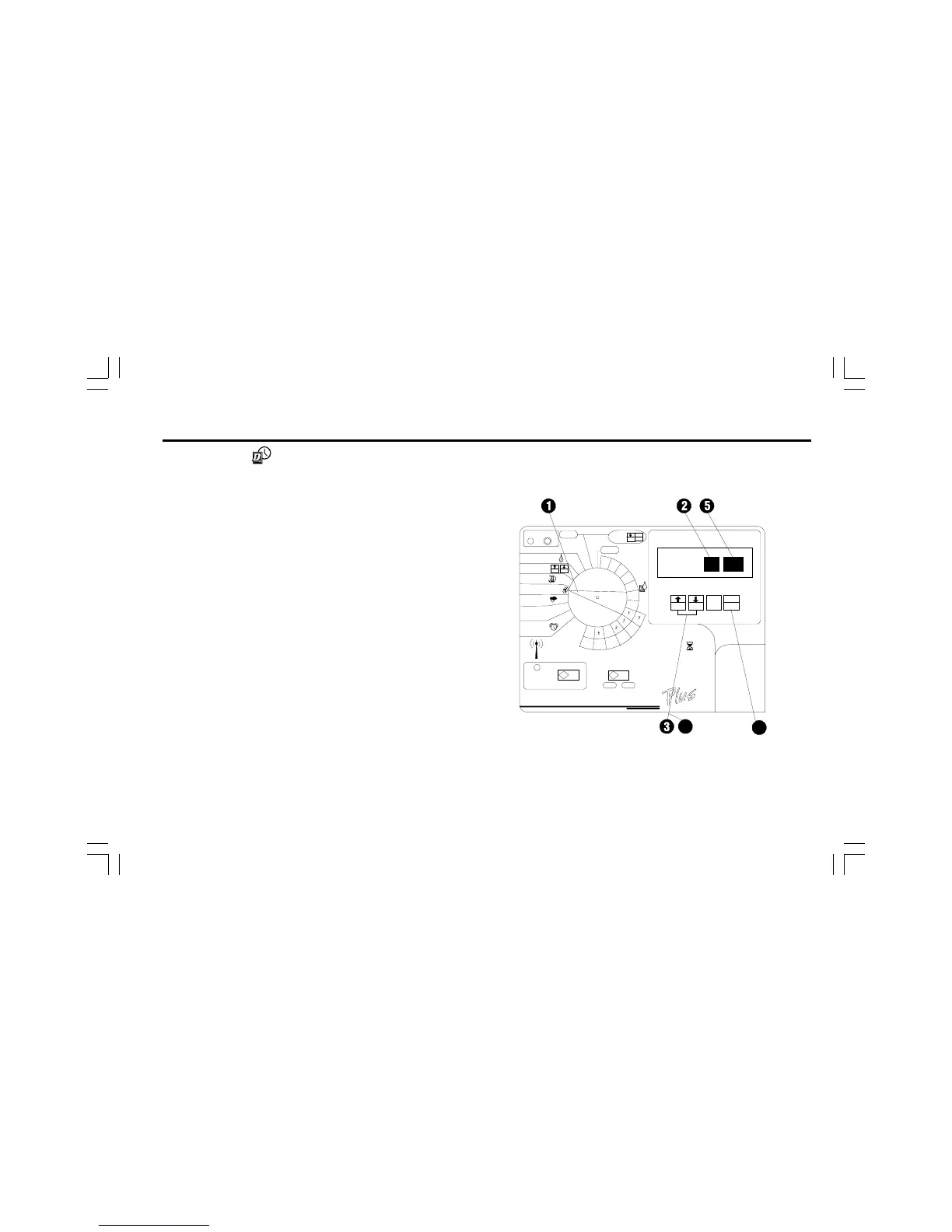
➊ Turn the dial to TIME & CALENDAR.
➋ The hour digits in the display flash.
➌ Press ñ or ò to set the current hour. Make sure the AM/
PM indicator is set to the correct designation.
➍ Press MAN. START/ADV.
➎ The minutes digits in the display flash.
➏ Press ñ or ò to set the current minute.



 To Next Page