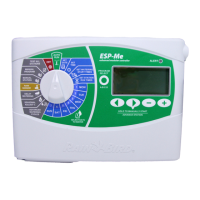
ESP-9V Battery-Operated Controller
2
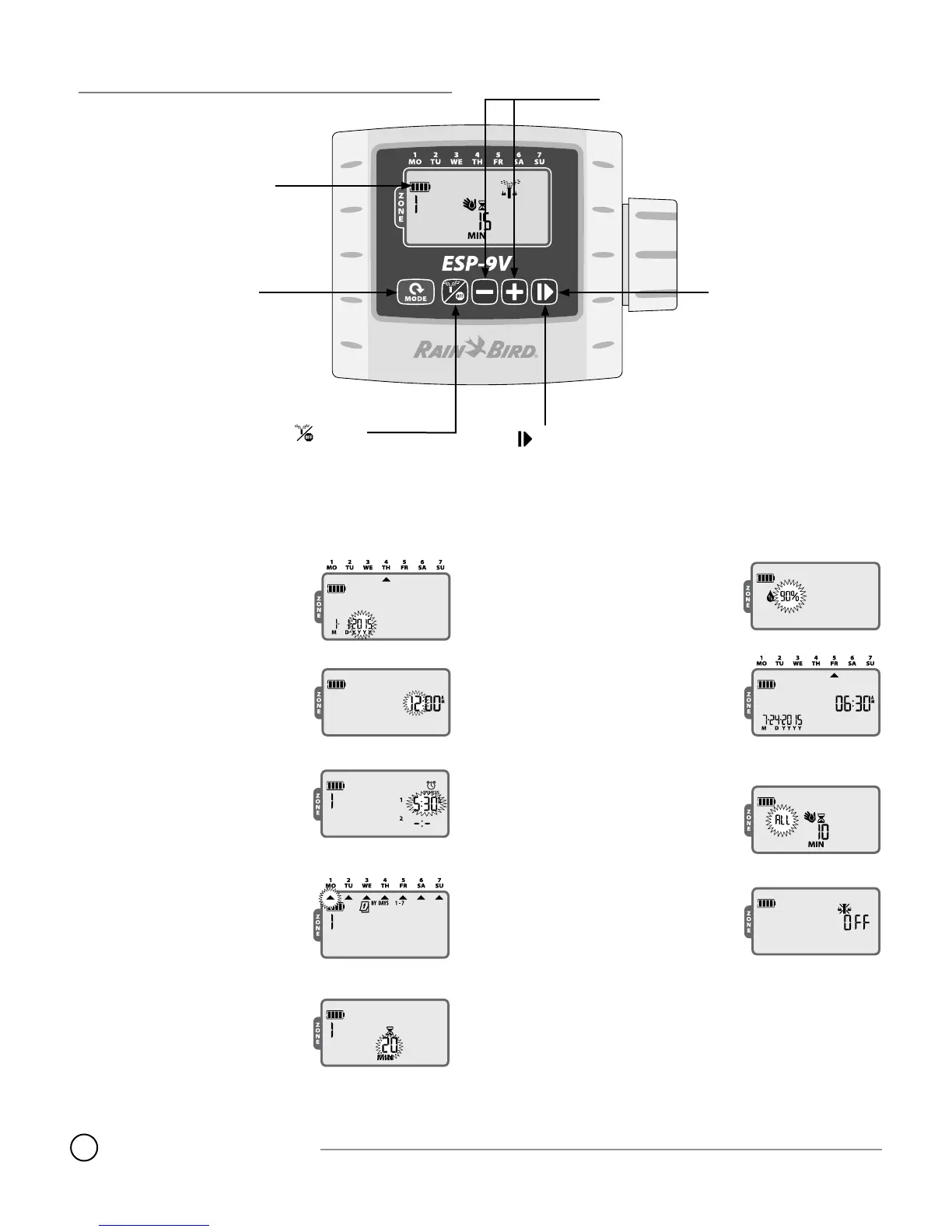
Controls and Indicators
Battery Indicator
Shows the remaining
battery life
+
or
–
Buttons
Adjust settings
Button
Cycles through Manual Watering,
Off and Auto mode
Mode Button
Cycles through
Operating Modes
One-touch Manual Start
Water all zones immediately
according to their scheduled
run times
Button
Advance to the next
setting
Operating Modes
Set Date - Set the current Date.
Set Time - Set the current Time of day.
Set Start Times - Set up to six Start
Times for each Zone.
Select Watering Days - Set Watering
Day options (Custom, Cyclic, Even or
Odd) for each Zone.
Set Run Times - Set Run Times for each
Zone.
Seasonal Adjust - Increase or decrease
watering duration (Run Times) by a per-
centage for all Zones.
Auto Run - Watering occurs automati-
cally according to programmed irrigation
schedules.
Manual Watering / Off
Manual Watering - Start watering imme-
diately for ALL Zones or for any ONE Zone.
Off - Stops any active watering and dis-
ables automatic irrigation.



 To Next Page