EasyManua.ls Logo

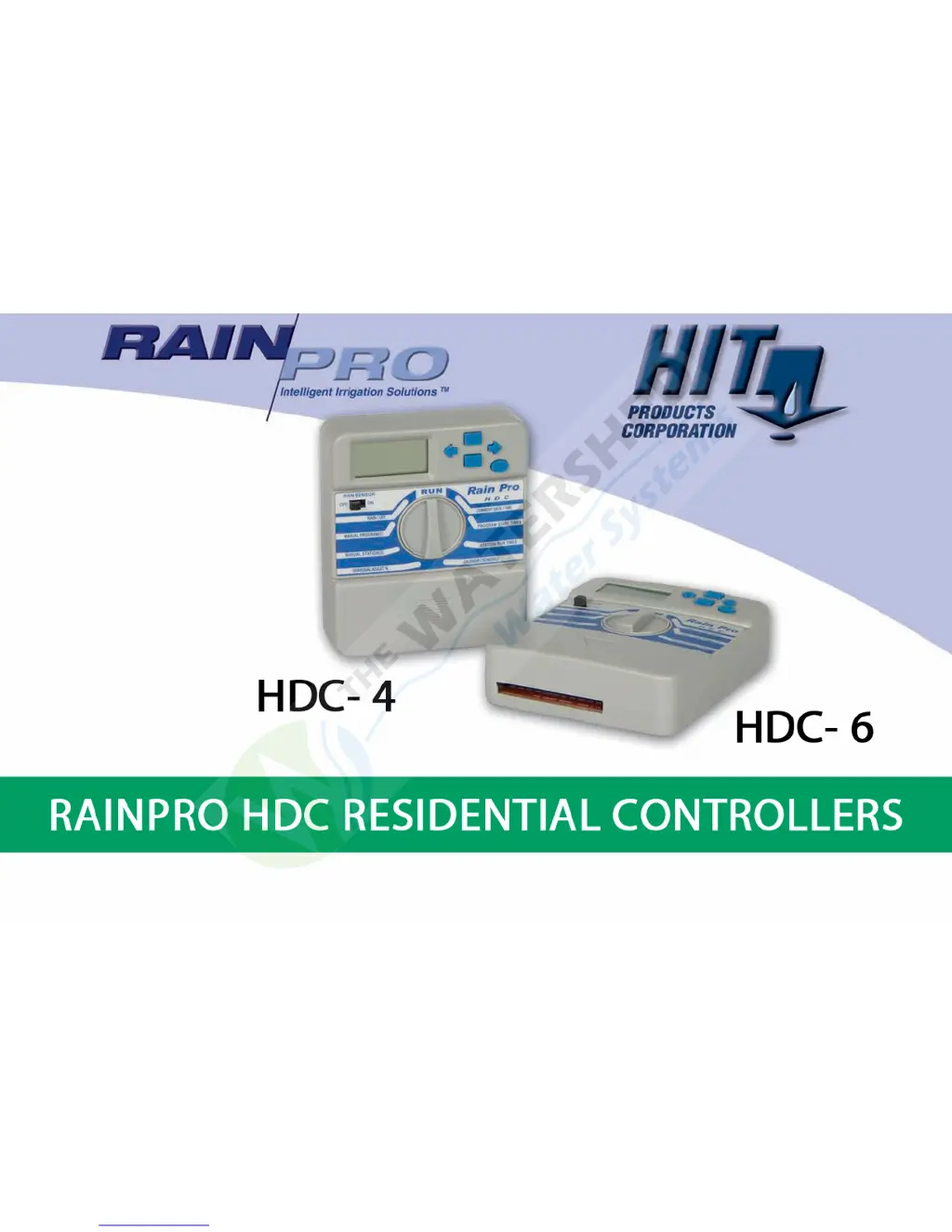
RainPro HDC-4 - User Manual

Default Icon
23 pages
Print Icon
To Next Page IconTo Next Page
Loading...

Questions and Answers

Summary

Mounting the HDC Controller

Connecting Valve Wires to Controller

Connecting Power Source

Master Valve;Pump Start Wiring

Sensor Wiring

Electrical and Battery Power

Loss of Power

Indicates when electrical power to the timer is interrupted.

Low Battery

Indicates when battery life is below recommended levels.

Programming the Controller

Program Start Times

Time of day a complete programmed irrigation cycle will start.

Station Run Times

Length of time each station/valve will irrigate.

Calendar;Schedule

Days of week/calendar for desired irrigation.

Input the Current Date and Time

Setting Program Start Times

Establishing Individual Station Run Times

Setting the Calendar

Dial Positions and Functions

RUN

Enters programmed data into the controller for automatic operation.

RAIN;OFF

Stops all irrigation output; rotate back to RUN for normal operation.

Manual Station

Manual Program

Seasonal Adjust

Re-setting or Erasing Controller Memory

Trouble Shooting Guide

Icons on the THC Display

RainPro HDC-4 Specifications

General IconGeneral
BrandRainPro
ModelHDC-4
CategoryController
LanguageEnglish