How to Replace the Thermocouple – V1.0 Date:07/27/2020
- 2 / 17 -
www.raise3d.com
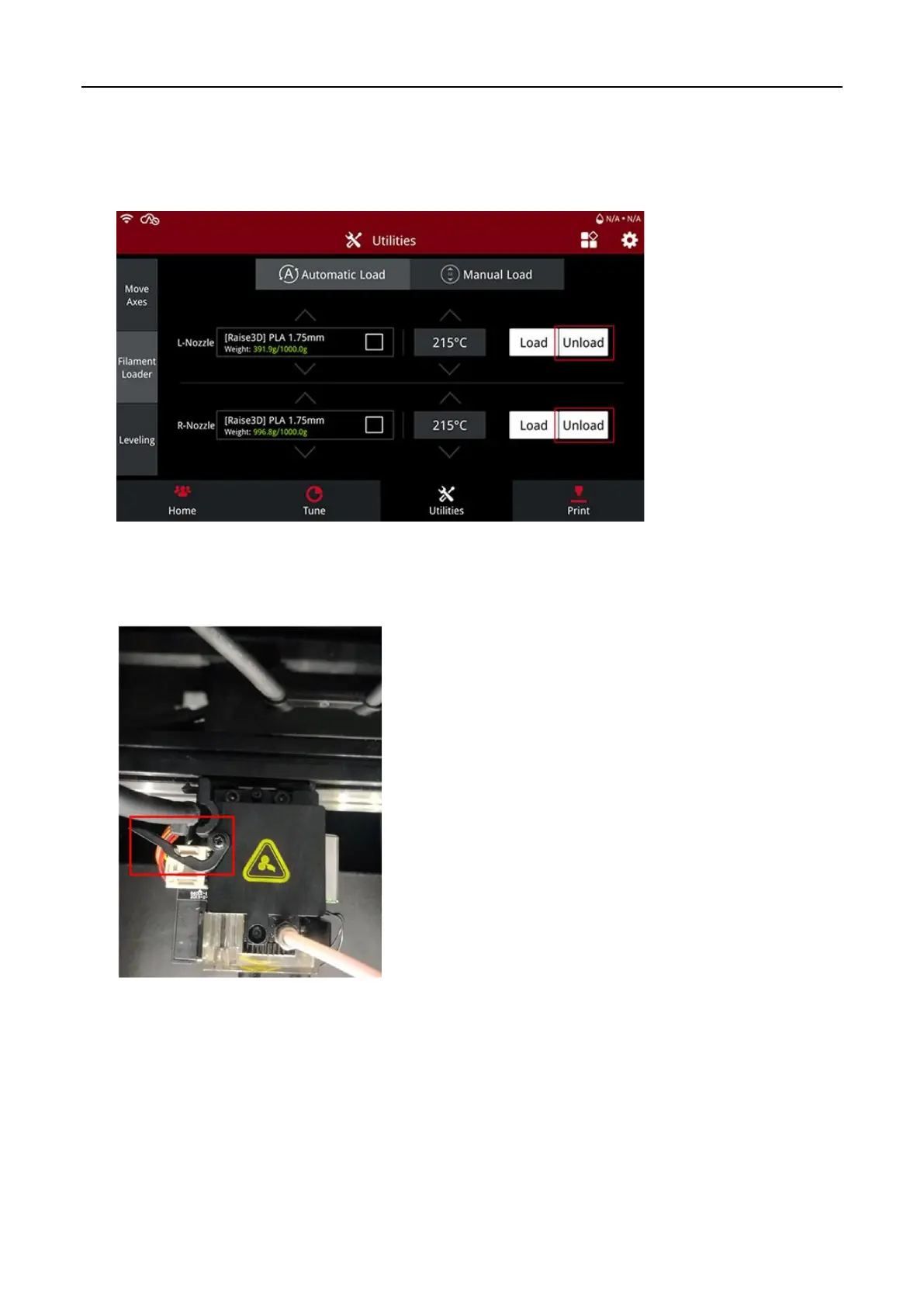
1. Before you start, please unload the filament from the extruder of which the thermocouple on the
hotend needs to be replaced first.
Note:
For the unload temperature,
please refer to the printing temperature of the filament or the
label on the filament spool.
2. Power off the printer.
3. Release the extruder connection cable retaining buckle.



 To Next Page