Pro3 Series 3D Printer
/ User Manual
H.
ideaMaker Initial Settings
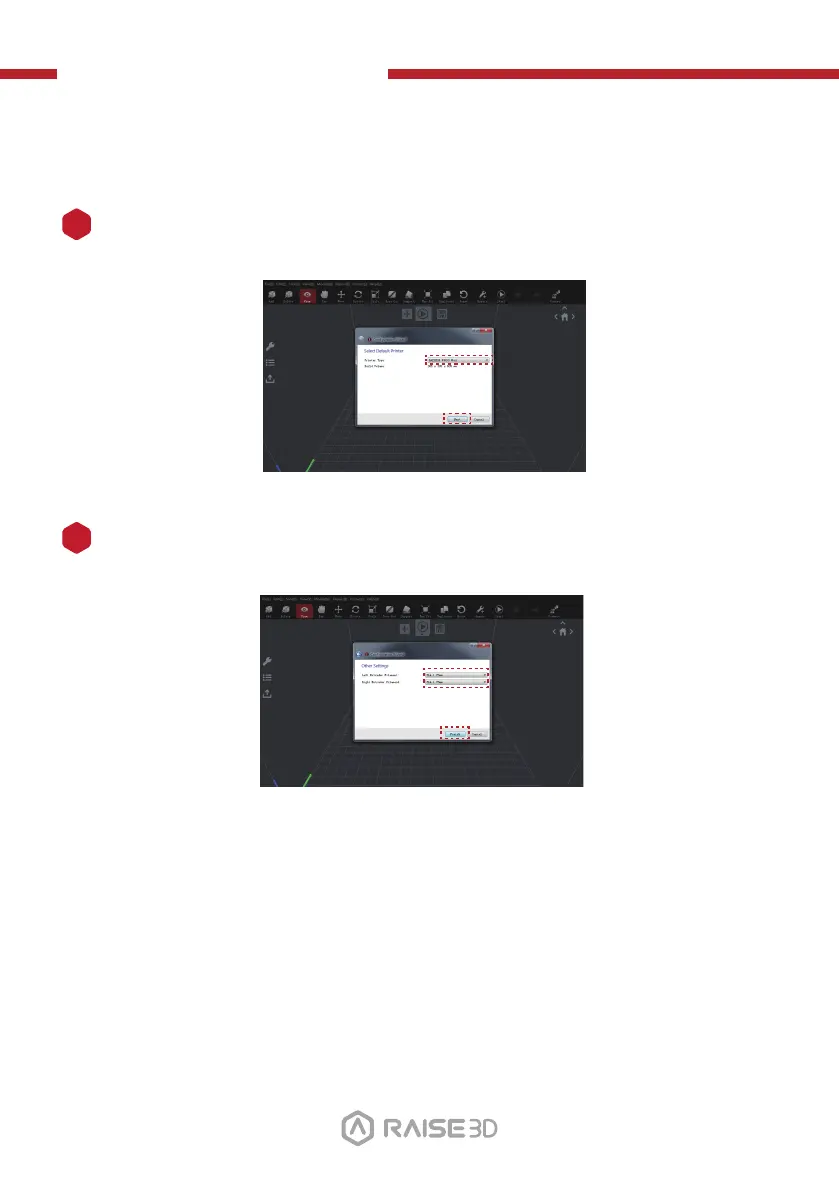
When launching ideaMaker for the first time, you will need to select your printer
model from the drop-down list, then press "Next".
1
Select the diameter of your filament. Press "Finish" to finalize the initial settings.
NOTE: ALL Pro3 printers use 1.75 mm filaments.
2
23



 To Next Page