MTR221/A - MTR221/A DHHS
MANUALE ISTRUZIONI / INSTRUCTION MANUAL
Modello/Model R221/A - R221/A DHHS
OPTIONAL ITEMS
52
R221/A - R221/A DHHS - Optional Items
Ralco srl
• Unscrew the fixing Allen screws A, see Fig. Laser Adjustment.
• Disconnect the timer cables from the terminal board - white 0 V, red 5 V.
• Remove the laser and substitute with an identical item.
• Tighten the screws.
• Check the laser alignment, see Chapter- A
DJUSTMENTS.
• Remount the cover, see Chapter- C
OVER REMOVAL.
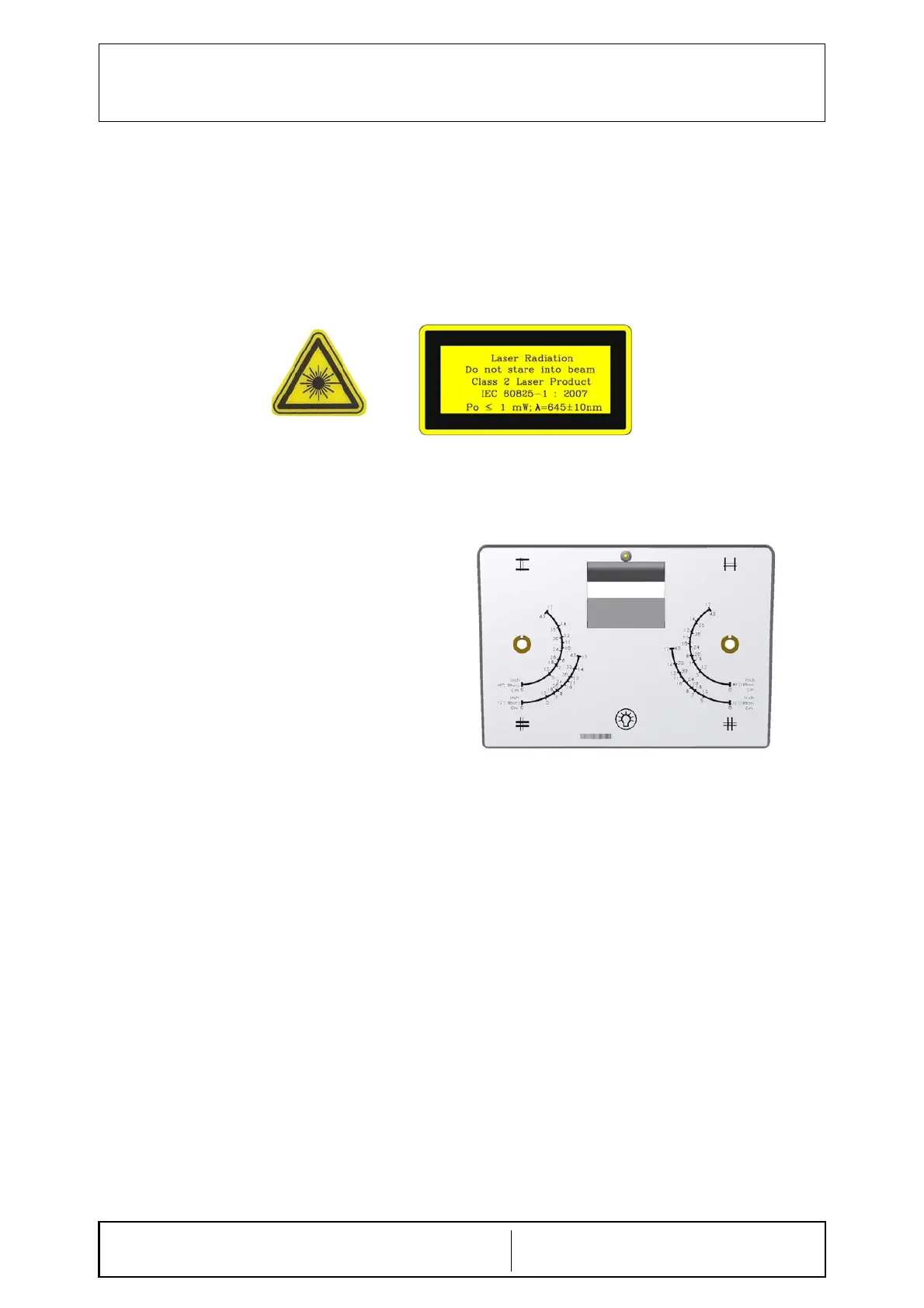
Classification EN 60825-1 par. 1 -5:
Class 2 laser product => Red laser line.
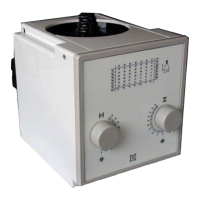
RO 382 LED on Front Panel
LED on the front panel indicates that one of
the three additional filters has been
introduced in the X-ray beam.


 To Next Page