VirtualDJ 8 – Rane Sixty-Two
Note: Any USB (computer’s) output can be routed to the USB AUX channel and Sampler can then be
routed to either left and right or Master decks. See Advanced Audio Setups.
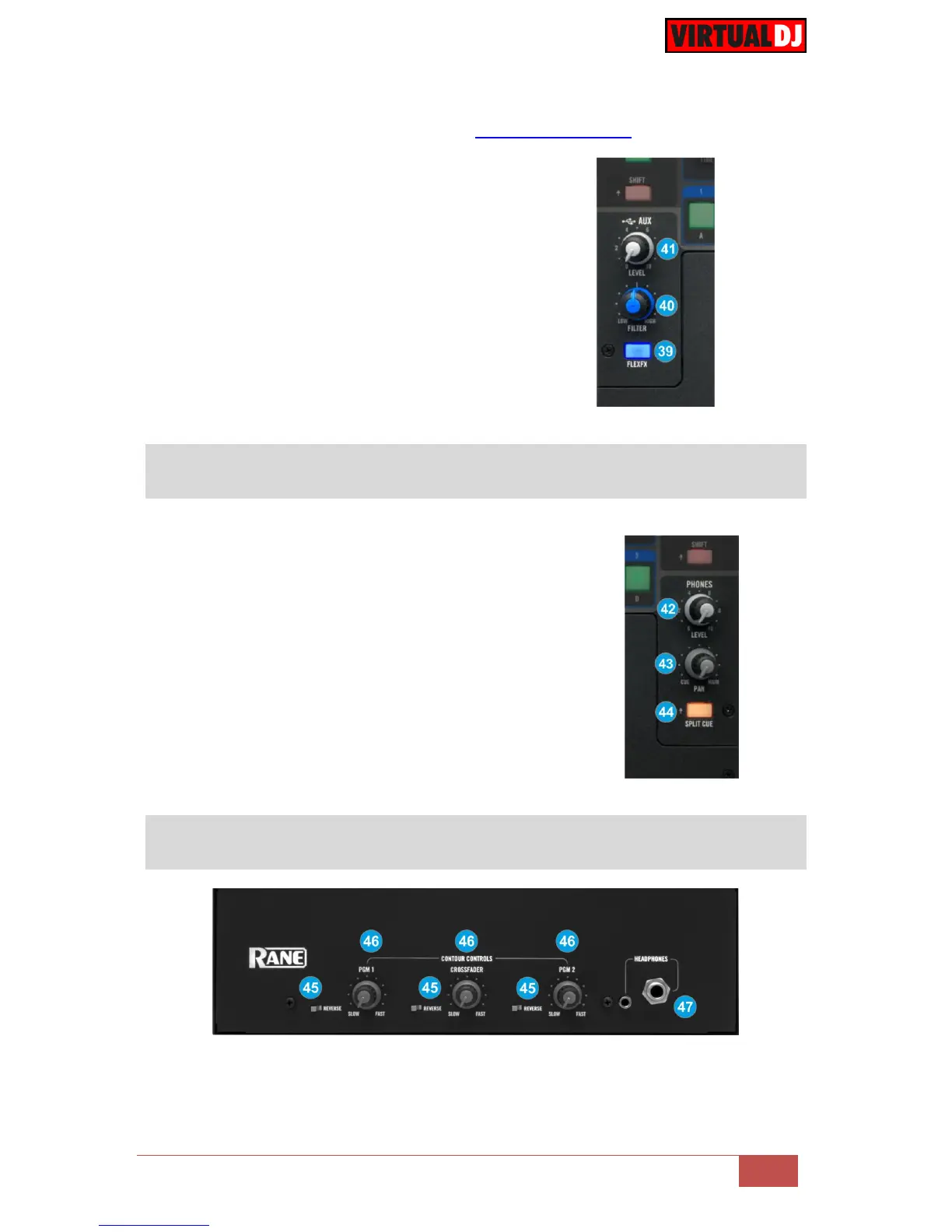
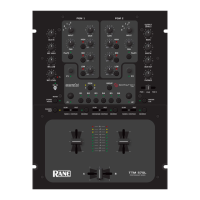
39. AUX-FLEXFX. Use this button to apply the
FLEXFX Hardware Effects to the AUX Input
(Sampler by default)
40. AUX-FILTER. Use this knob to apply a High-
Pass/Low-Pass Filter to the AUX Input
(Sampler by default)
41. AUX-LEVEL. Use this knob to adjust the level
of the AUX Input (Sampler by default)
42. PHONES LEVEL. Use this knob to set the volume to
the Headphones Channel
43. PHONES PAN. Use this knob to mix between CUE
and Program MIX in the Headphone channel. When
all the way to the left, only channels routed to
Headphones (via the CUE buttons) will be heard.
When all the way to the right, only the Program mix
will be heard.
44. SPLIT CUE. When enabled (Led bright) the PAN
knob (43) will pan between Mono Cue in the left ear
and mono Main Mix in the right ear.
45. REVERSE. Flip switches for the Left, Right and Crossfader Faders for normal and
reverse behavior.



 To Next Page