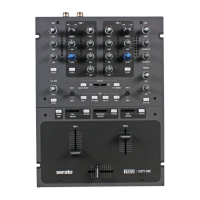
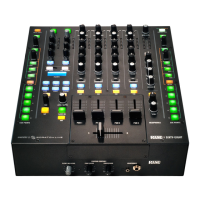
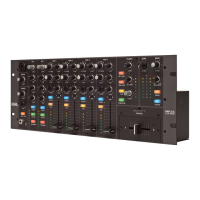
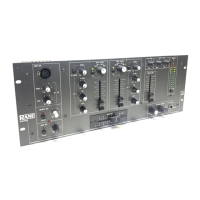
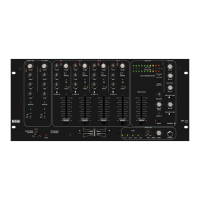
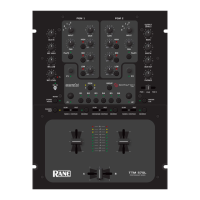
The Rane Sixty-Two has two USB ports, allowing simultaneous connection of two
computers. Each port is completely independent. It is possible to run VirtualDJ on one
computer and any other 3
rd
-party DJ-software on the other, Mac or PC.
How to:
- Connect the 2
nd
computer to the unused USB port on the Sixty-Two.
- Switch the DECK SOURCE on the non-playing mixer channel to the USB source of
the 2
nd
computer.
- Play a track on this deck and mix it when ready – you ll now have audio from both
computers during the mix.
- Fade out the audio playing from the 1
st
computer to the audio playing from the 2
nd
one.
- When only audio from the 2
nd
computer is left in the mix, remove the first computer.
- Assign the DECK SOURCE for the remaining free mixer channel to the 2
nd
computer
and keep mixing.
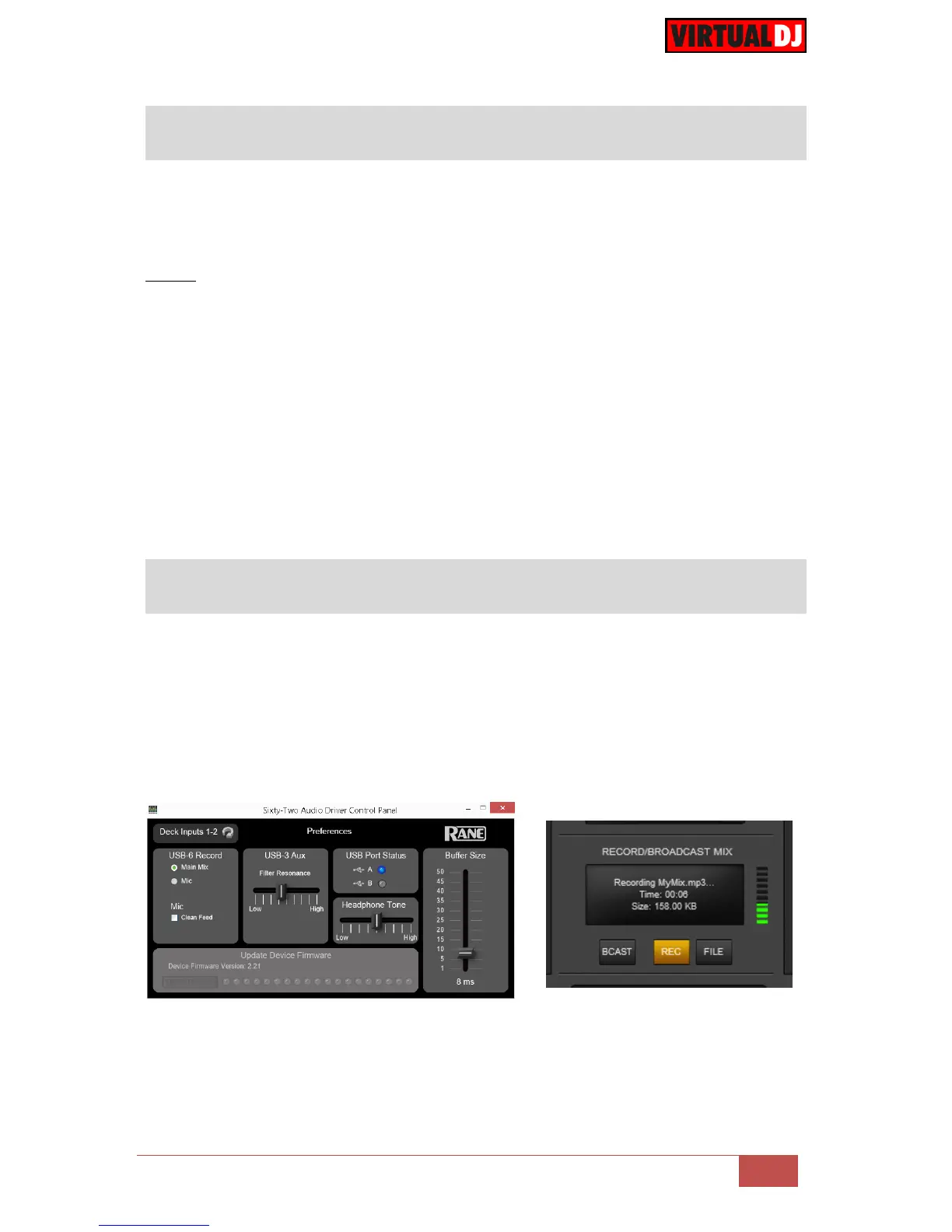
The Rane Sixty-Two has a dedicated Input to record your Main Mix (default setting) or the
Microphone. VirtualDJ has pre-configured this input for recording, thus no special setting is
required in order to record your mix (including analogue sources and Microphone).
Simply make sure the Main Mix is selected as in the Rane sixty-Two Audio Driver control
panel for the USB 6 Record Input and use the REC or BSCAST buttons from the MASTER
center panel of the VirtualDJ GUI.



 To Next Page