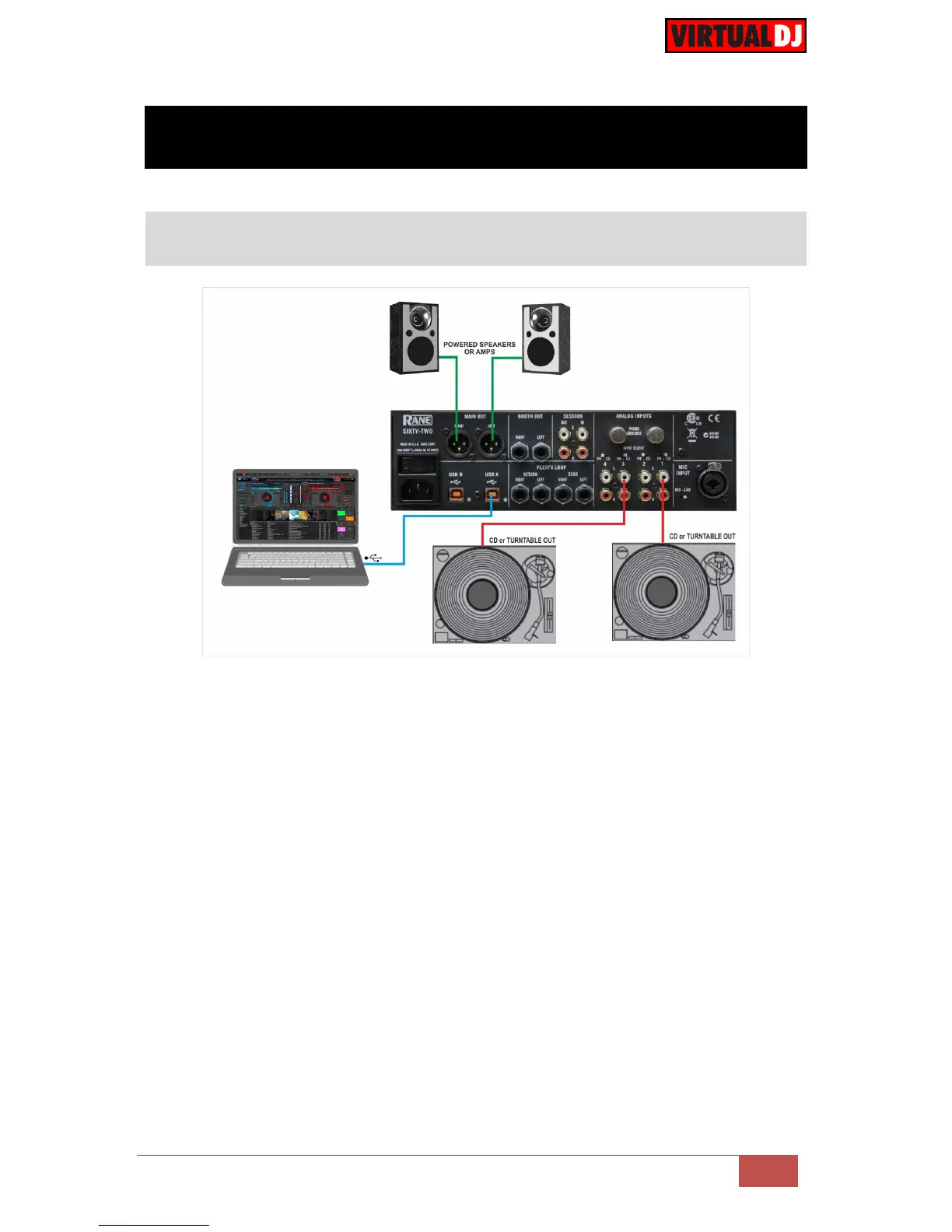
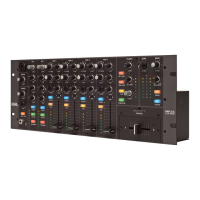
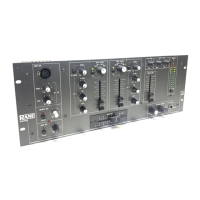
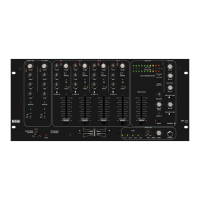
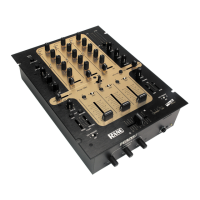
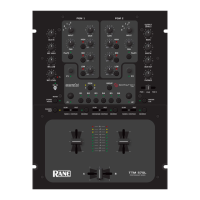
Connect your computer to USB A (or B) port at the rear panel of Rane Sixty-Two.
Connect your Left deck’s RCA cables to ANALOG INPUT 1.
If it’s a CD player, select CD with the switch above the input jacks.
If it’s a turntable, select PH (Phono) with the switch above the input jacks. Secure the
ground wire to a Phono Ground terminal.
Connect your Right deck’s RCA cables to ANALOG INPUT 3.
If it’s a CD player, select CD with the switch above the input jacks.
If it’s a turntable, select PH (Phono) with the switch above the input jacks. Secure the
ground wire to a Phono Ground terminal
Set the SOURCE selector for DECK 1 to A (or B if the USB B port is used).
Set the SOURCE selector for DECK 2 to A (or B if the USB B port is used).
Connect the Rane Sixty-Two with AC power using the provided cable and power on
the unit



 To Next Page