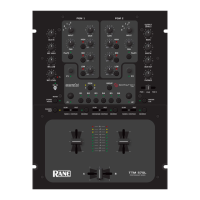
VirtualDJ 8 – Rane Sixty-Two
MIDI Operation
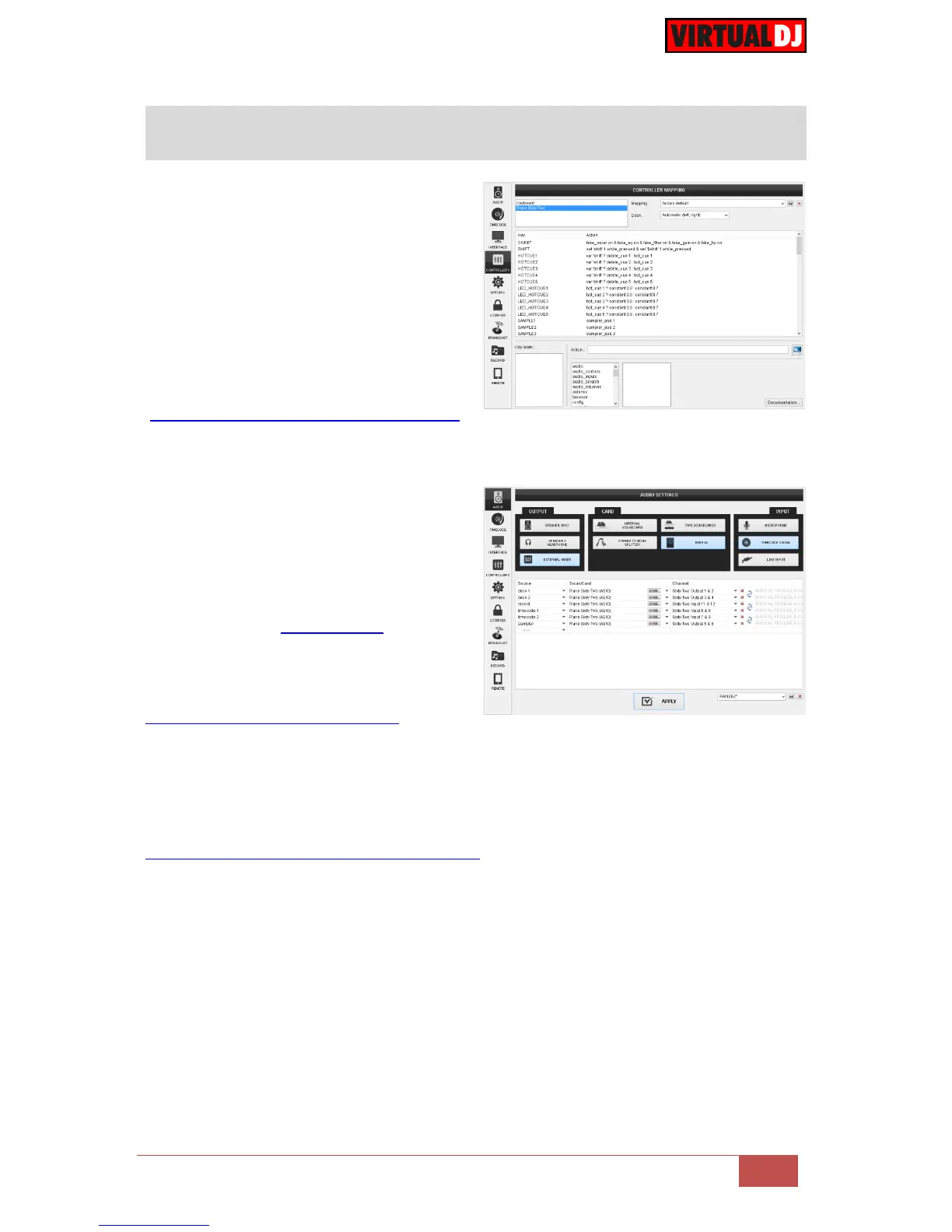
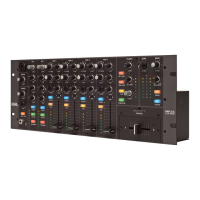
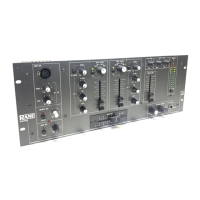
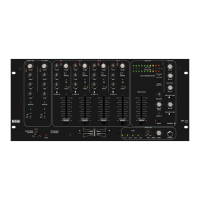
The unit should be visible* in the
CONTROLLERS tab of Config and the
“factory default” available/selected from the
Mappings drop-down list.
The factory default Mapping offers the
functions described in this Manual, however
those can be adjusted to your needs via VDJ
Script actions.
Find more details at
http://www.virtualdj.com/wiki/VDJscript.html
AUDIO Setup
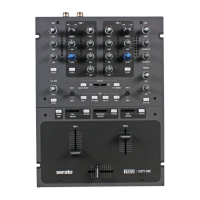
The unit has a pre-defined Audio setup and
a special button in the AUDIO tab of Config
to provide that. Alternative setups can be
applied in the same window.
Timecode (DVS)* configuration is pre-
configured (see DVS Support for more
details).
*requires Pro Infinity or Timecode License
http://www.virtualdj.com/buy/index.html
For further software settings please refer to the User Guides of VirtualDJ 8.
http://www.virtualdj.com/wiki/PDFManuals.html



 To Next Page