Hold SHIFT down and then press any of these buttons to delete* its assigned Hot Cue
Point.
In Sampler mode, each one of the 6 buttons (marked as >1 to >6) triggers a sample
(1 to 6) from the selected Sampler Bank of VirtualDJ.
The leds of those buttons will be turned off if the corresponding slot is unloaded, dark green
if loaded and bright green if playing
Use the buttons A and B to select and load the previous and next Sampler Bank
respectively
Use the buttons C and D to select the previous and next Sampler trigger mode
respectively
Sampler Output Channel: By default VirtualDJ will send Sampler to the USB AUX
Channel. Use the AUX LEVEL knob to control the Output Volume, the AUX Filter
knob to apply a Low-High Pass Filter and the AUX FLEX button to apply the selected
Hardware FLEX Effect to the playing samples.
See more Sampler Output options in Sampler Output.
*Note. Due to a firmware miss-behavior, SHIFT+buttons (5) will still delete the assigned HotCues,
even if the Sampler mode is selected.
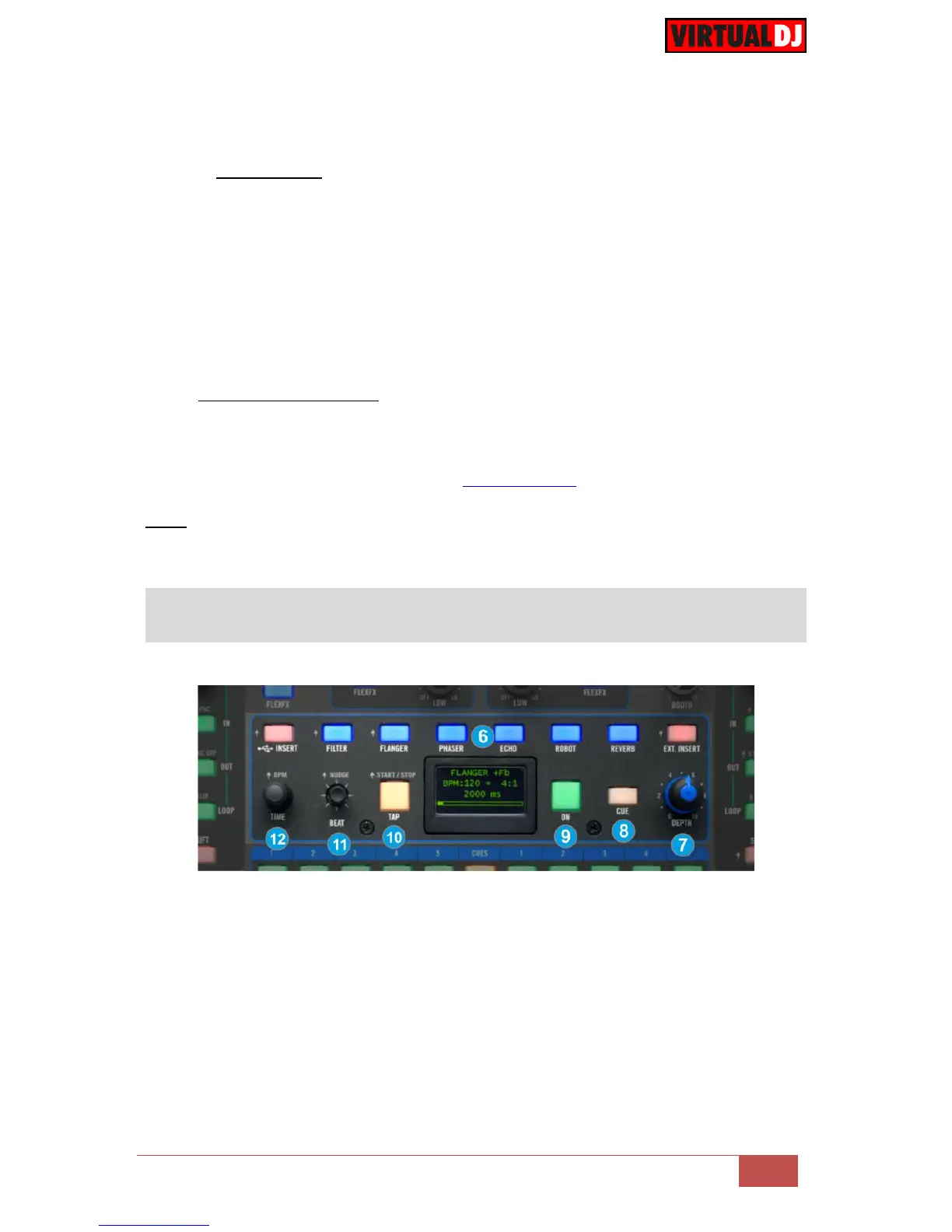
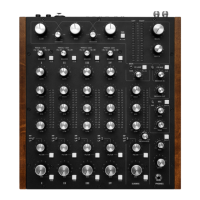
The Effects section of the Rane Sixty-Two is offering a variety of high-quality effects
that can be applied to either left or right decks or even to the Microphone and USB Aux
input, using the blue FLEXFX buttons
VirtualDJ will send to the Rane Sixty-Two the BPM values of both left and right decks
if the corresponding FLEXFX buttons are engaged, in order the applied Effects to be
synchronized on the selected beat pattern. The LCD display will show a small S (Software)
next to the BPM value when received from the software.
The functionality of this section is briefly described below. Please refer to the Manual
of the Rane Sixty-Two for a detailed description.



 To Next Page