12
Main Oven Light
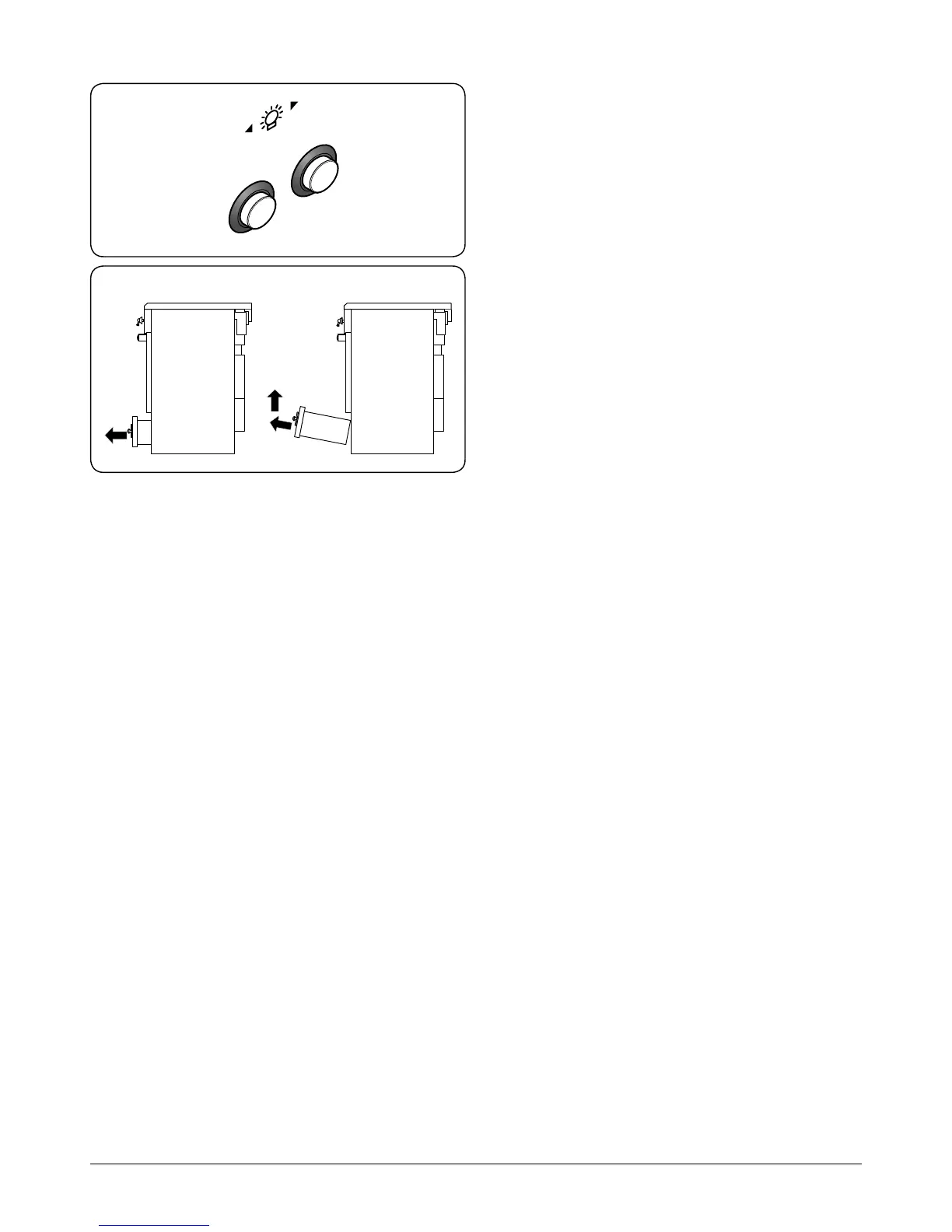
Press the appropriate button to turn the light on (Fig.2-46).
If an oven light fails, turn o the power supply before
changing the bulb. See the ‘Troubleshooting’ section for
details on how to change the bulb.
Storage
The bottom drawer is for storing oven trays and other
cooking utensils. It can get very warm, so do not store
anything in it that may melt or catch re.
The drawer can be removed completely by pulling it right out
and up (Fig.2-47).
ArtNo.320-0027
- Twin oven lights
Fig.2-46
ArtNo.340-0002 110 removing the drawer
Fig.2-47



 To Next Page