39
NDL (Non Decompression Limit) Planner
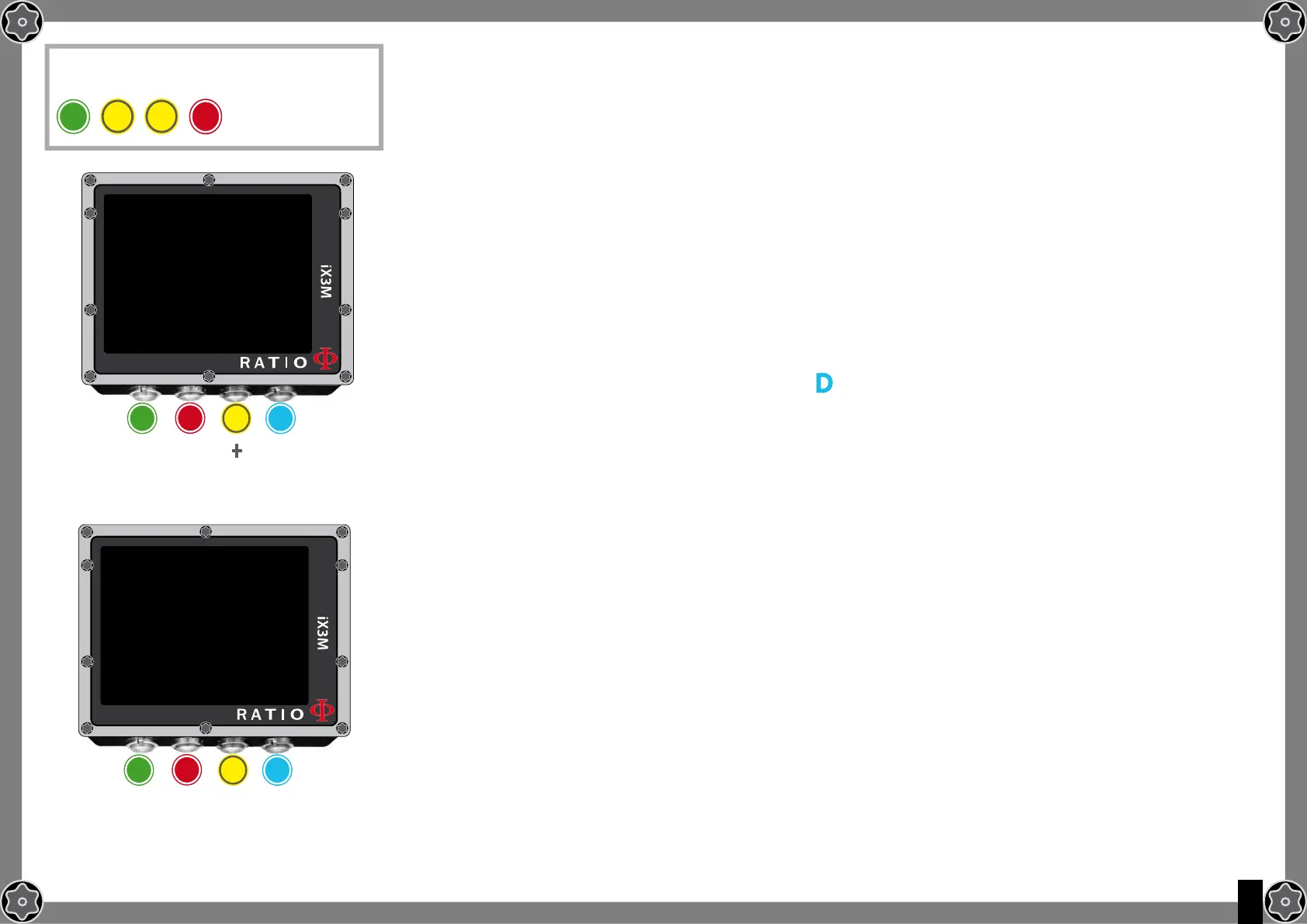
To navigate the menu follow the instructions in the picture on the left.
The RATIO iX3M integrates a complete planner for square dives for both BUL & VPM
Attention: To modify the dive parametres set the device as desired entering the
menu DIVE SET and the menu MIX
DEPTH: Set the dive’s maximum depth.
TIME: Set the desired bottom time.
EVALUATE: Select Evaluate and press D to process
Do you know what?: You can keep pressed the buttons C or D to change the iX3M data more rapidly.
Evaluate: it starts the simulation (wait until the word “processing” disappears)
If the dive is within the safety parametres:
NDL: Remaining non decompression time (after the time you have set).
CNS: % of accumulated CNS.
OTU: % of accumulated OTU.
MIX QTY: Mix value expressed in litres which is presumably needed for the
dive.
ATTENTION: The gas used quantity is purely approximate and referred to a standard use.
Take into consideration the information given by your diver certification agency to about the
quantity of gas to be used.
A
b
To reach this menu from the main
screen press in sequence:
C C
PlANNER
DEPTH:
TIME:
b
A C D
ExIT
NExT
ENTRY
+
_
18m
10
EVALUATE
PlANNER
DEPTH: 18m
NDL:
CNS:
OTU:
MIX QTY:
b
A C D
ExIT
TIME: 10
44
6%
16
562 LT



 To Next Page